


Previously, I told you about Kaspersky Rescue Disk which offers a safe way to remove viruses from a computer without booting into Windows. But there is a problem, Kaspersky doesn’t offer any way to download Rescue disk updated with the latest antivirus definitions.
So, I will tell you “How you can create a Kaspersky Rescue disk” updated with the latest antivirus definitions using PE builder and Kaspersky easily.
Requirements: It is necessary to have Bart PE builder and Windows XP SP2 installation CD.
Follow the instructions below to create your Kaspersky Rescue disk:
- Download PE Builder and install it.
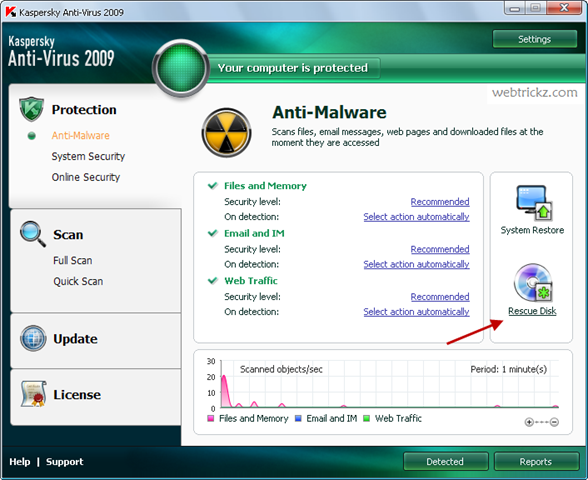
- Open Kaspersky Antivirus 2009 and click Rescue Disk.
- Now select “Create disk” and go to the next step.
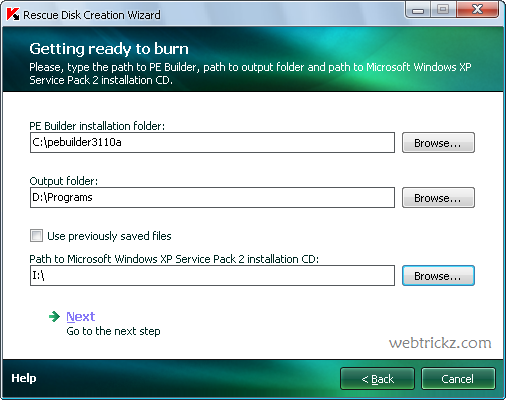
- Browse to C:/ where PE builder is installed and also select the location of your Windows CD.
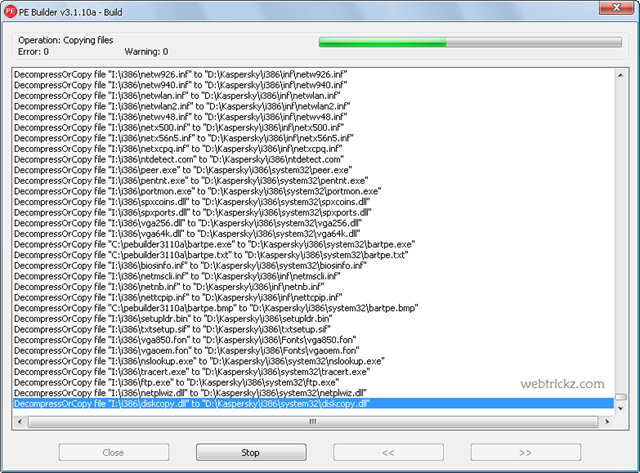
- Wait till the PE builder completes the full operation.
- Then choose “create new ISO file” and give it a name.
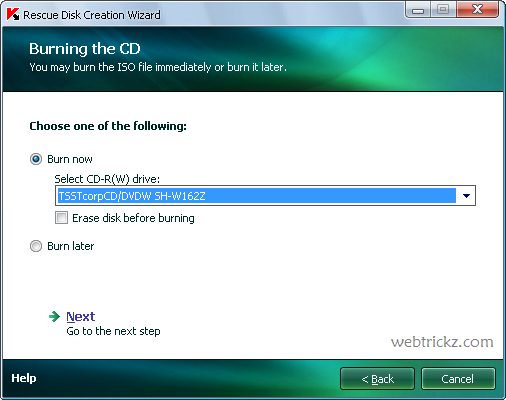
- Your Bootable rescue disk has been created now which you can burn now or later.
- Finished!
- Now boot your PC with the created CD and scan it for viruses.
This will help you save your time and bandwidth as you don’t need to download the large size rescue disk image. I advise you to update your antivirus databases before performing this task so that your rescue disk gets updated with the latest antivirus definitions.









this can happen in bootable pen drive if yes then how?
Deference to op , some fantastic information .