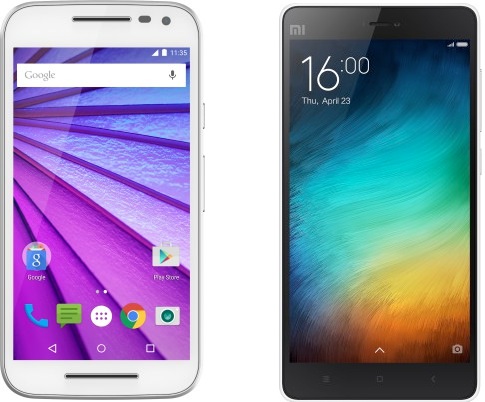
The much awaited “OnePlus 2” was finally unveiled yesterday through a special live stream in VR and OnePlus India was kind enough to host a launch event in Delhi just few hours post the global launch. At the event, we got our hands on the OnePlus 2 or “2016 Flagship Killer” as OnePlus calls it. For those unaware, OnePlus 2 is launched in India in 2 variants – 16GB with 3GB RAM and 64GB with 4GB RAM priced at 22,999 INR ($329) and 24,999 INR ($389) respectively. Just like its predecessor OnePlus One, the OP2 will be available for sale in India exclusively on Amazon.in via traditional invite system, and sale begins on August 11th. The device comes with OnePlus’ signature Sandstone Black with option to choose from a variety of covers. The swap covers for 1+2 will reportedly go on sale along with the initial OP2 sale but we aren’t aware of their pricing yet.

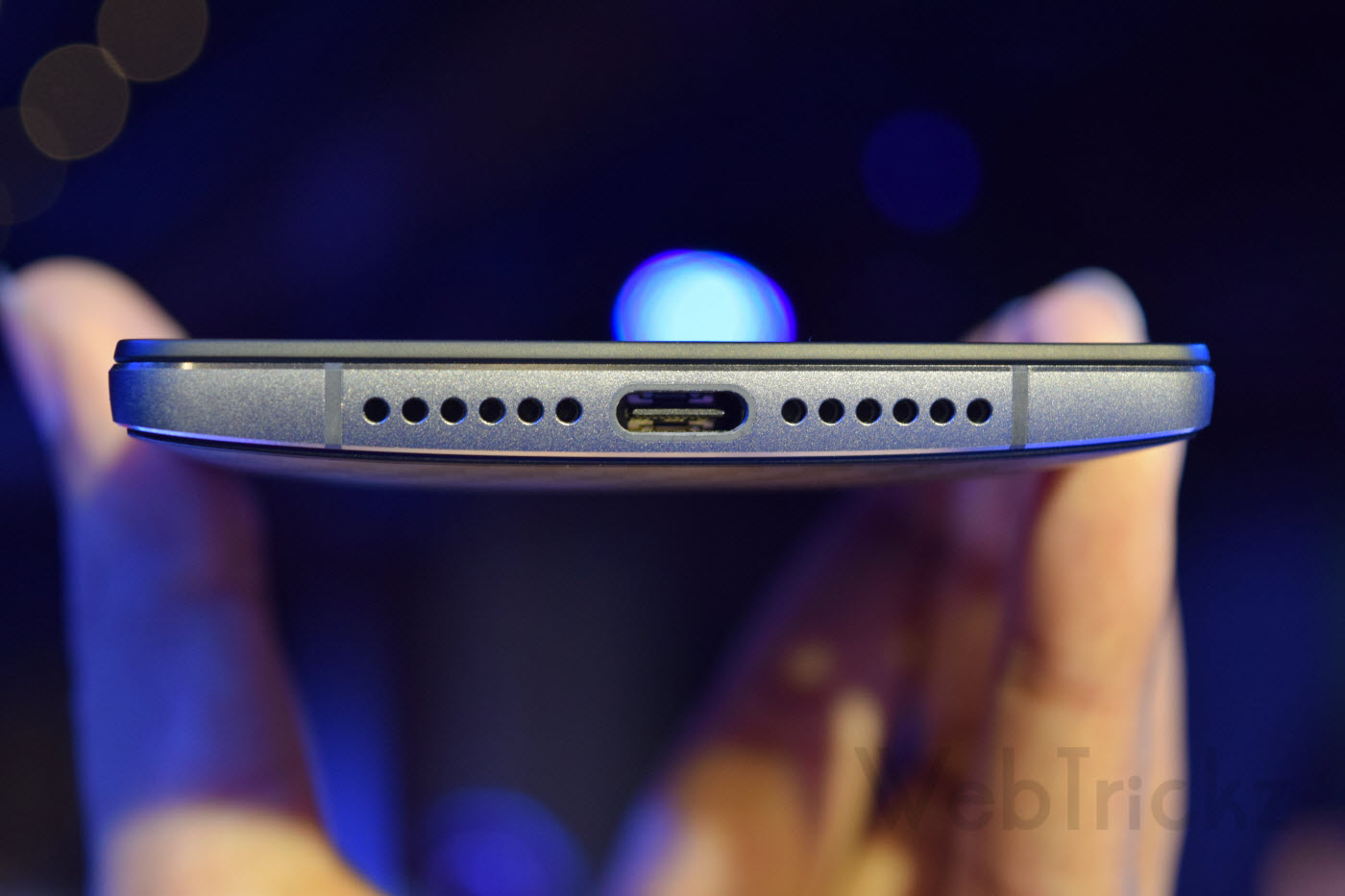
Without further ado, let’s take a quick look at its design, form factor and other key features. The OnePlus 2 sports a 5.5″ FHD display and sits inside an aluminum-magnesium alloy frame with stainless steel accents. It is thicker and heavier than OnePlus One, weighing 175g and is 9.9mm thick. The back is curved towards the edges with rounded corners, offering a nice grip and is comfortable to hold. The prominent additions include: Dual SIM support, USB Type-C charging port, fingerprint scanner, alert slider physical switch, Oxygen OS 2, powerful camera with laser focus and OIS.
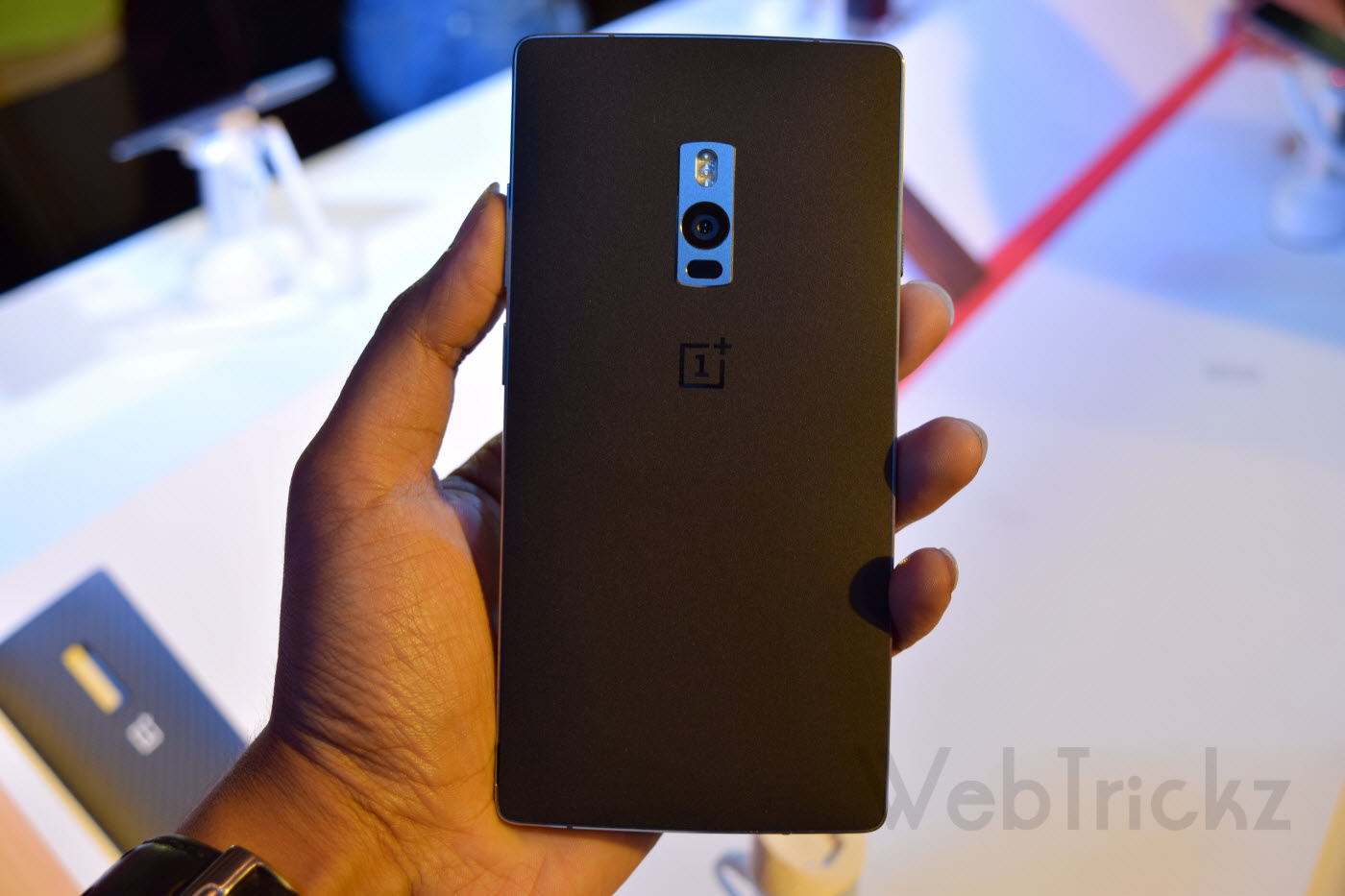
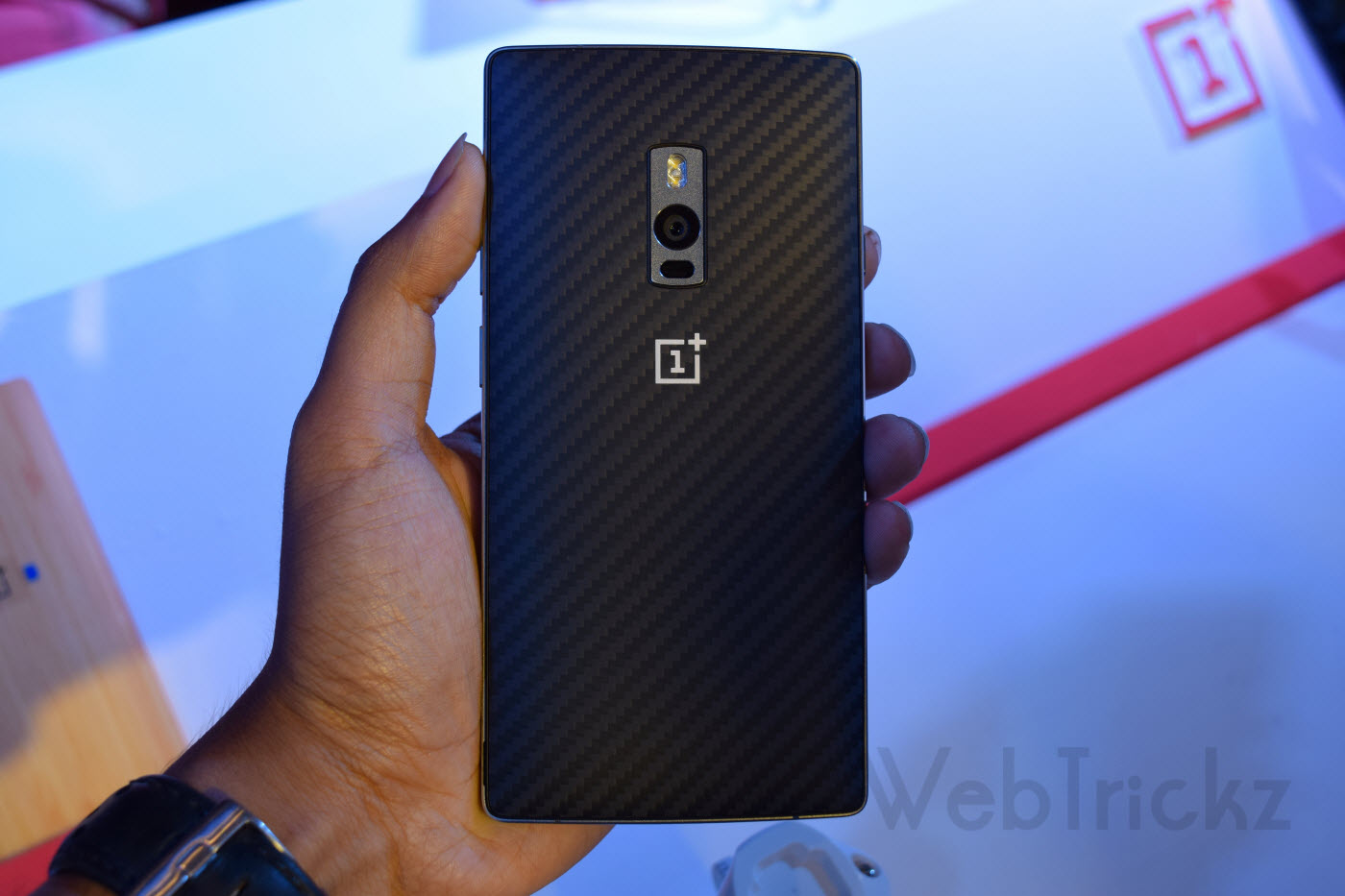

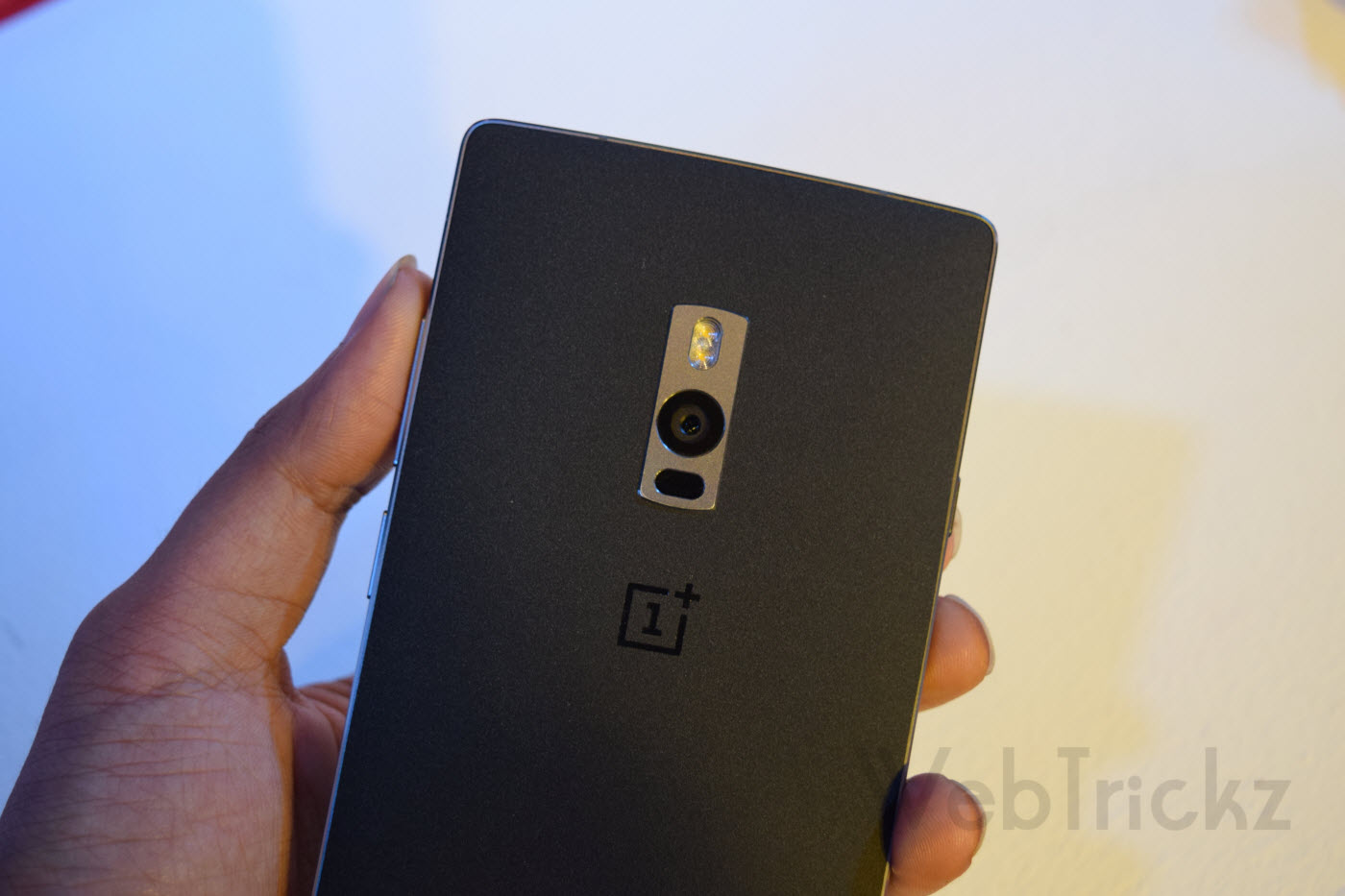
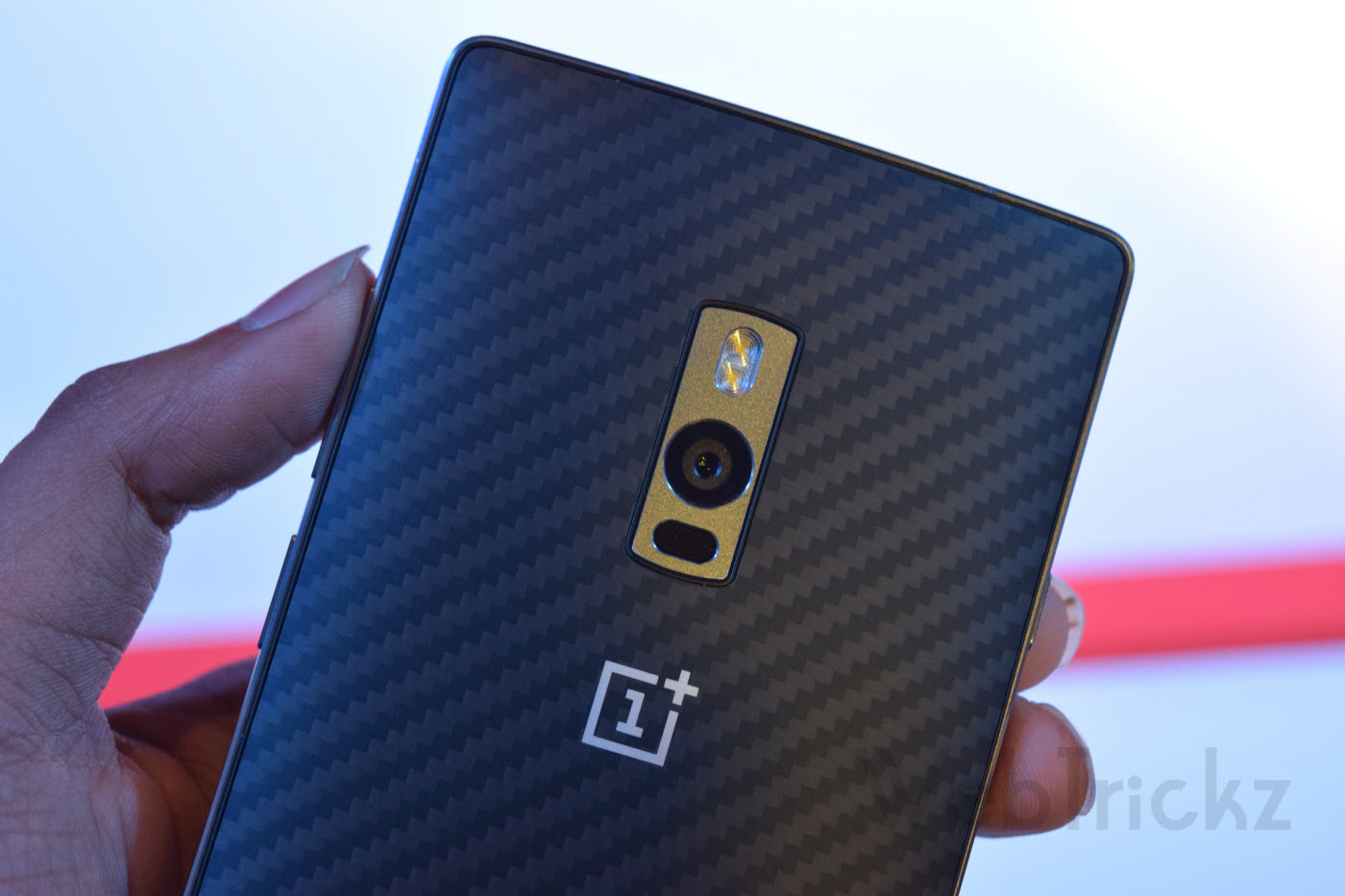
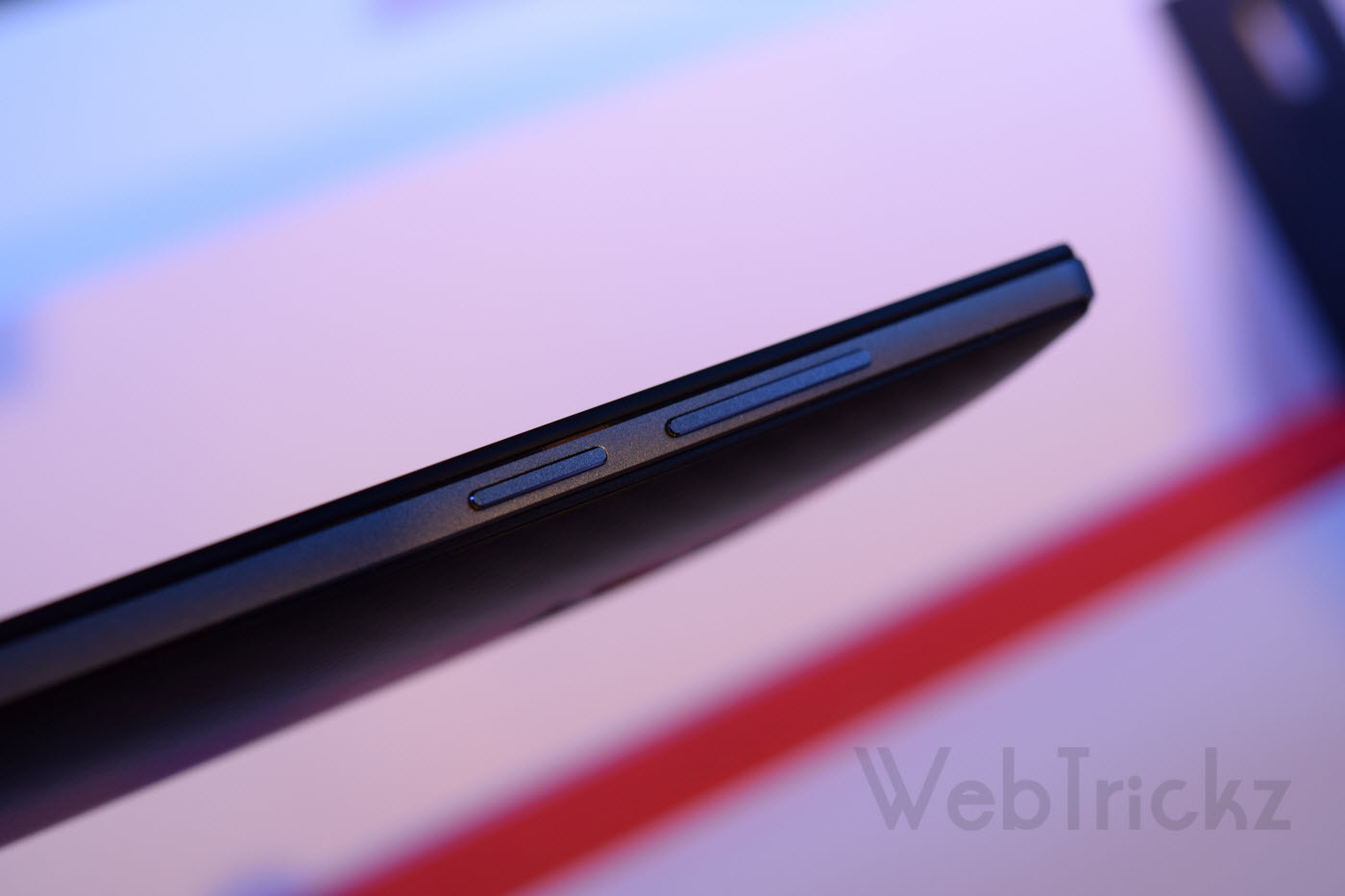
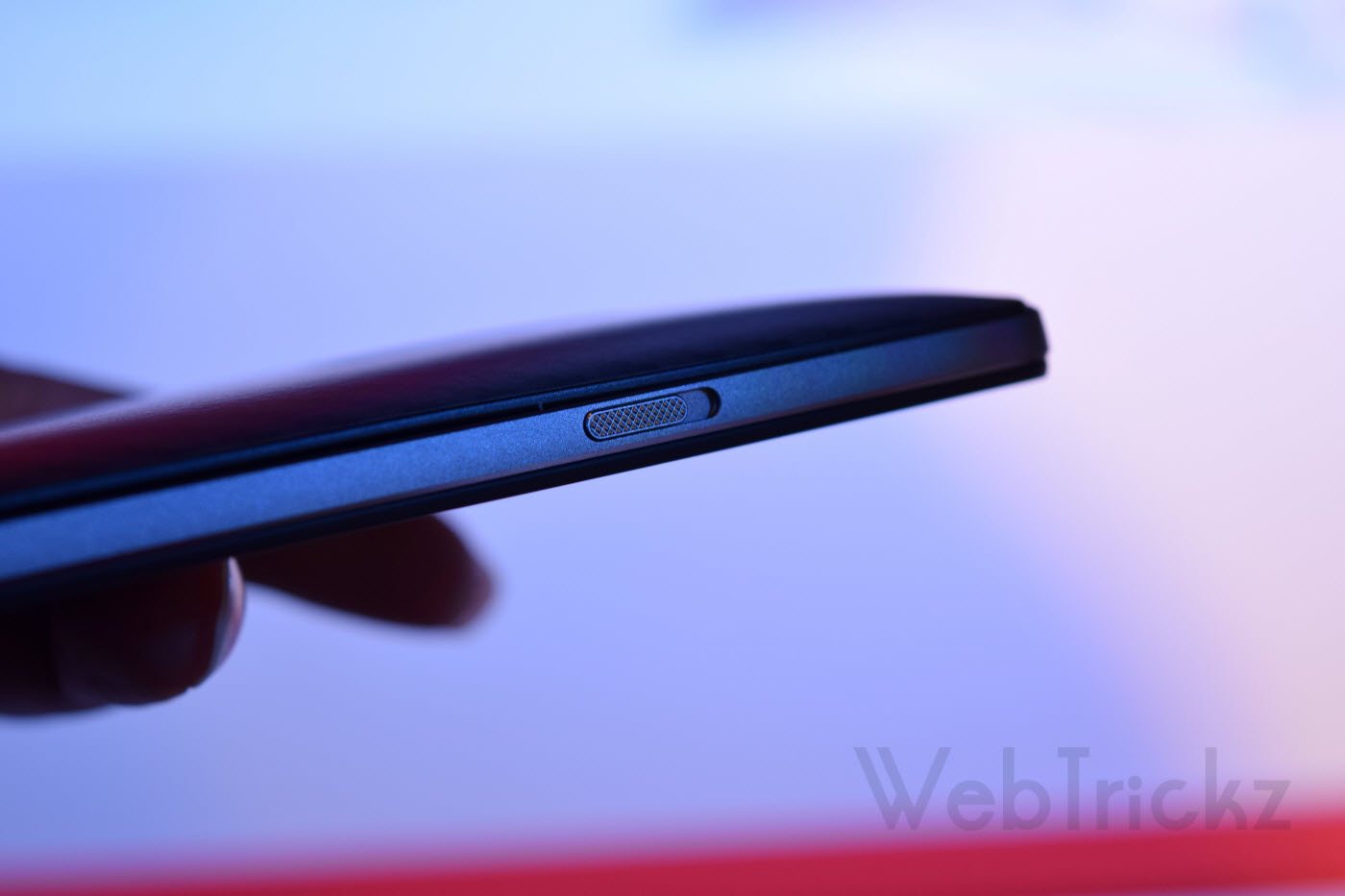
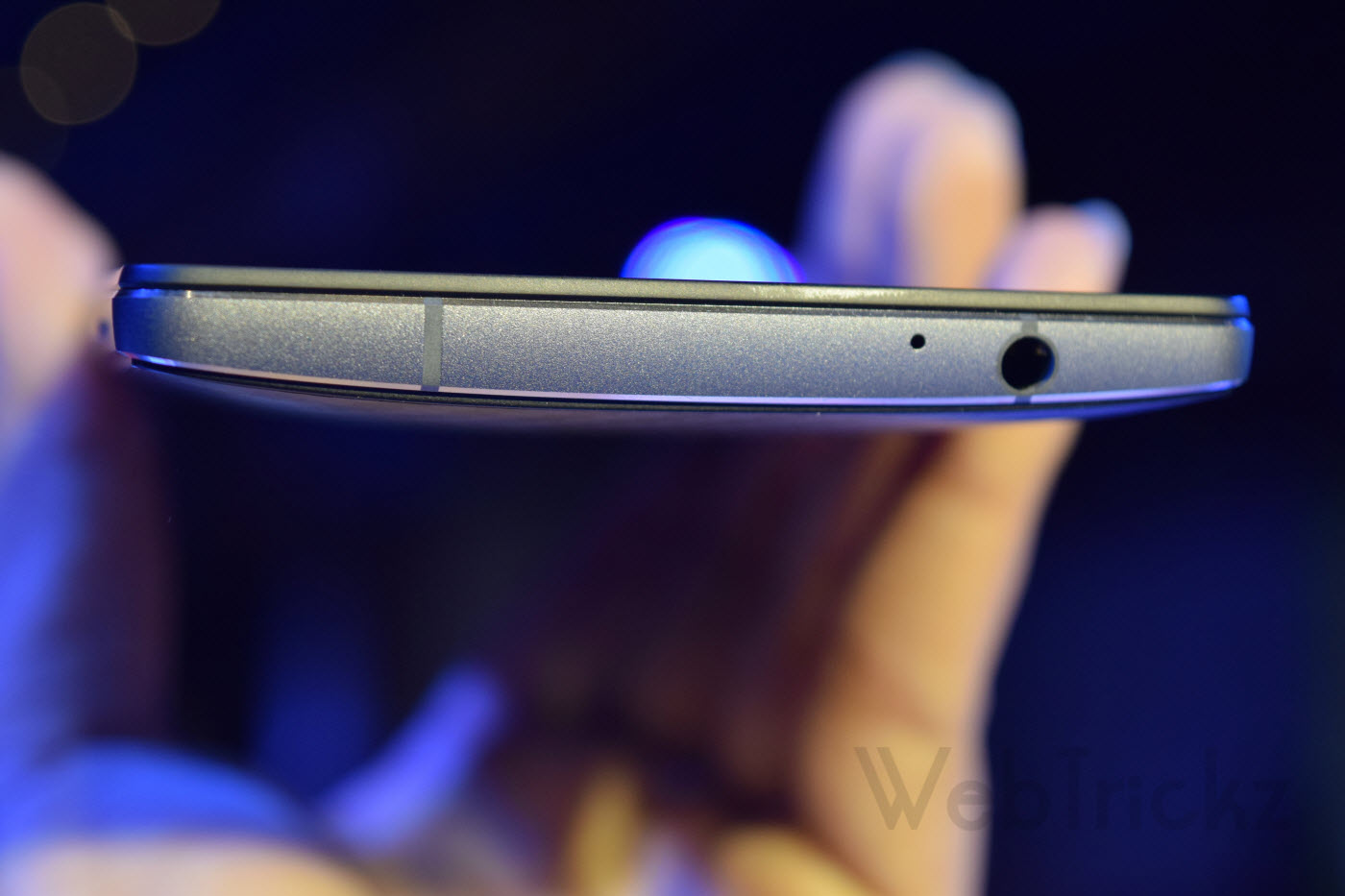
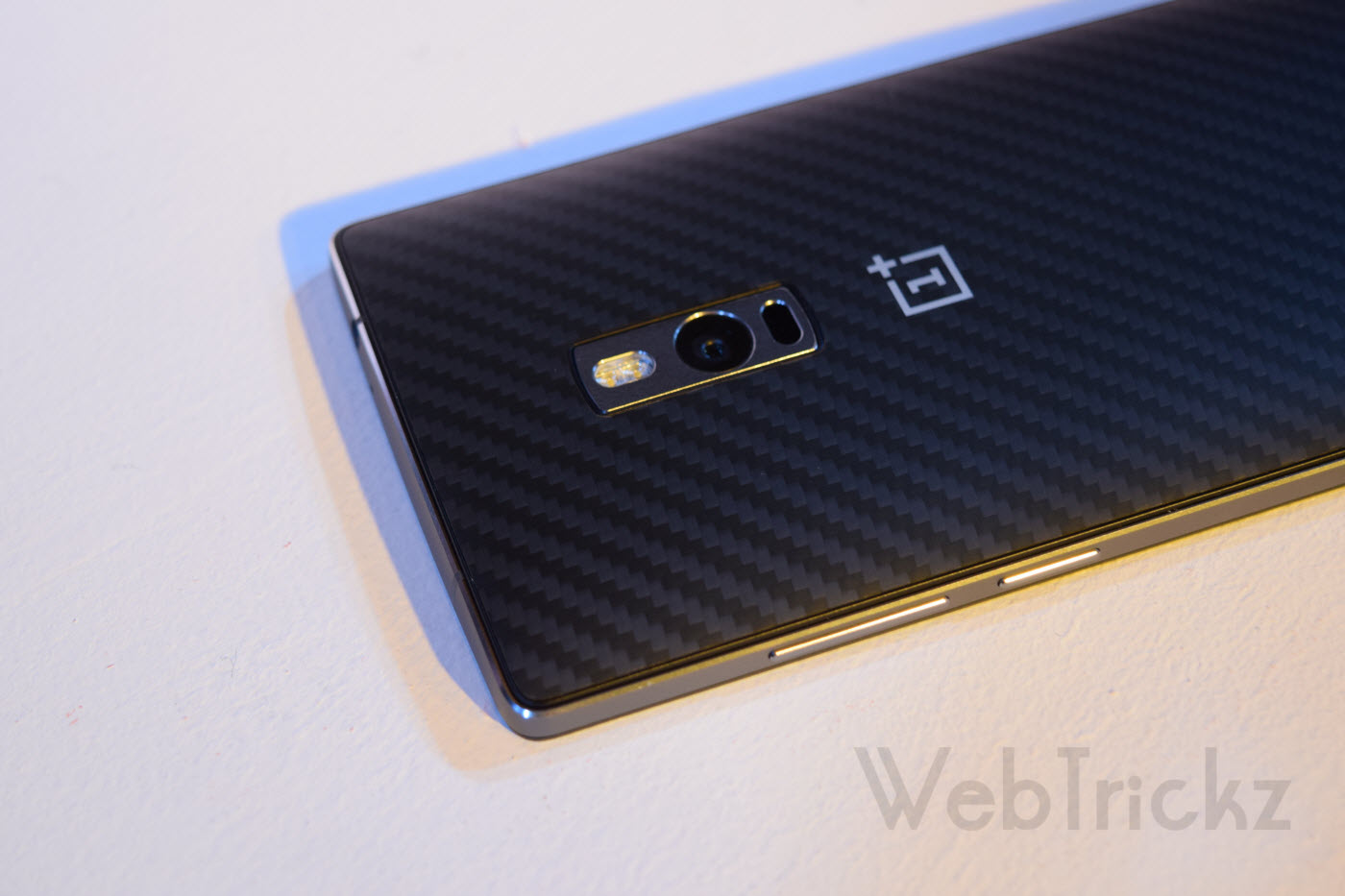
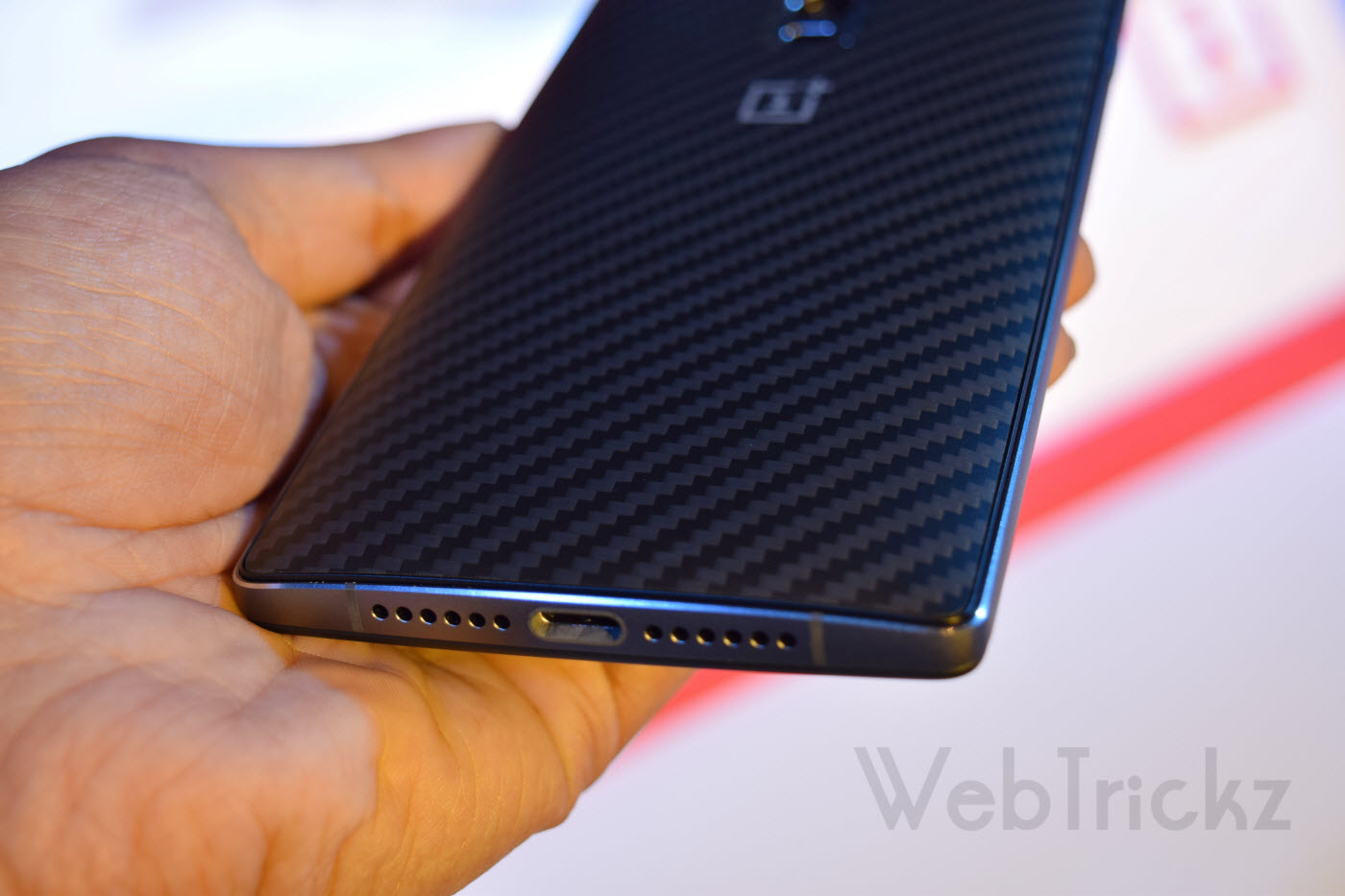
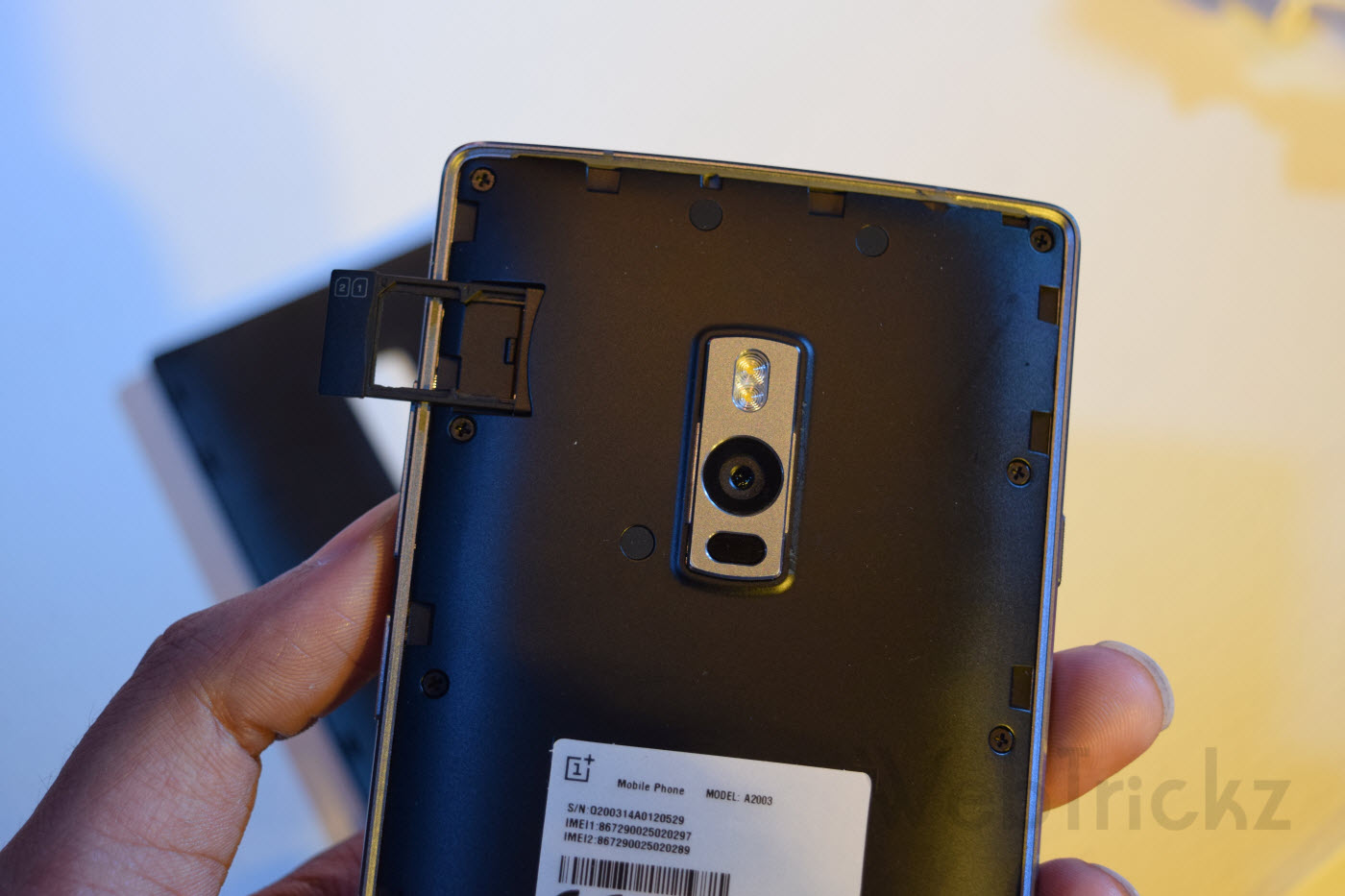
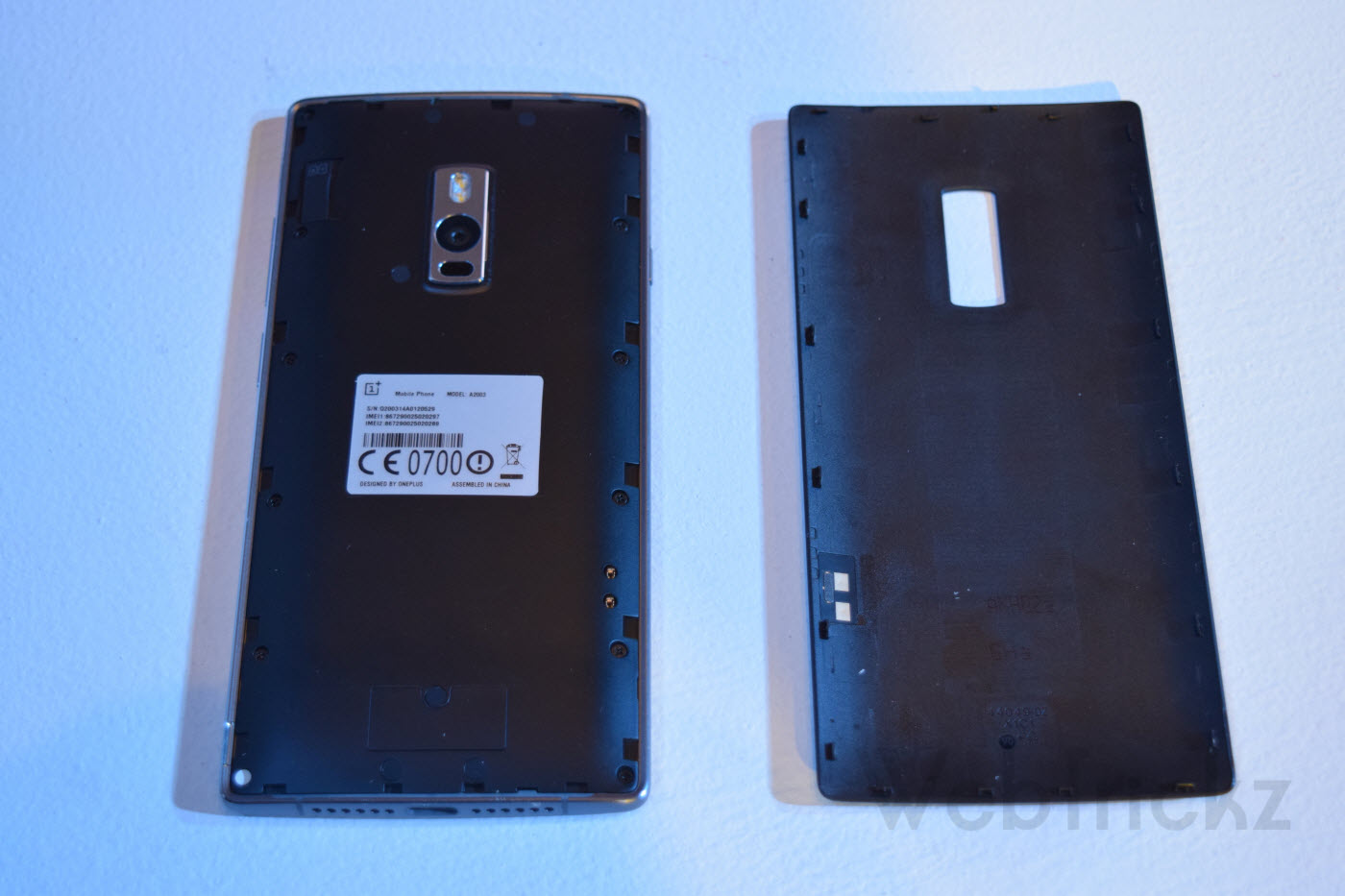
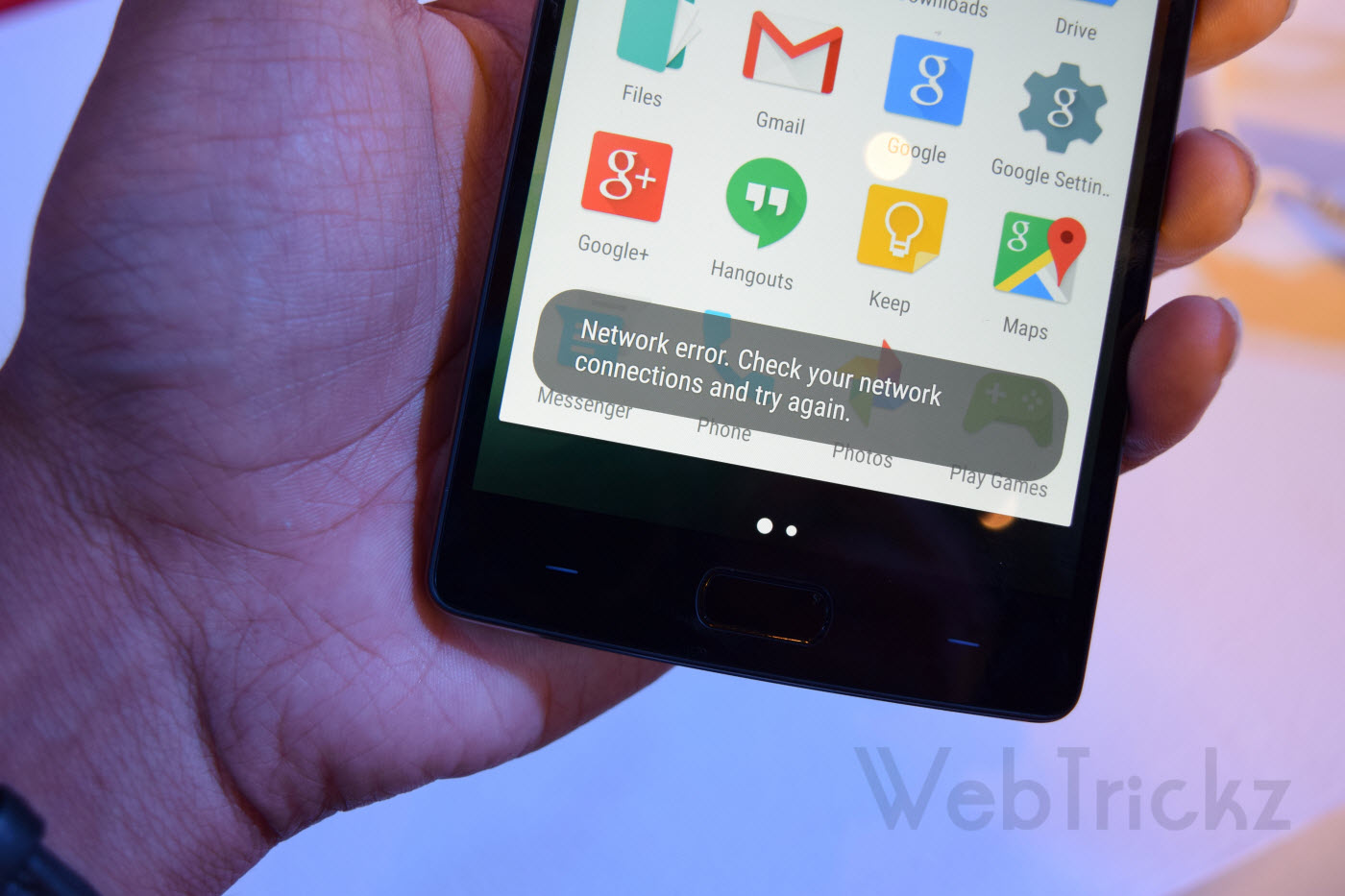
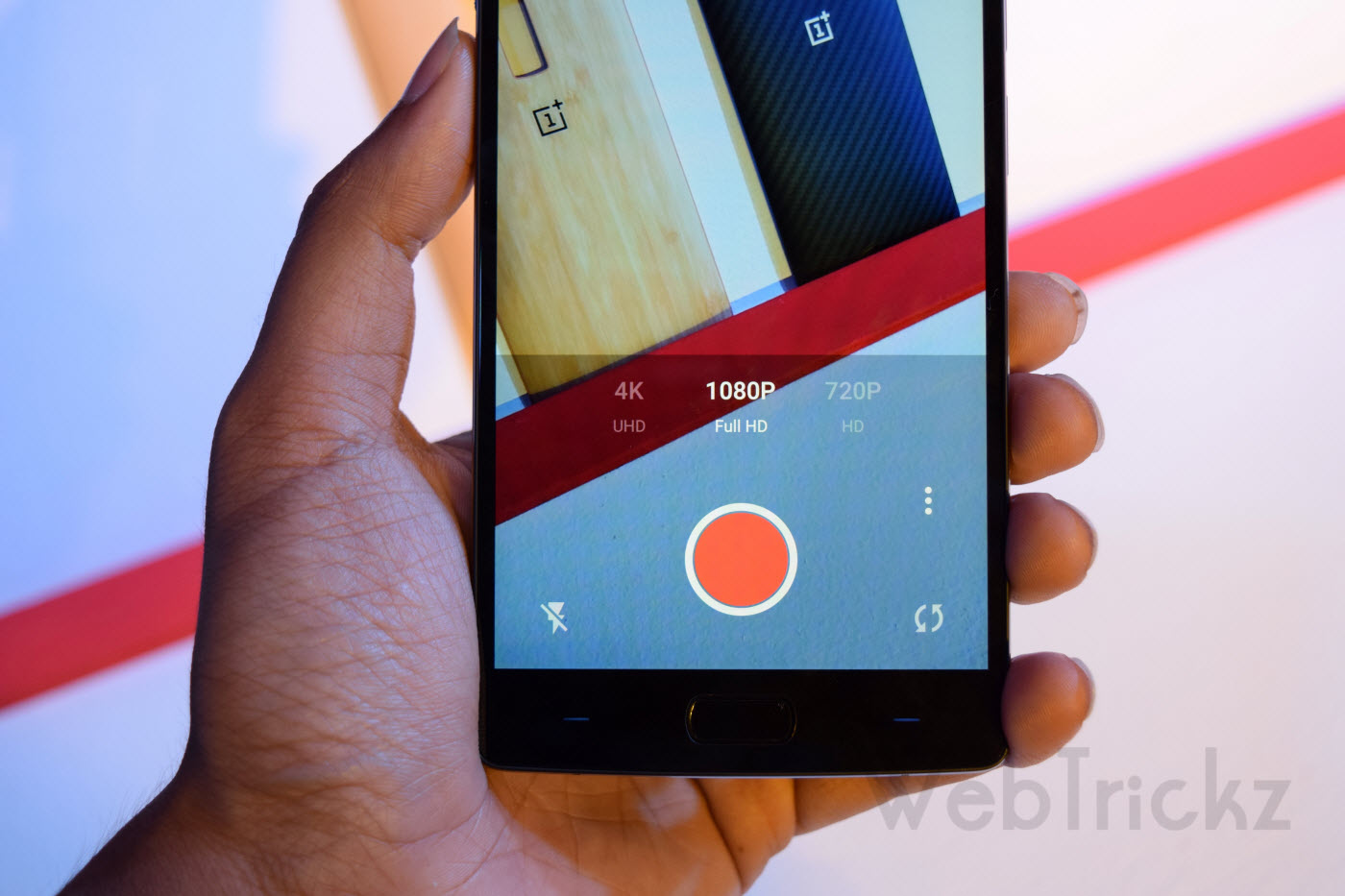
Coming over to OnePlus 2 physical overview, it features a 5.5″ display with touch fingerprint sensor button placed at the center lower front that also acts as the Home key. To the sides of the home key are tiny backlit capacitive keys that one can customize as per their preference. The right side houses the power key and volume rocker that are convenient to reach and there is a 3 profile hardware switch on the left to silent/ mute notifications. The speaker grille and USB Type-C port is at the bottom side whereas the 3.5mm audio jack and secondary mic is seen on the top. The back that houses ‘dual flash + 13MP camera + laser focus’ in a shiny metal strip with OnePlus branding flaunting right below, looks pretty awesome specially with Kevlar swap cover. The back cover is removable and beneath it is a Dual SIM tray that accepts nano SIM, sadly no option for expandable memory. The battery has seen a bump in the form of a 3300mAh (technically 200mAh more than OPO).
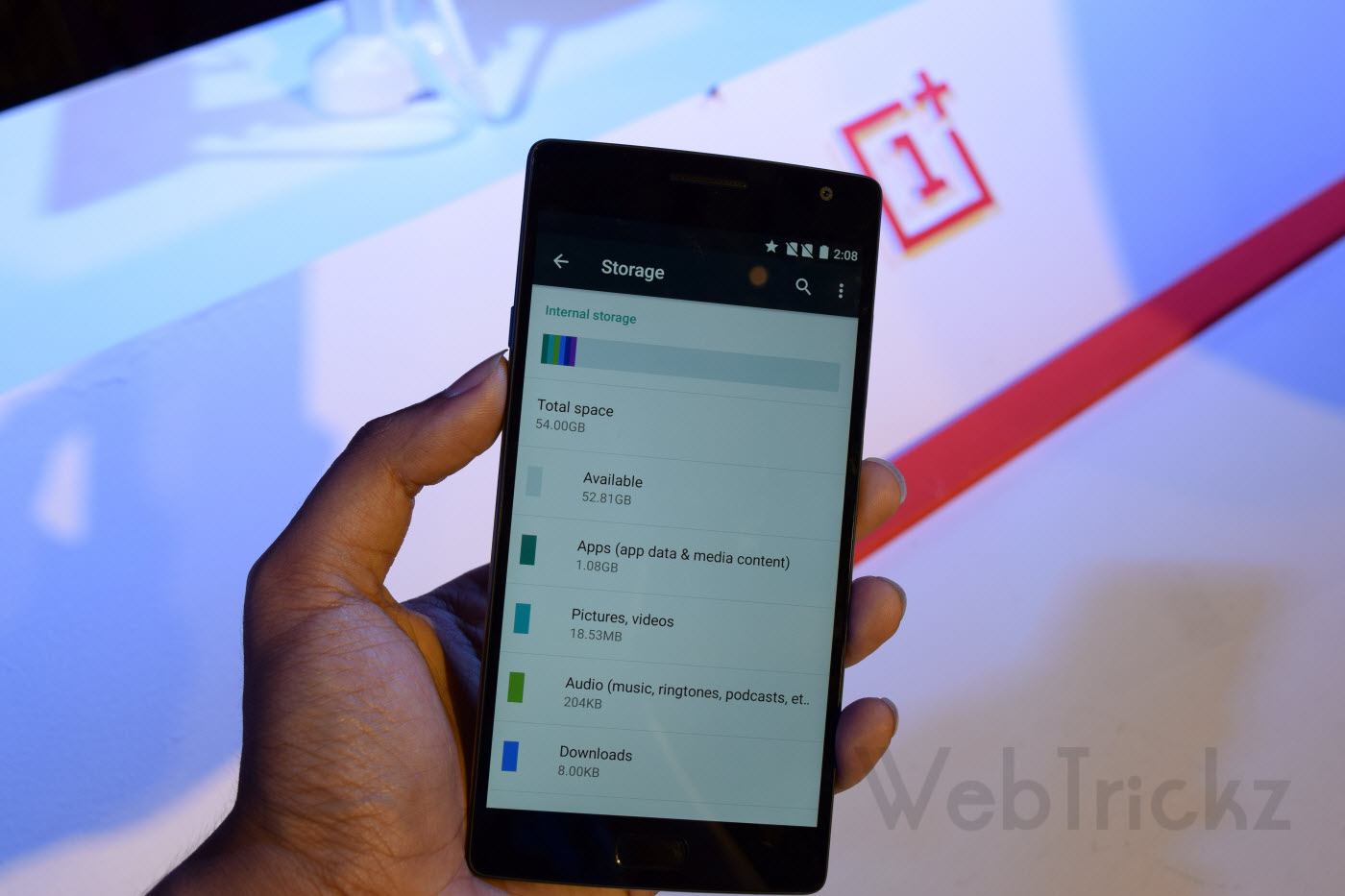
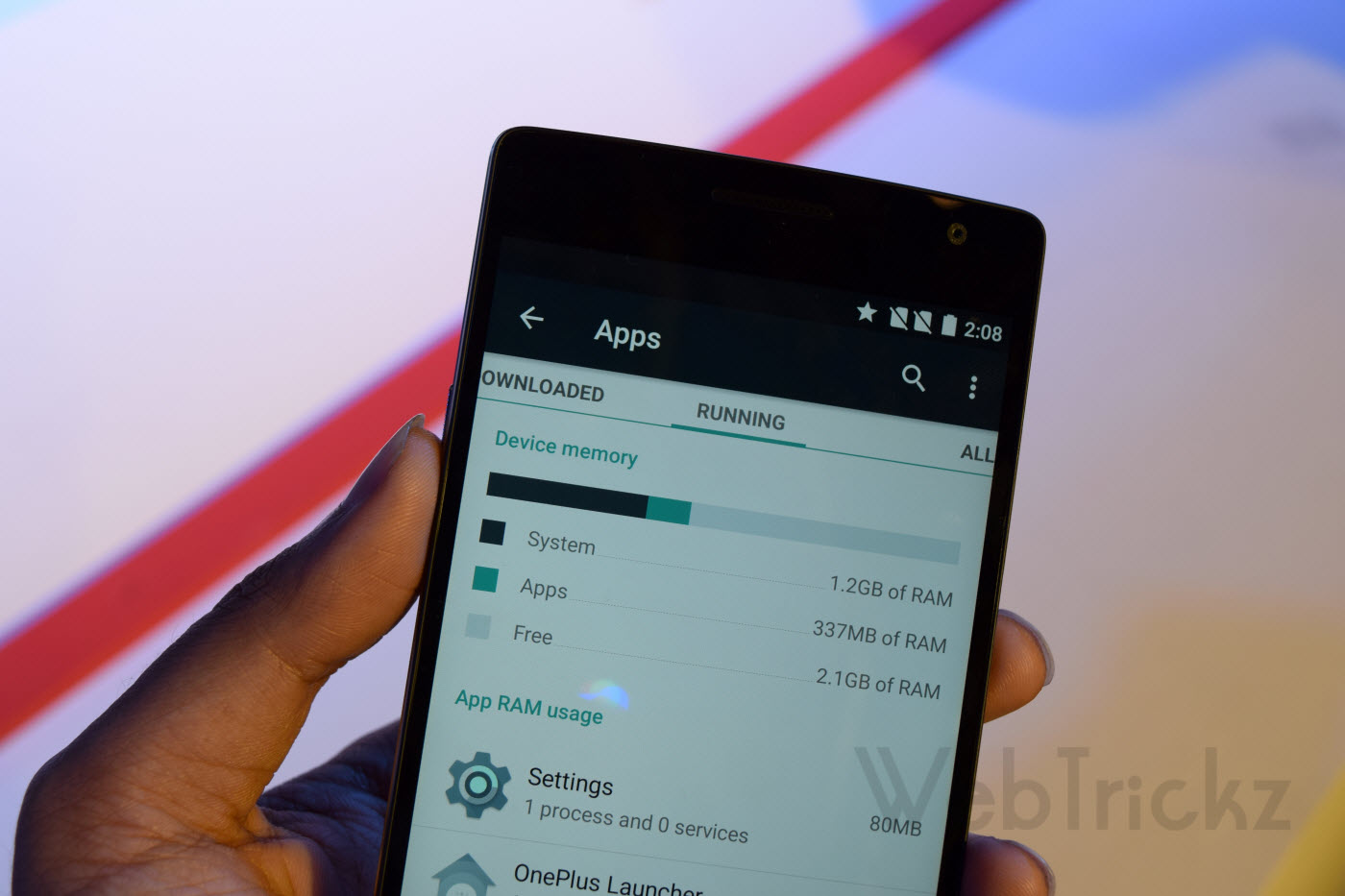
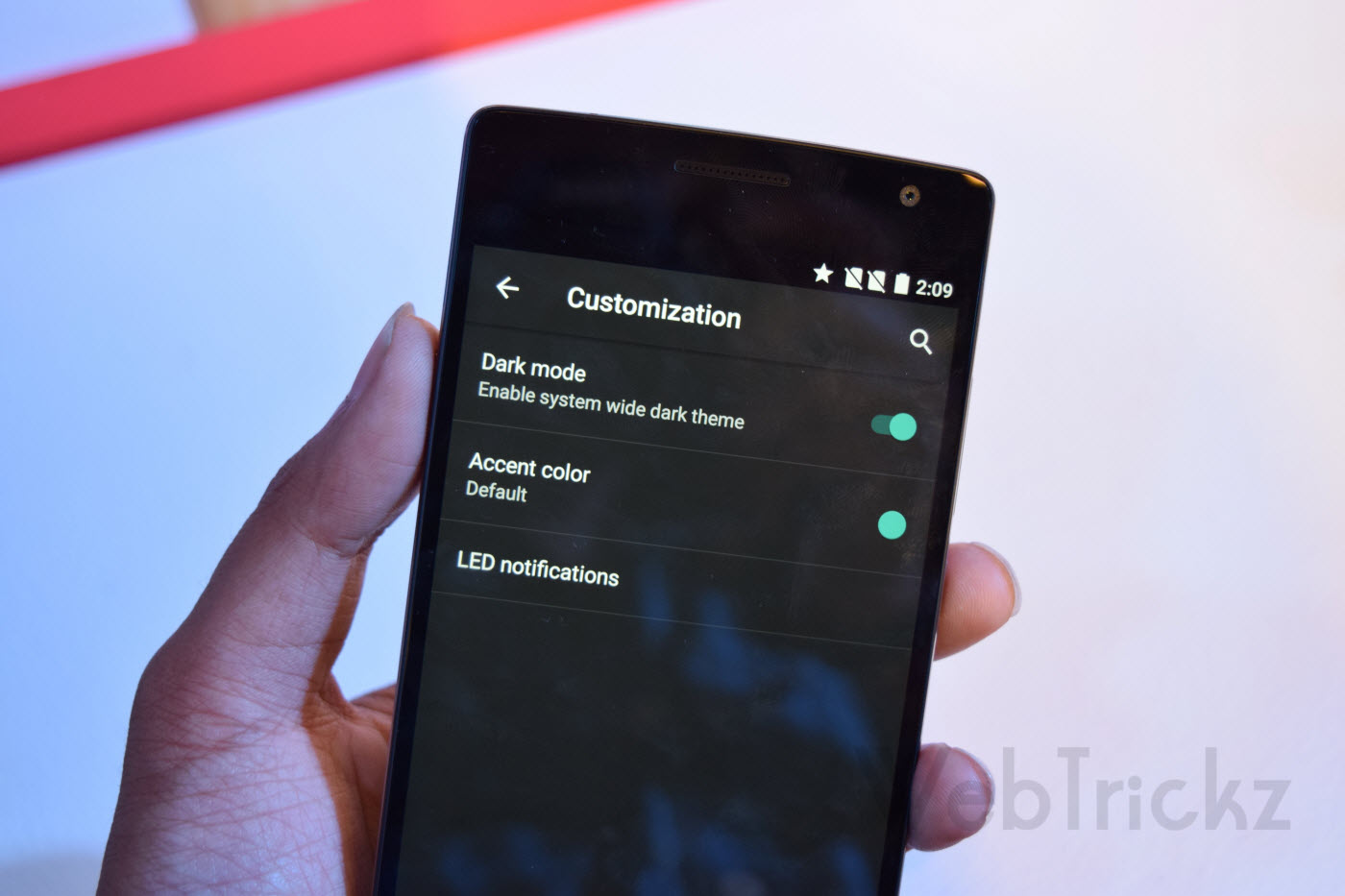
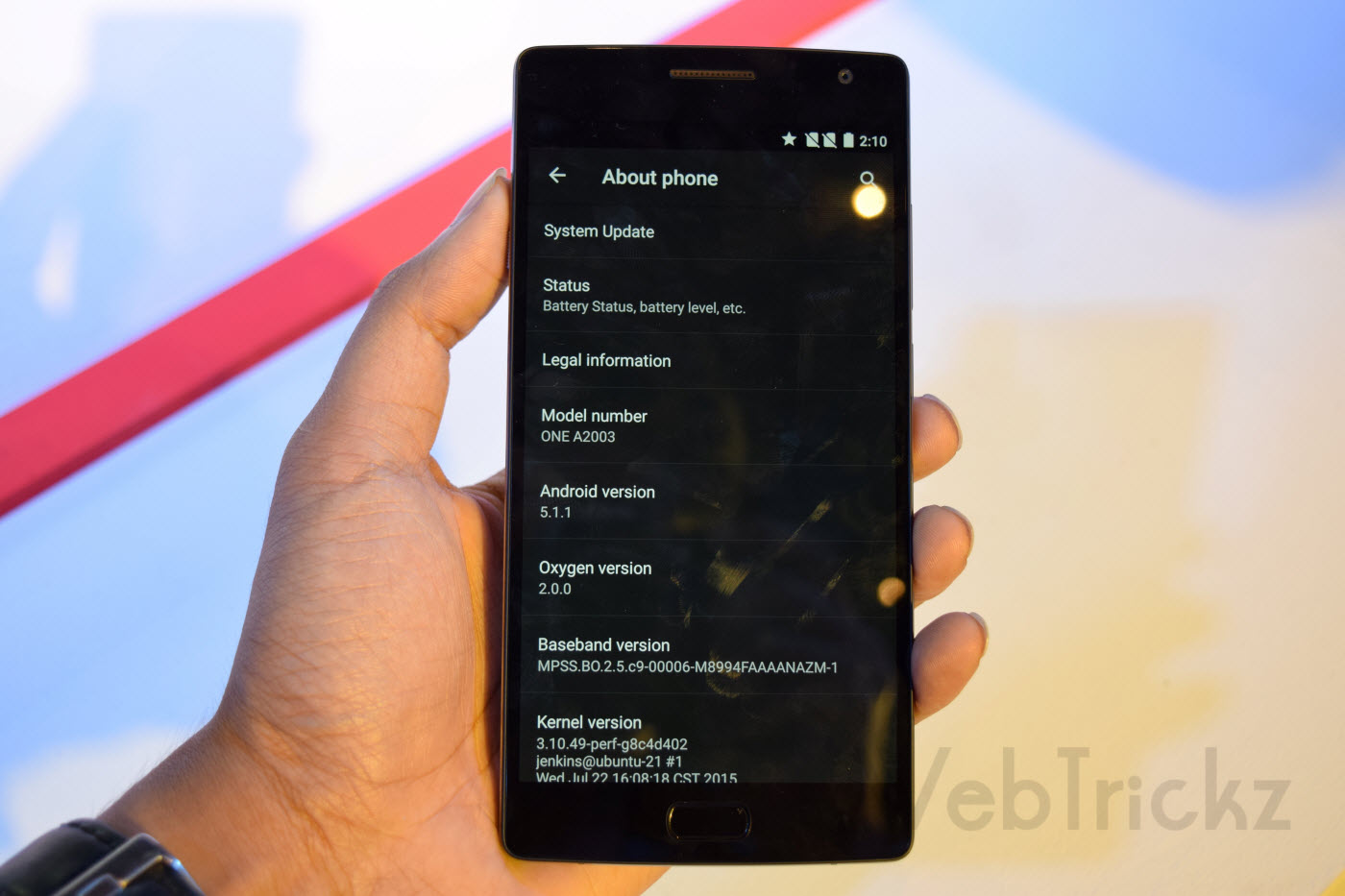
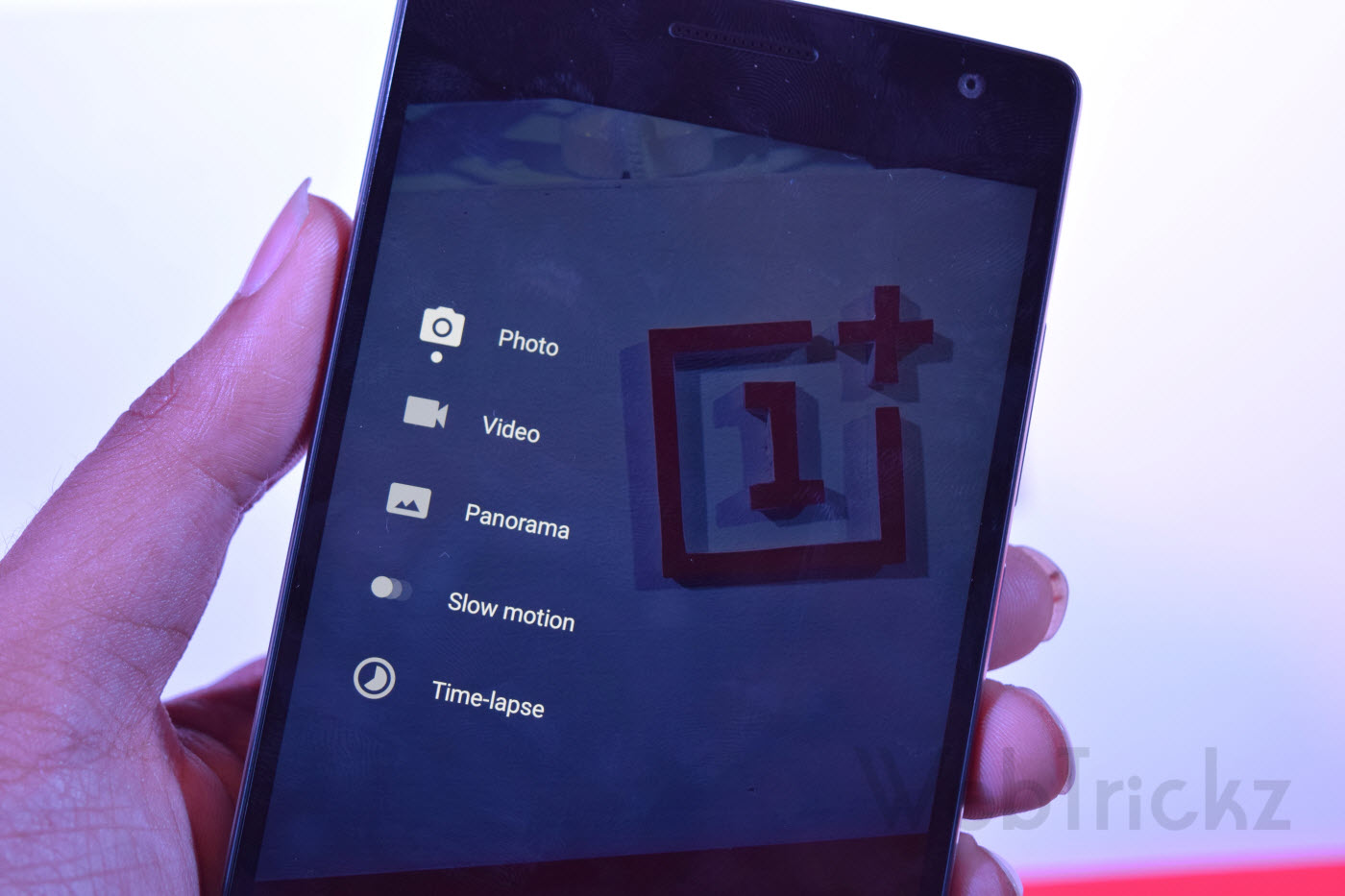
On the Software front, OnePlus 2 runs on OnePlus’ own operating system, OxygenOS powered by Snapdragon 810 processor clocked at 1.8GHz with Adreno 430 GPU and 4GB RAM. Oxygen OS 2.0 is based on Android 5.1 with some added flavour but still offering a close to stock Android experience. Subtle customizations in the OS include: on screen gestures, dark mode, the ability to switch between hardware and capacitive buttons and toggle quick settings. Some custom apps are pre-loaded including Camera app, Audio Tuner and File Manager. Out of 64GB storage, around 59GB of space is available for the user and USB OTG is supported.
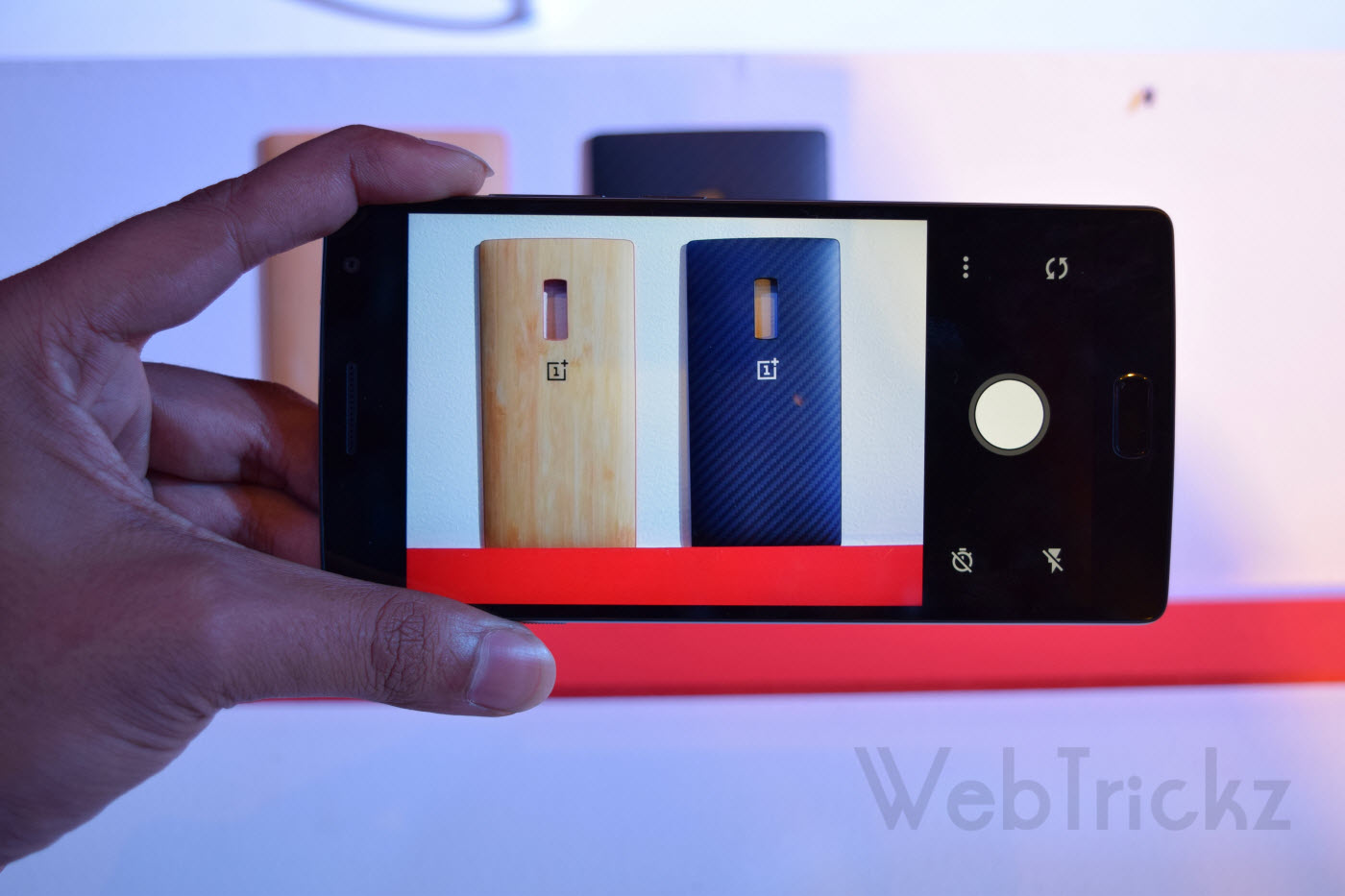

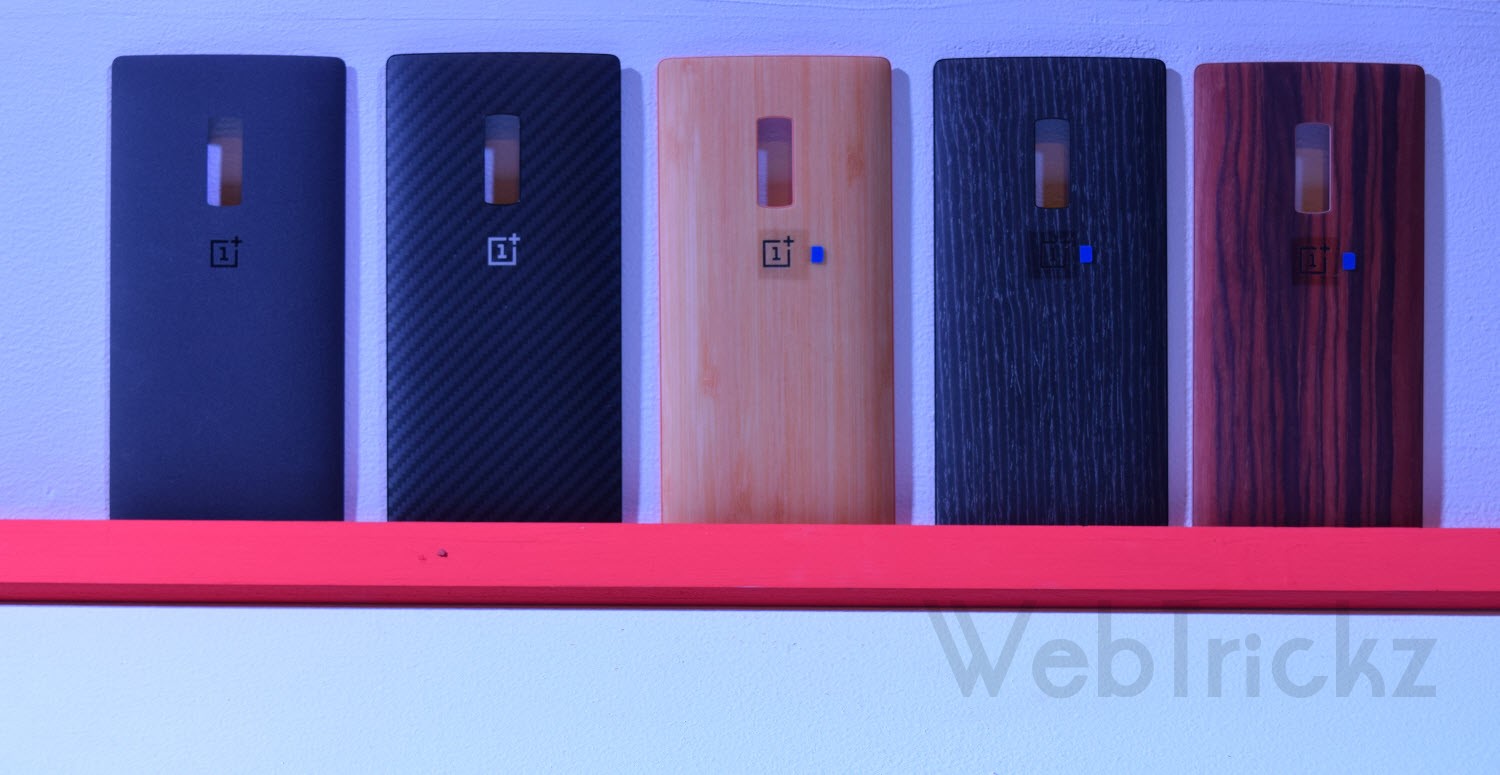
Swappable Covers (in order) – Sandstone Black (default), Kevlar, Bamboo, Black Apricot and Rosewood.
OnePlus 2 looks a superb smartphone offering great specs and design at half the price of other flagships but it disappoints in few aspects. The so called 2016 flagship killer lacks NFC, Wireless charging and Fast Charging too. Though, first 2 features aren’t really a deal breaker but No support for Quick charge is worrisome as its massive 3300mAh battery can take upto 3.5 hours to charge completely. Not kidding!
We look forward to come up with our detailed review of OnePlus 2 and some interesting tutorials as well. Stay tuned!