


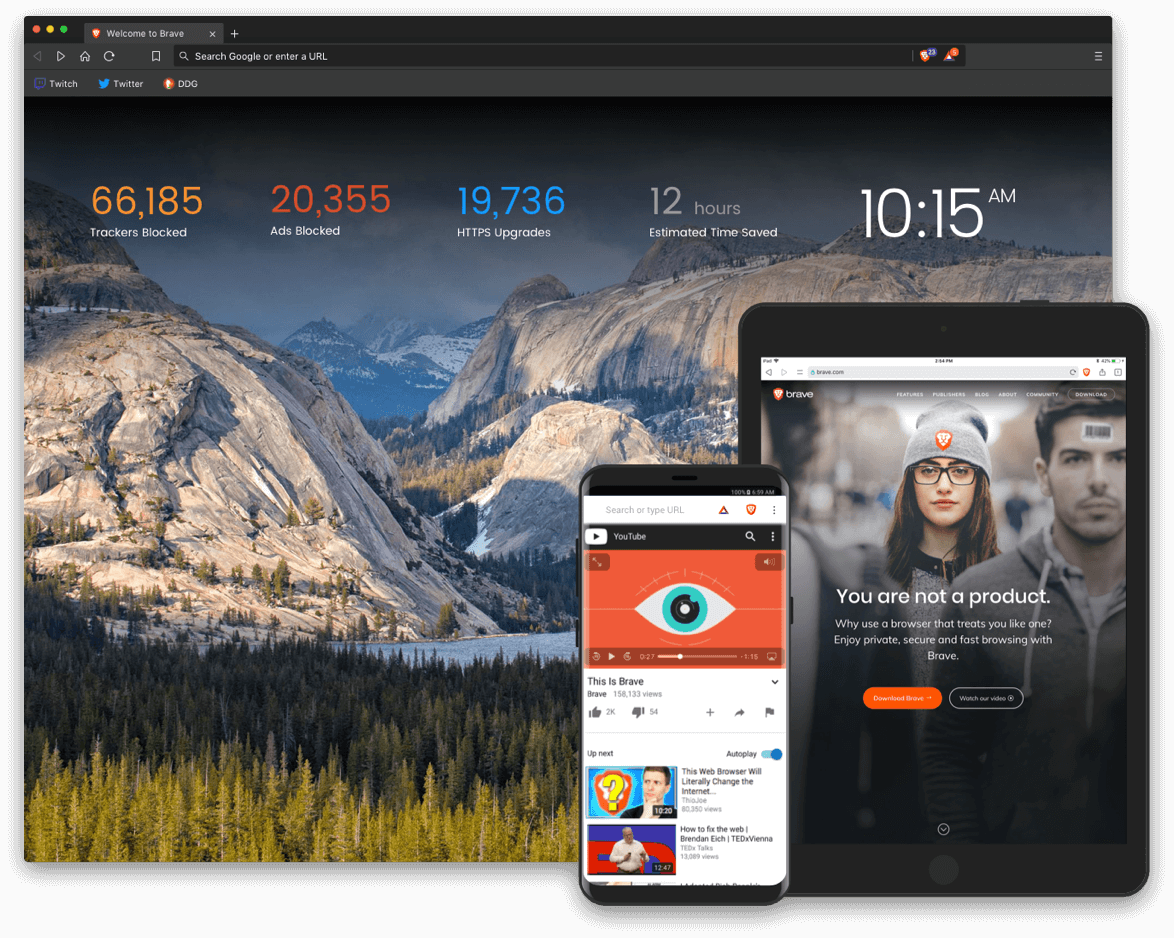
This post is a comparative review, showing the top reasons to use Brave browser over Chrome.
On the popularity scale, Brave is obviously not a top-ranked web browser due to its relatively small user base unlike its counterpart – Google Chrome.
However, looking beyond popularity, it’d surprise you that Brave is much better than Chrome in many aspects.
Herein are five key areas, where Brave has an advantage over Chrome. Read on!
5 Benefits of using Brave browser over Chrome
-
Speed
Despite being the most popular browser, Google Chrome is not the fastest browser out there. Surprisingly, Brave is one of the few browsers that topple Chrome on the speed scale.
Brave, developed by Mozilla’s co-founder – Brendan Eich, shares a number of similarities with Firefox; one of such is their swift connection speed. As gathered, Brave is twice as fast as Chrome on the desktop, and up to 8x faster on mobile platforms.
In essence, if speed is what you’re looking for, Brave is no doubt the better option.
-
User privacy
Google’s history of privacy infractions has blighted the firm’s reputation. Whereas Chrome is believed to be the ultimate spying tool; used by the firm to gather users’ private information. On this note, it’s safe to say Chrome is less concerned about users’ privacy.
On the other hand, Brave is renowned for its hard-bang privacy protection setup; uniquely designed to block all third-party trackers, cookies, and ads among others. In fact, the browser has a security pact with The Onion Router (Tor); to create a “private window” for its users, to further reinforce their online privacy.
Furthermore, user data is stored on an individual’s device, and not on Brave’s servers. This way, your private data can only be accessed and/or retrieved from your local directory.
-
Online Safety
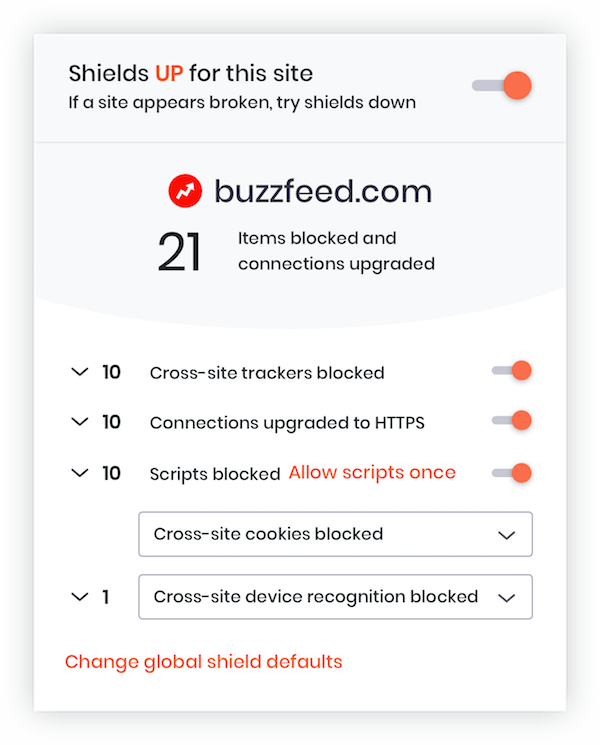
The internet is riddled with all kinds of malware, spyware, ransomware, and Trojans among other malicious contents. And while all standard browsers have preventive measures in place, there are often loopholes for hackers to exploit easily.
To securely protect against malware attacks, Brave browser offers one of the best obtainable security systems. The browser hosts a designated malware blocker and a “script-prevention” tool to prevent browser “hijacking”. Also, where and when necessary, the browser upgrades “HTTP” sites to “HTTPS”, to secure your connections to such websites.
-
Data management
Both Chrome and Brave are quite good in the area of data management. However, the latter’s ad-blocking functionality gives it the upper hand.
By blocking unsolicited ads directly from the source, you’re able to save significant megabytes (or even gigabytes) of data.
Therefore, if you’re looking to make optimal use of your data plan, Brave is the better bet.
-
Uniqueness
As emphasized earlier in this write-up, Brave browser is not as popular as Google Chrome. In fact, the browser is relatively unknown to a good number of people.
Therefore, by switching to Brave (from Chrome), you get to enjoy the unique experience it offers; although, this looks somewhat mundane, or rather insignificant.
Roundup; despite the sheer significance of Chrome, compared to Brave, the latter offers you better speed, improved security, and better privacy protection on the internet.
Availability – Brave is available for desktop platforms such as Windows, macOS, and Linux. Its mobile app is available as well for Android and iOS devices.
What do you think about Brave Browser? Let us know.









Yes, but can I continue to use Chromecast with Brave?
yes you can..
Although, you may have to enable Chromecast support for Brave Browser https://community.brave.com/t/how-to-enable-chromecast-support-in-brave-workaround/50680