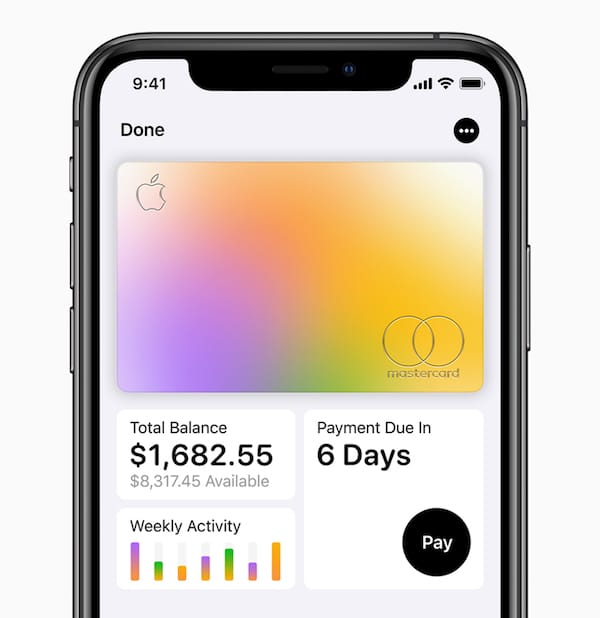
Apple has a knack of taking something that has been in the market in an unpolished form. And then providing it as a polished product that sells like hotcakes. So what about their latest foray? The company has just launched a new credit card, Apple Card at its ‘Show Time’ event. Apple Card is a combination of a physical credit card, a virtual credit card, and has a dedicated section inside Apple Pay itself. It will work together in an effortless way to provide users with the best experience. Here’s what we know about it and how you can sign up for an Apple credit card when it’s available.
In addition to Apple Card, Apple has launched its premium Apple News Plus subscription service.
How to Sign up for an Apple Card?
We are sure, you all are excited about Apple Card. Now, what about signing up for one? Well, Apple has announced a release in the US this summer. Apple hasn’t announced availability for other countries yet. We will be sure to update this post as soon as more information is available.
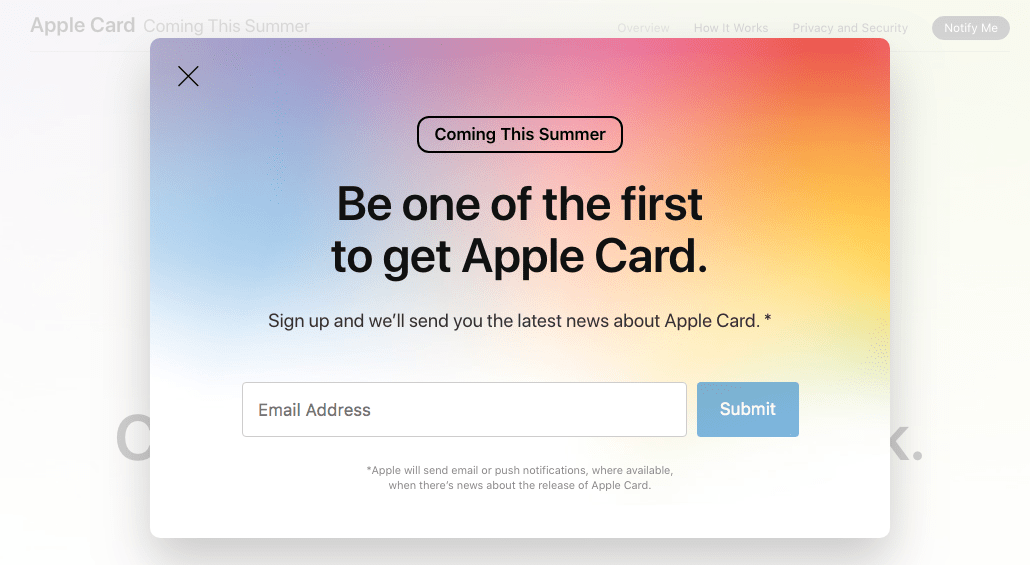
You can sign up for the latest news about Apple Card by visiting this link. Then click the “Notify Me” button at the top right, enter your email address in the pop-up box, and click Submit. Apple will notify you about the release of Apple Card via email or push notifications.
How to Apply for an Apple Card
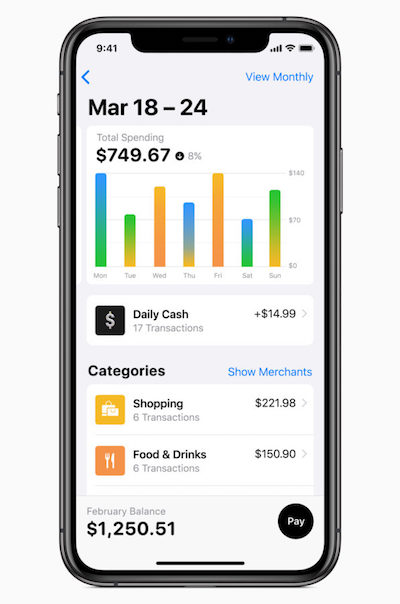
Once available, users will be able to sign up for Apple Card in the Wallet app on their iPhone. And within minutes they will get a digital card that can be used anywhere where Apple Pay is accepted. Apple Card will also allow users to track their transactions in real-time, check balances, and see their payment due date within the Apple Wallet app itself.
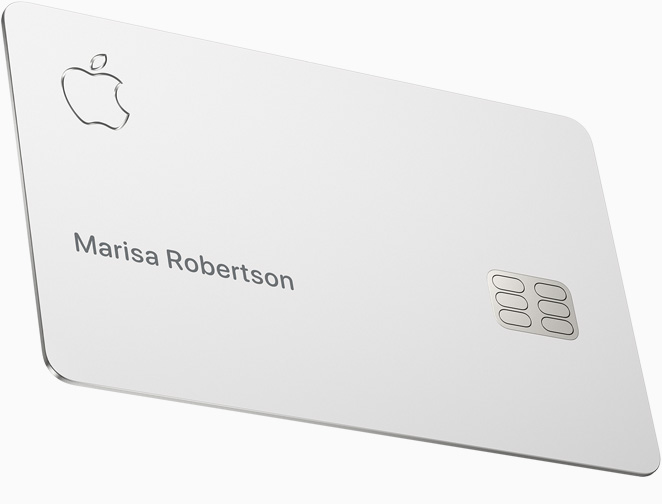
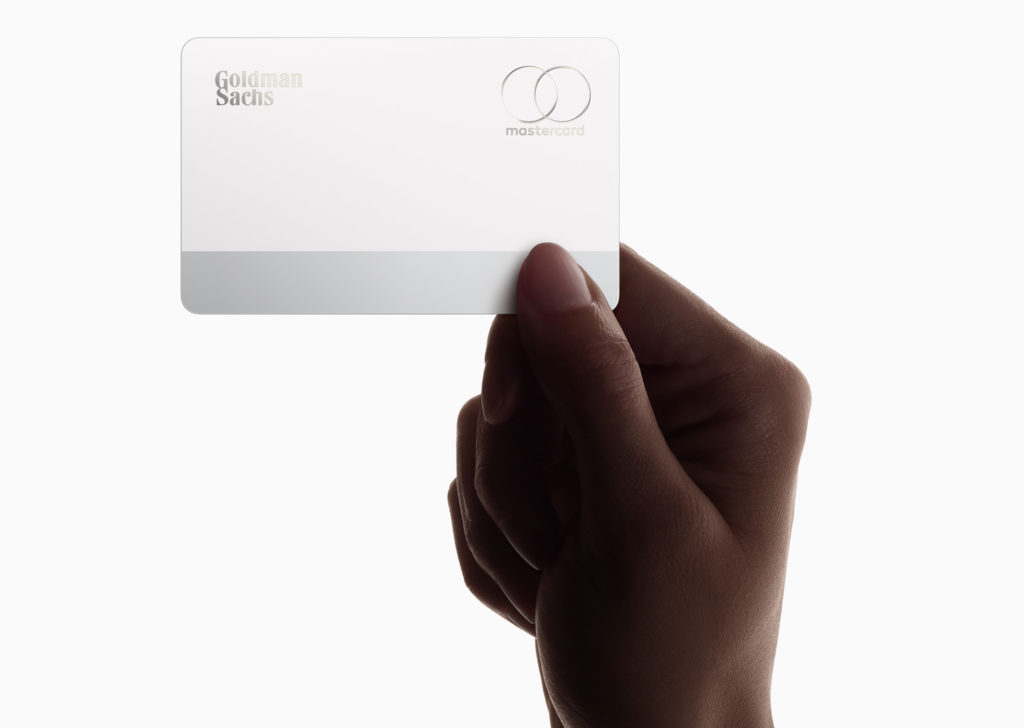
Apple will also release a physical titanium Apple Card which can be used to shop at locations where Apple Pay isn’t accepted. Unlike a conventional credit card, this one won’t have a visible credit card number, CVV security code, expiration date, or signature. All this information will be actually stored in the Wallet app for authorization.
How does Apple Card work?
Apple Card works in tandem with Apple Pay, the contactless payment system by Apple. Apple has partnered with Goldman Sachs as the issuing bank, and with MasterCard as the payment processing partner for Apple Card.
The Apple Card will have no processing fees, no late fees, no annual fees, or any late fees. Instead of the regular points system in most credit cards, Apple has announced cashback rewards in the form of Daily Cash. It will be counted towards your Apple Card expenses or can be sent straight to your bank account. For now, users will get 2 percent cash back towards purchases made using Apple Pay, 3 percent cash back towards purchases made at Apple, and 1% cashback for purchases made using the physical Apple Card.
Apple will categorize the transactions into several categories, allowing users to see what their spends look like.
P.S. We will update this article with detailed steps on how to apply for an Apple Card as it goes public.
Image credit: Apple