


Mozilla Firefox is one of the most popular and secure web browsers. By default, Mozilla offers a web installer (online installer) that requires an active internet connection during installation. However, if you want to install Firefox offline on multiple devices, the Firefox standalone installer is the best option.
In this guide, you’ll learn how to download the latest 143 version of Mozilla Firefox offline installers for Windows, macOS, and Linux.
What is a Firefox Offline Standalone Installer?
A standalone installer (also called an offline installer) is a complete setup file of Firefox that doesn’t require additional downloads at the time of installation. Unlike the online installer, which fetches the full package from Mozilla servers during setup, the offline installer contains everything needed to install Firefox in one go.
Benefits of Using an Offline Installer
- No internet required at installation time – Ideal for computers without stable internet access.
- Install on multiple devices – Download once and reuse the same installer across multiple PCs.
- Faster setup – Avoids repeated downloads of the same files.
- Supports IT admins and enterprise use – Useful for bulk installations.
Download Firefox Offline Installer [Direct Download Links]
Mozilla provides official offline installers for Firefox Stable, Beta, Developer Edition, and Nightly builds across Windows, macOS, and Linux. These are available in over 90 languages.
Here are the direct download links to the latest stable builds of Firefox 143.0.1 Standalone Installer (English US):
Firefox Offline Setup for Windows 11/10
- Windows 11/10 (64-bit)
Download 143.0.1 (EXE) - Windows 10 (32-bit)
Download 143.0.1 (EXE) - Windows ARM64/AArch64
Download 143.0.1 (EXE)
Firefox Offline Setup for macOS
- macOS
Download 143.0.1 (DMG)
Firefox Offline Setup for Linux
- Linux 64-bit
Download 143.0.1 (TAR.XZ) - Linux ARM64/AArch64
Download 143.0.1 (TAR.XZ) - Linux 32-bit
Download 143.0.1 (TAR.XZ)
Download Mozilla Firefox ESR Offline Installers
Firefox Extended Support Release (ESR) is a version designed for businesses, schools, and organizations that need long-term stability with fewer feature updates. ESR provides security and stability updates without introducing major changes frequently.
Direct links to the latest 140.3.1 version of Firefox ESR Offline Installers (English US):
- Windows 64-bit
Download Firefox ESR 140.3.1 (EXE) - Windows 32-bit
Download Firefox ESR 140.3.1 (EXE) - Windows ARM64/AArch64
Download Firefox ESR 140.3.1 (EXE) - macOS
Download Firefox ESR 140.3.1 (DMG) - Linux 64-bit
Download 140.3.1 (TAR.XZ) - Linux 32-bit
Download 140.3.1 (TAR.XZ)
Download Older Version of Firefox for Windows and Mac
If you’re using Windows 7, Windows 8/8.1, or macOS 10.12, 10.13, or 10.14, you should install Firefox ESR 115, which is the last supported version for these older operating systems.
- Windows 64-bit
Download Firefox ESR 115.28.0 (EXE) - Windows 32-bit
Download Firefox ESR 115.28.0 (EXE) - macOS
Download Firefox ESR 115.28.0 (DMG)
Note: Mozilla will provide security updates for Firefox 115 ESR until at least February 2026.
How to Download Mozilla Firefox Standalone Installer Manually
Mozilla also provides an official page where you can manually select and download Firefox offline installer in your preferred language and edition.
To download the full standalone offline setup of Firefox:
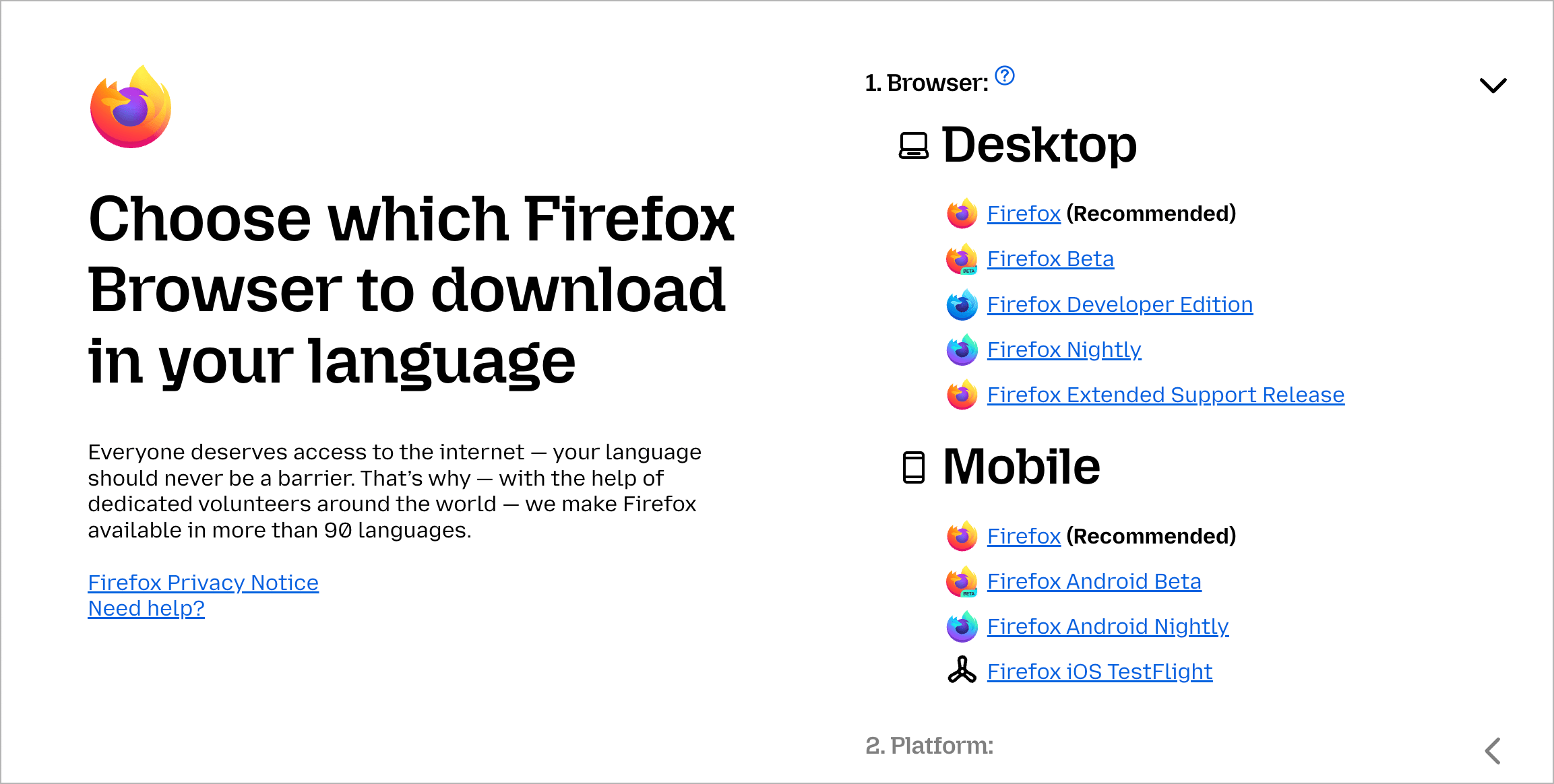
- Visit the Firefox Installer Download Page.
- Select an edition: Stable, Beta, Developer Edition, Nightly, or ESR build.
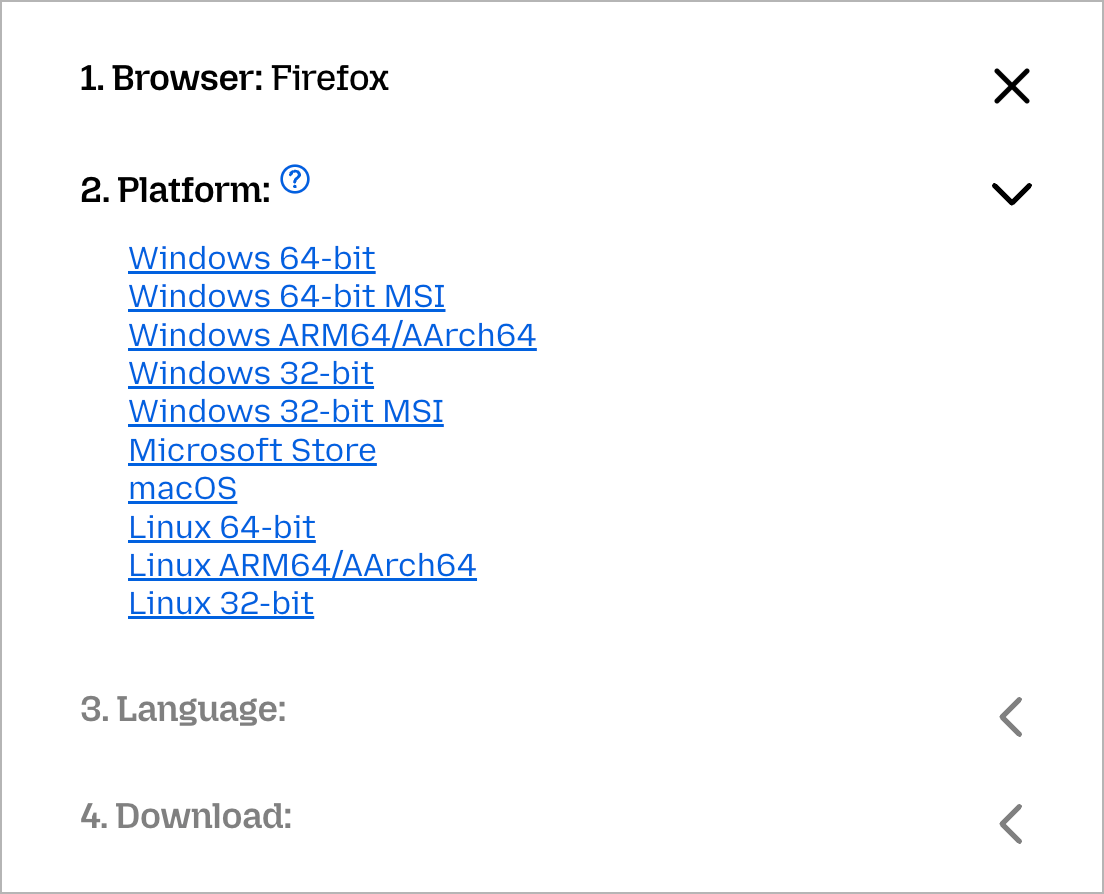
- Choose your preferred OS: Windows 64-bit, Windows 32-bit, Windows ARM64, macOS, Linux (32/64-bit, ARM64)
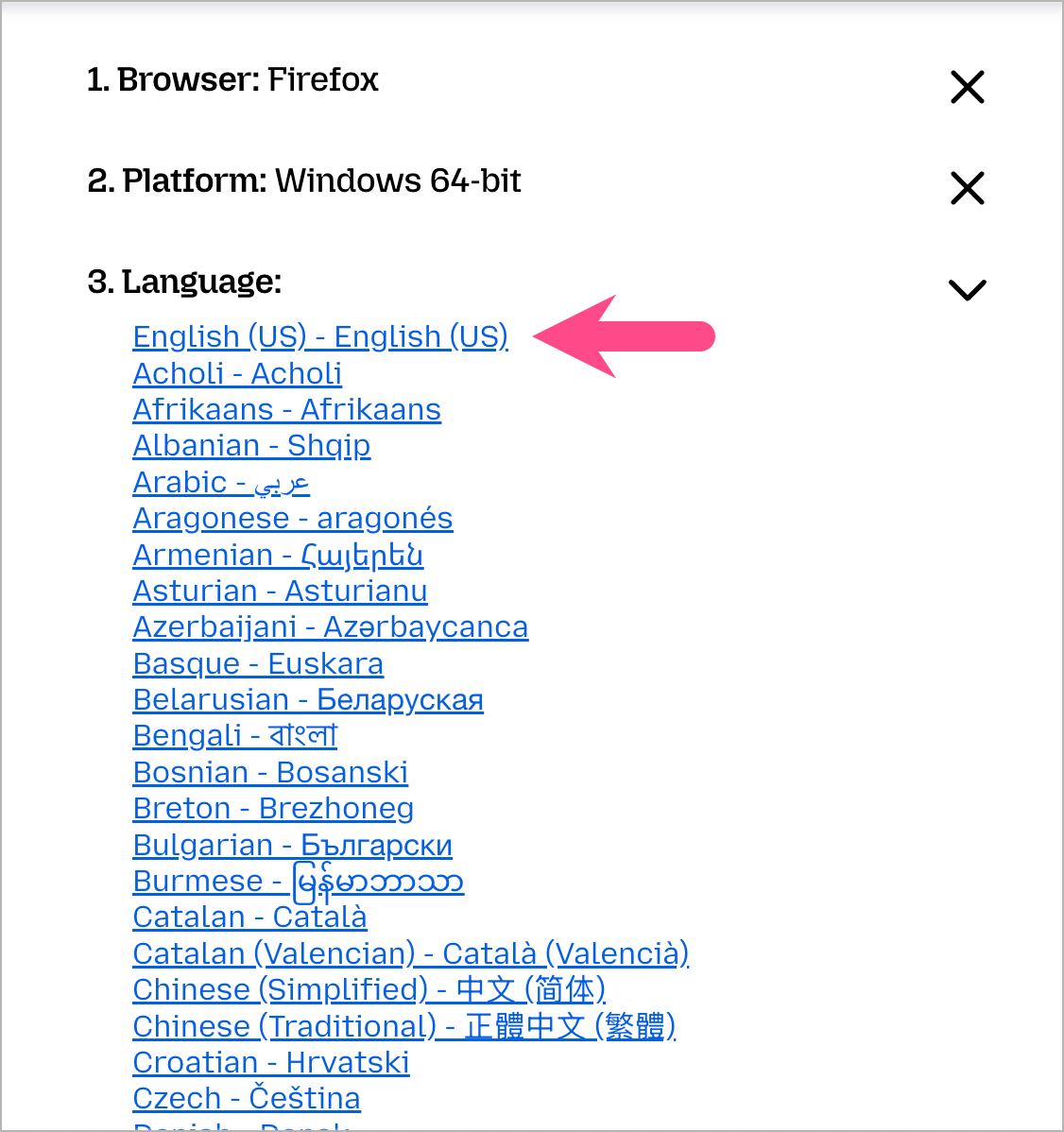
- Choose from more than 90 languages.
- Click Download Now to get the full installer package.
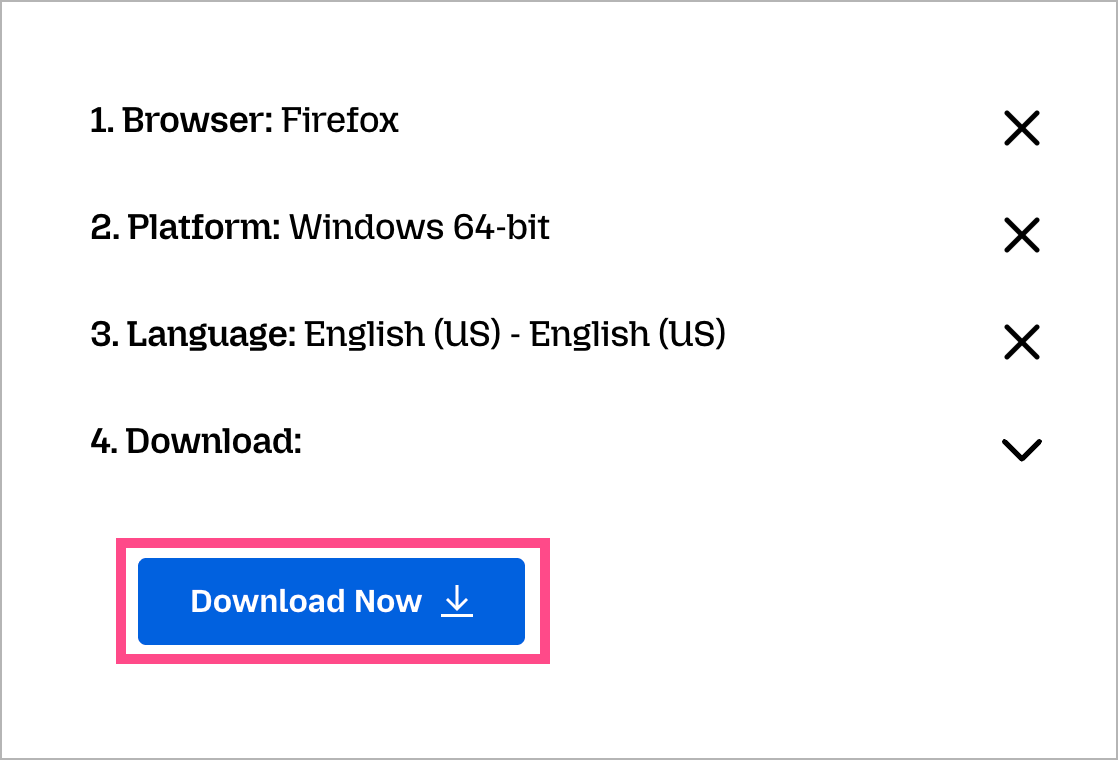
Once downloaded, use the EXE or MSI installer to quickly install Mozilla Firefox offline on multiple PCs.
RELATED TIPS:
Looking for offline installers of other popular software? Check these out:








