Adobe Acrobat Reader is Adobe’s free PDF reader for Windows and macOS. While Adobe normally provides a web installer, many users prefer the offline installer because it contains the full setup package and can be reused on multiple computers without downloading the installer again.
This guide provides direct download links for the latest Adobe Acrobat Reader offline installer, including 64-bit and 32-bit versions for Windows and the installer for macOS. You’ll also learn how to download the standalone installer directly from Adobe’s official website.
Download Adobe Acrobat Reader Offline Installer (Direct Links)
The links below download the full Adobe Acrobat Reader standalone installer directly from Adobe’s servers.
Adobe Acrobat Reader Offline Installer for Windows
Windows 11 and Windows 10 (64-bit)
- File size: ~800 MB
- File name:
AcroRdrDCx642600121789_MUI.exe - Download Adobe Acrobat Reader Offline Installer (64-bit)
Windows (32-bit)
- File size: ~680 MB
- File name:
AcroRdrDC2600121771_MUI.exe - Download Adobe Acrobat Reader Offline Installer (32-bit)
Note: MUI stands for Multilingual User Interface and includes multiple supported languages in a single installer.
Adobe Acrobat Reader Offline Installer for Mac
macOS 12 or later (Universal Installer)
- File size: ~682 MB
- File name:
AcroRdrDC_2600121789_MUI.dmg - Download Adobe Acrobat Reader for Mac
The universal macOS installer can be used on supported Macs with Apple silicon or Intel processors.
Note: The links above point directly to files hosted on Adobe’s official servers. Since Adobe releases new Acrobat Reader builds regularly, the version number and download links on this page are updated when a newer offline installer becomes available.
How to Download Adobe Reader Offline Installer from Adobe
If you prefer to choose the operating system, language, and installer version yourself, you can download the Acrobat Reader standalone installer from Adobe’s official distribution page.
- Go to Adobe’s Acrobat Reader distribution page.
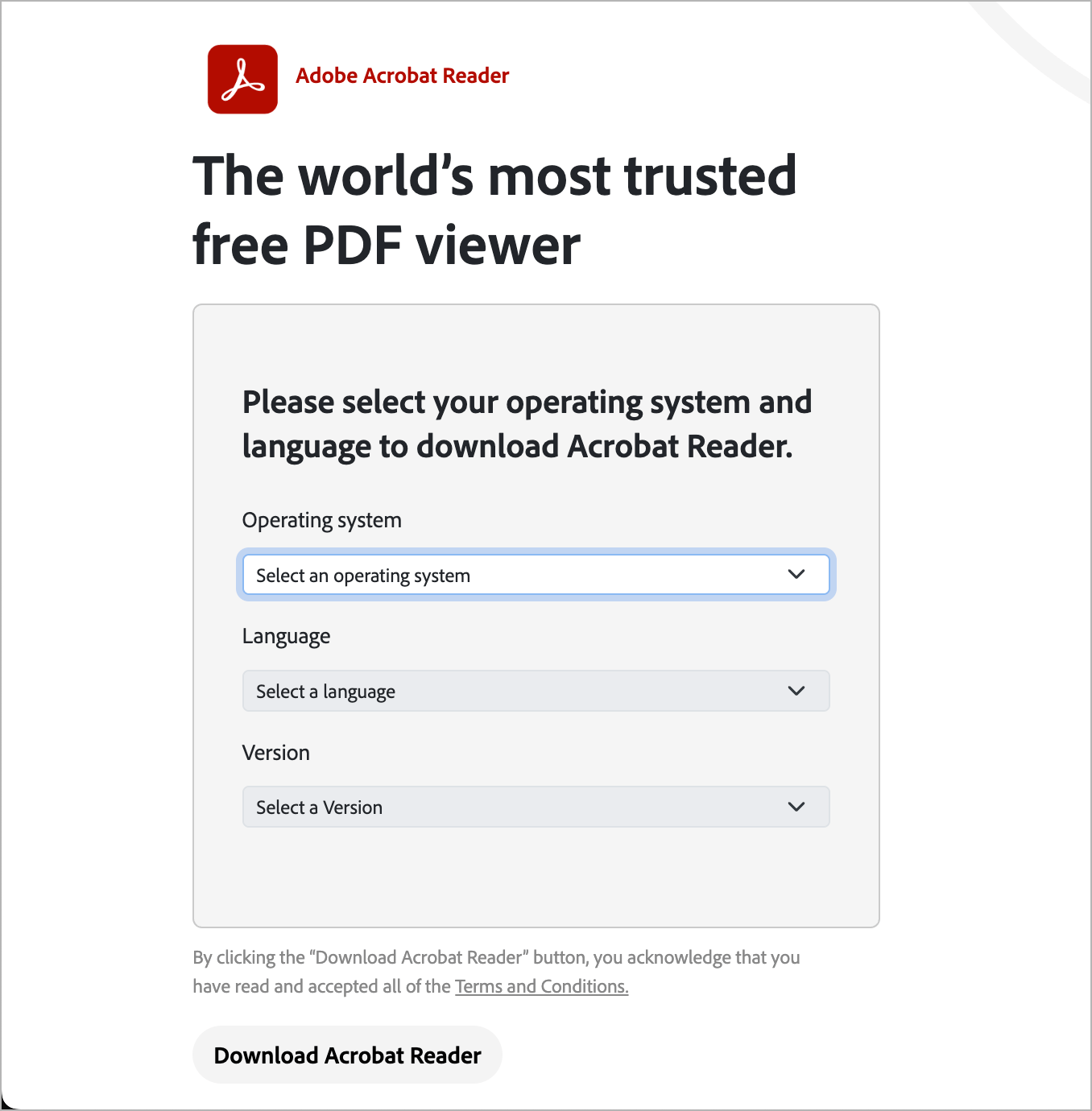
- Select your Operating System.
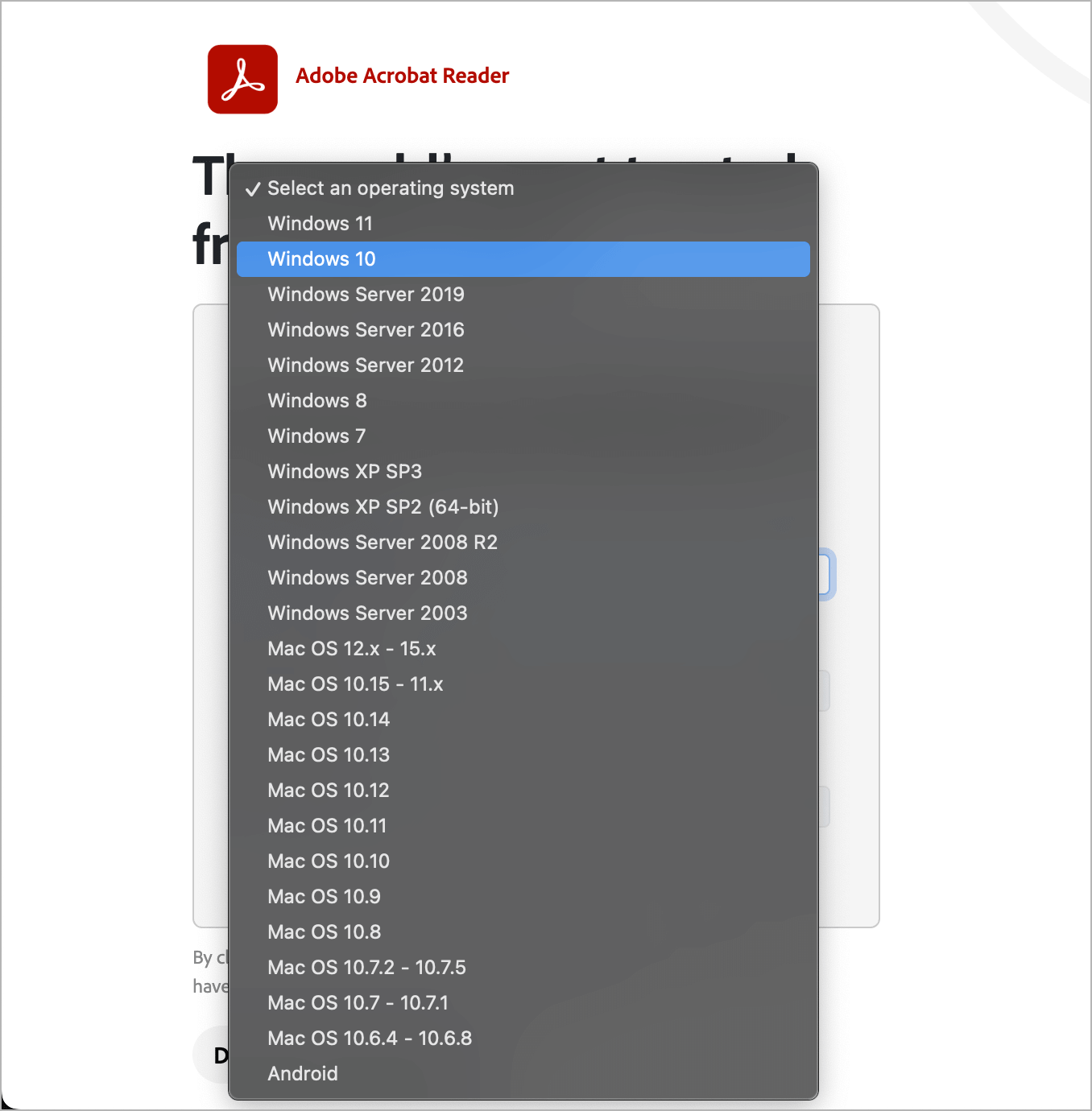
- Choose your preferred Language. Select the MUI option if you want the multilingual package.
- Select the available 32-bit (x86) or 64-bit (x64) version for your system.
- Click Download Acrobat Reader to download the standalone installer.
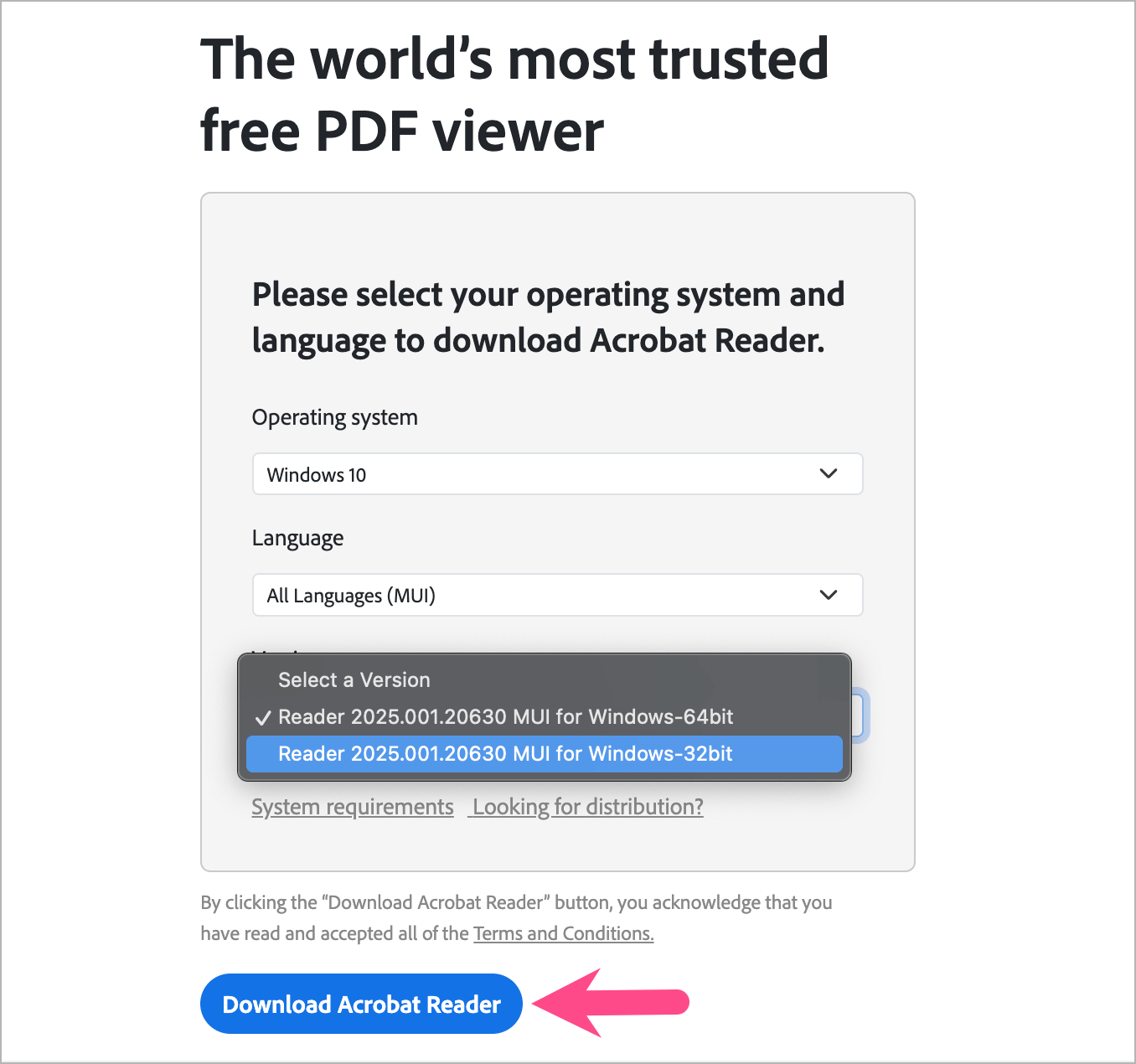
Once downloaded, you can keep the installer and use it to install Acrobat Reader without downloading the setup again.
Why Use the Adobe Reader Offline Installer?
Unlike Adobe’s web installer, the offline installer is a complete standalone setup package. It is particularly useful when you want to:
- Install Acrobat Reader without downloading additional setup files during installation.
- Install Reader on multiple computers using the same installer.
- Keep a local copy for reinstalling Acrobat Reader later.
- Deploy Acrobat Reader across multiple PCs in a business or IT environment.
- Use the multilingual MUI package when multiple languages are required.
For a single computer with a reliable internet connection, Adobe’s regular web installer is generally sufficient.
Download Older Versions of Adobe Reader
Older versions of Adobe Reader may be needed for legacy systems or specific compatibility requirements.
For example, the following standalone installer is available for older Windows systems:
- Adobe Reader 11.0.8.4 for Windows XP SP3/SP2 64-bit & 32-bit – Download EXE (73.4 MB)
Warning: Older versions of Adobe Reader no longer receive current security updates and aren’t recommended for everyday use, particularly on internet-connected computers. Use the latest supported version whenever possible.
Related Guides
- Download Google Chrome Standalone Offline Installer
- Download Microsoft Edge Offline Setup (Latest Version)
- Download Mozilla Firefox Offline Installer