You can set up a home server, but you have no idea what to buy for your anniversary. Good news: you do not need to buy much. Years of chats, photos and shared playlists are sitting on your phone, and that is better raw material than anything in a gift shop.
Each project below turns that data into something your partner can hold, hear or tap. Most take an evening, several are free, and none of them need more skill than following a how-to.
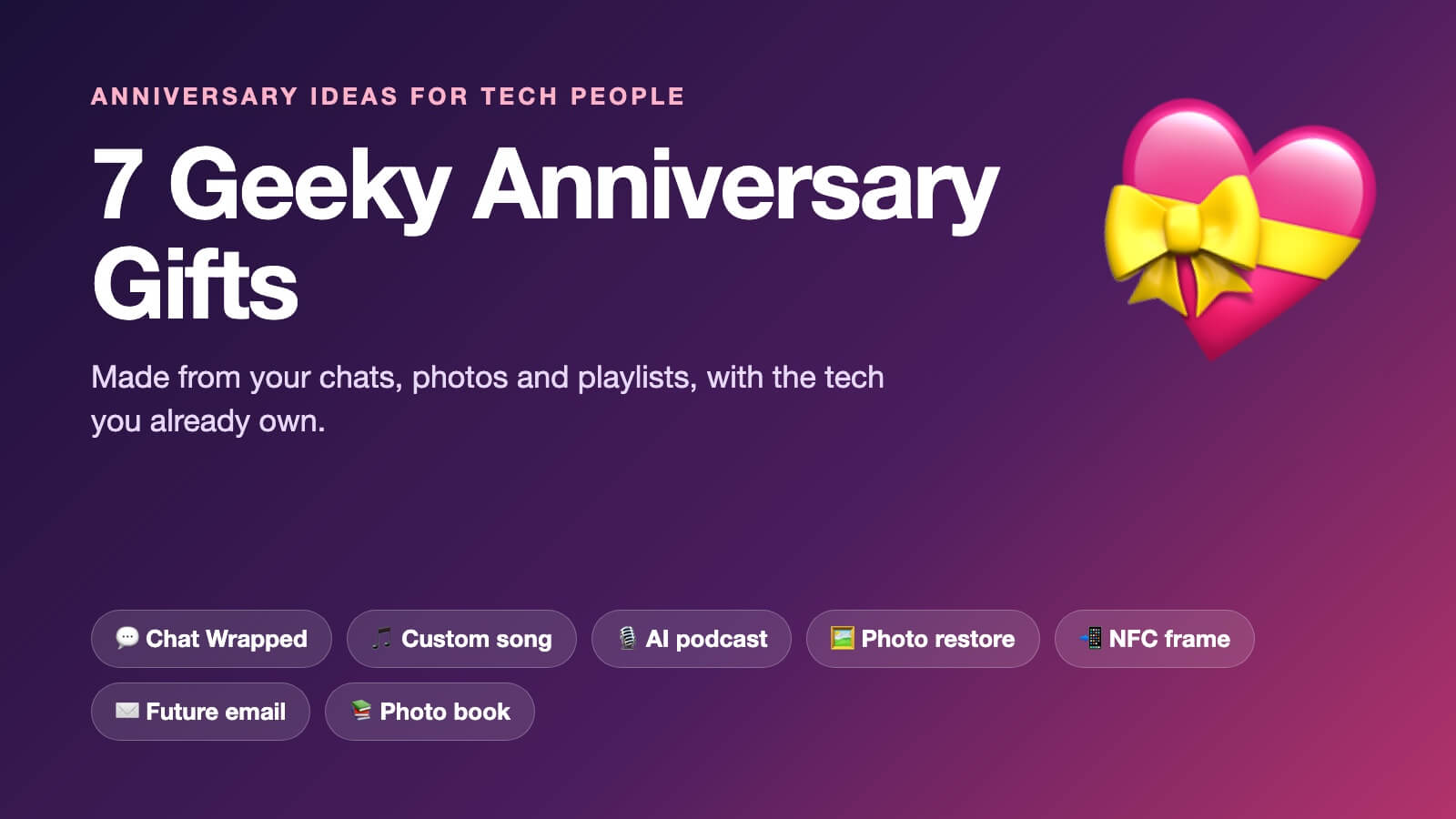
Geeky Anniversary Gifts You Can Make Yourself
1. A “Wrapped” of Your WhatsApp Chat
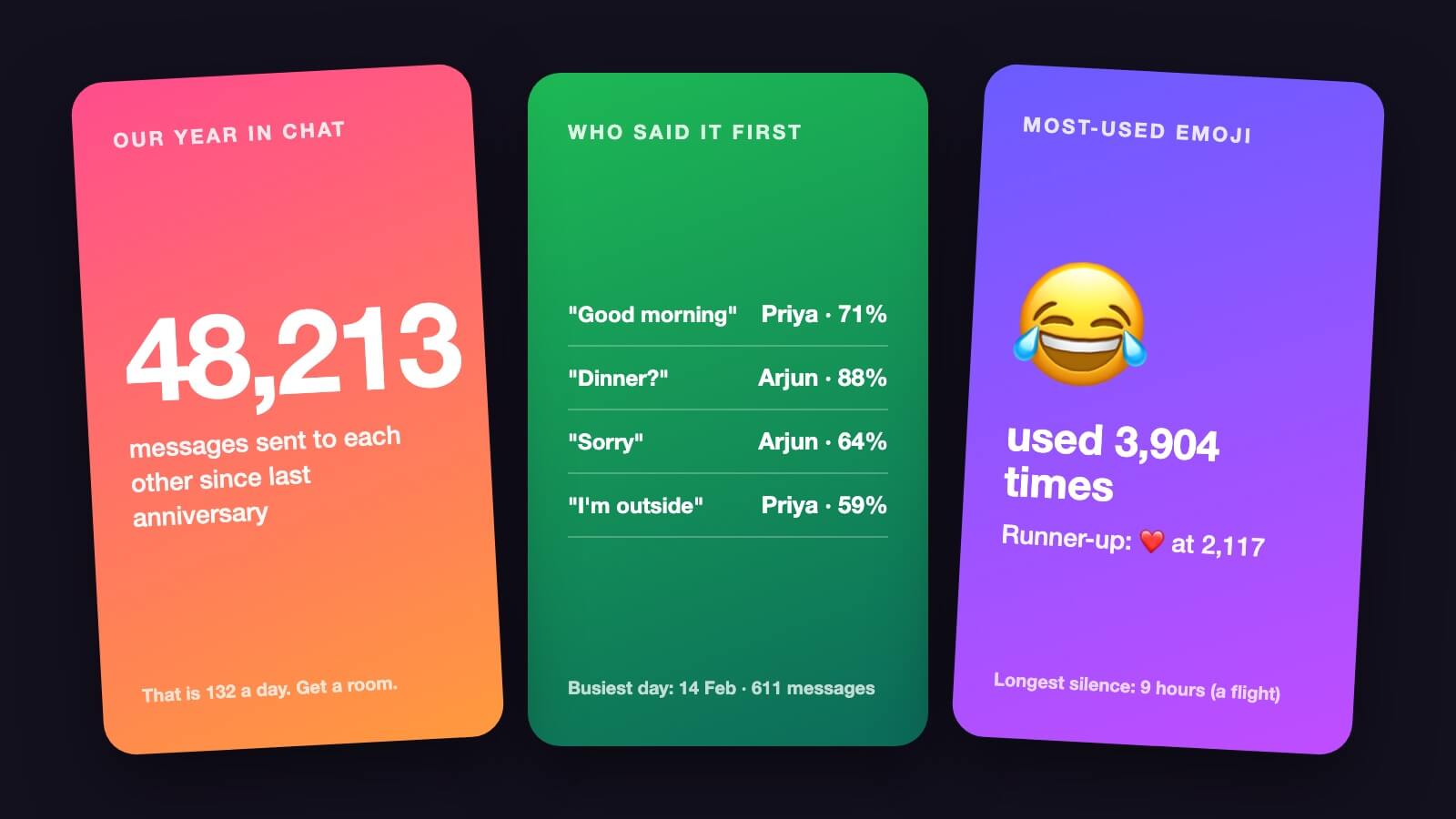
Spotify does it for your music, so do it for your relationship. Open your chat with your partner, go to More options > More > Export chat (on iPhone, tap the contact name and choose Export chat), and pick Without media. You get a plain text file of your whole history.
Upload that file to an AI assistant such as ChatGPT or Gemini and ask for the numbers: total messages, the busiest day, who says “good morning” first, your most-used emoji, and the longest stretch of silence. Put the best six on Wrapped-style cards in Canva. One caution: this is a private chat, so check the assistant’s data settings before you upload it.
2. A Personalized Song Written About the Two of You
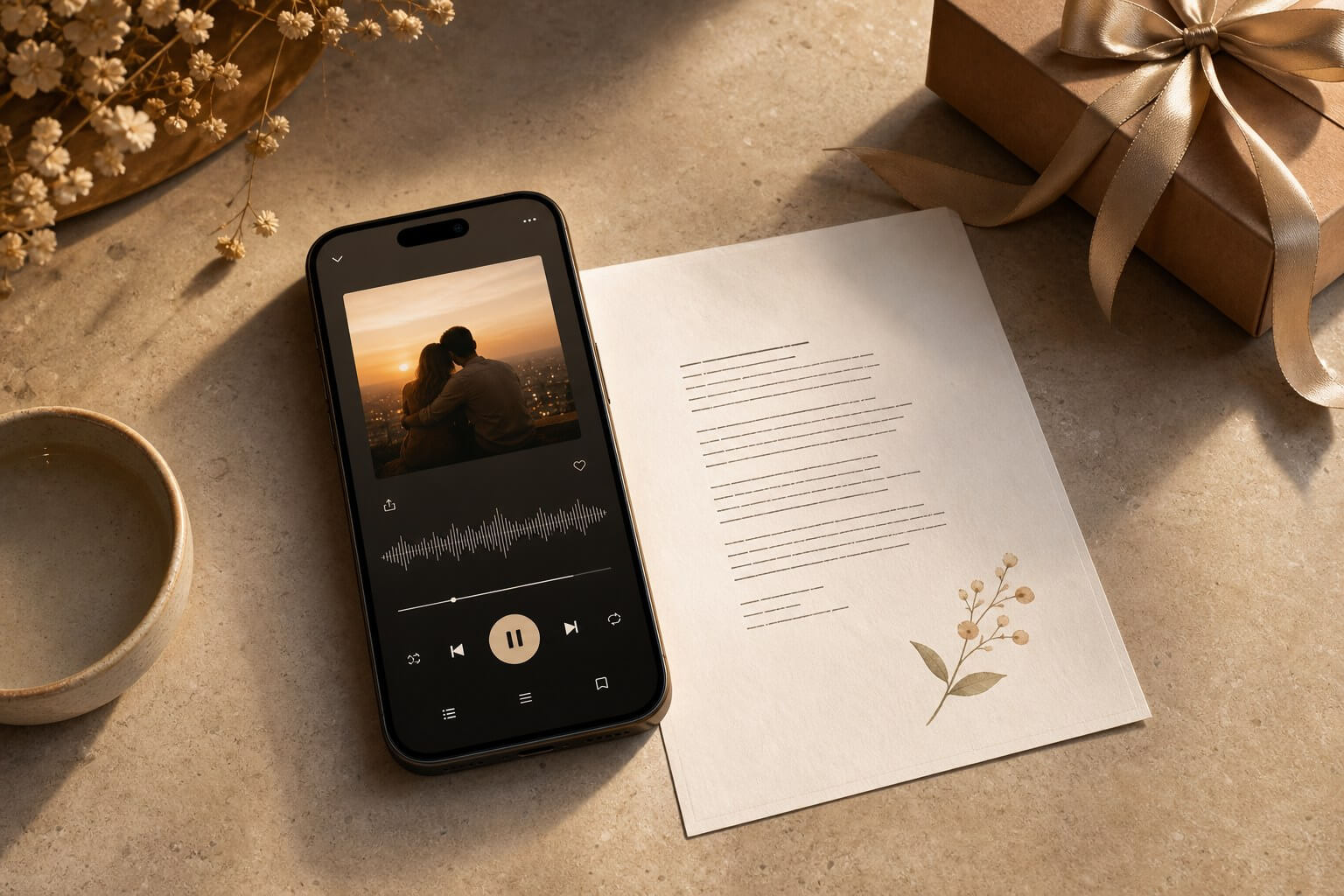
This is the one item on the list worth handing to a service. Song Tailor asks six short questions, such as names, how you met and the memories you want in the lyrics, and turns the answers into an original anniversary song in the style you pick.
It uses AI tools for the lyrics, music and vocals, but you stay in charge of the words. After checkout you get a lyric draft to edit line by line, and nothing is produced until you approve it. The song arrives as an MP3 with a private reveal page. It costs $39 with delivery in 48 hours, or $89 for delivery within an hour of approving the lyrics. The facts you dug up in project 1 make very good lyric material.
3. A Podcast Episode About Your Relationship
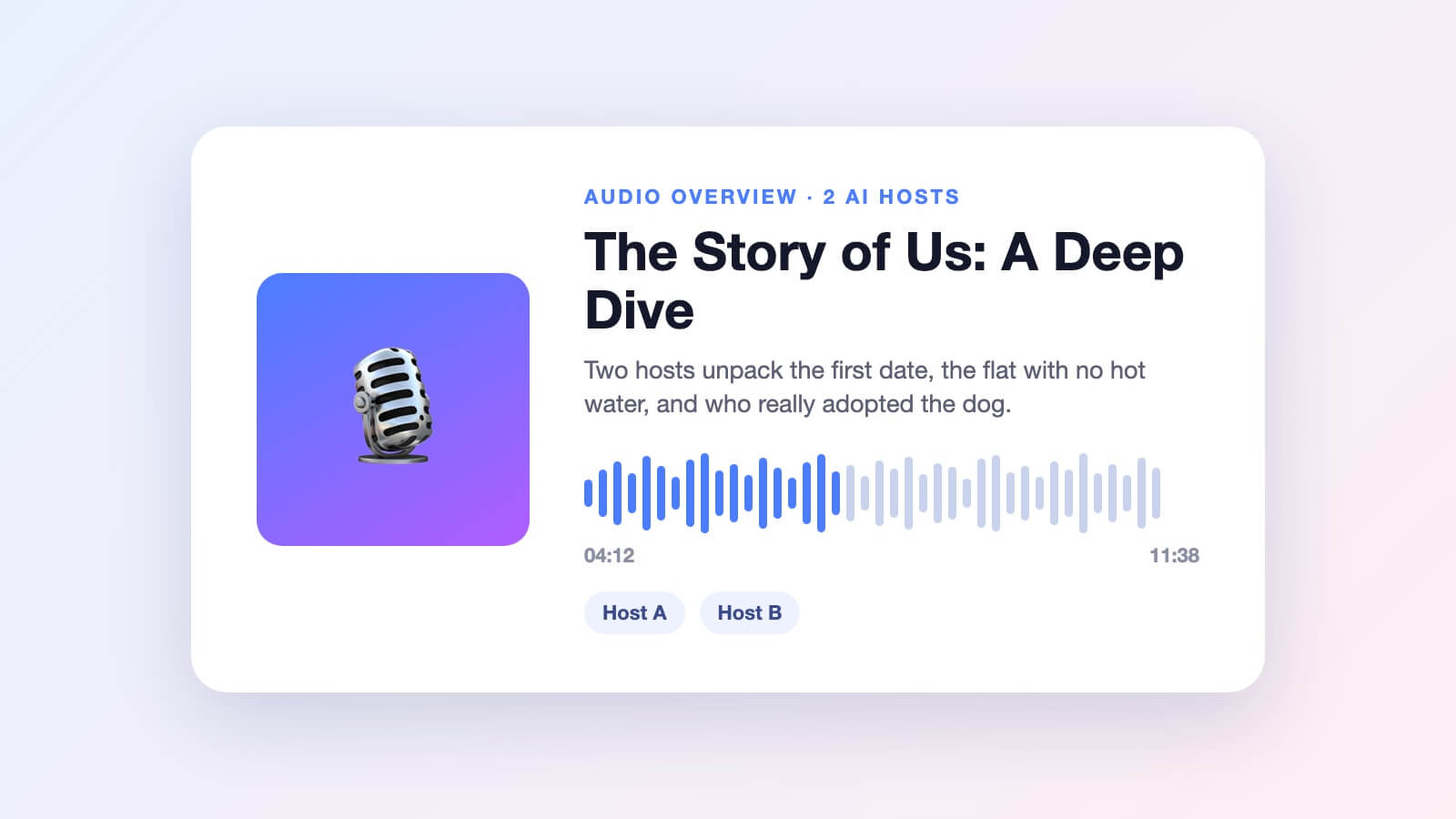
Google’s Gemini Notebook can turn any document into a podcast-style conversation between two AI hosts. Write your story in a Google Doc: how you met, the worst date, the move, the dog, the running jokes.
Before you generate, use the customise option to tell the hosts what to focus on and what tone to take. A few minutes later you have two very earnest presenters analysing your relationship like it is breaking news. It is free with a Google account, and it is funnier than it has any right to be.
4. Your Parents’ Wedding Photo, Restored
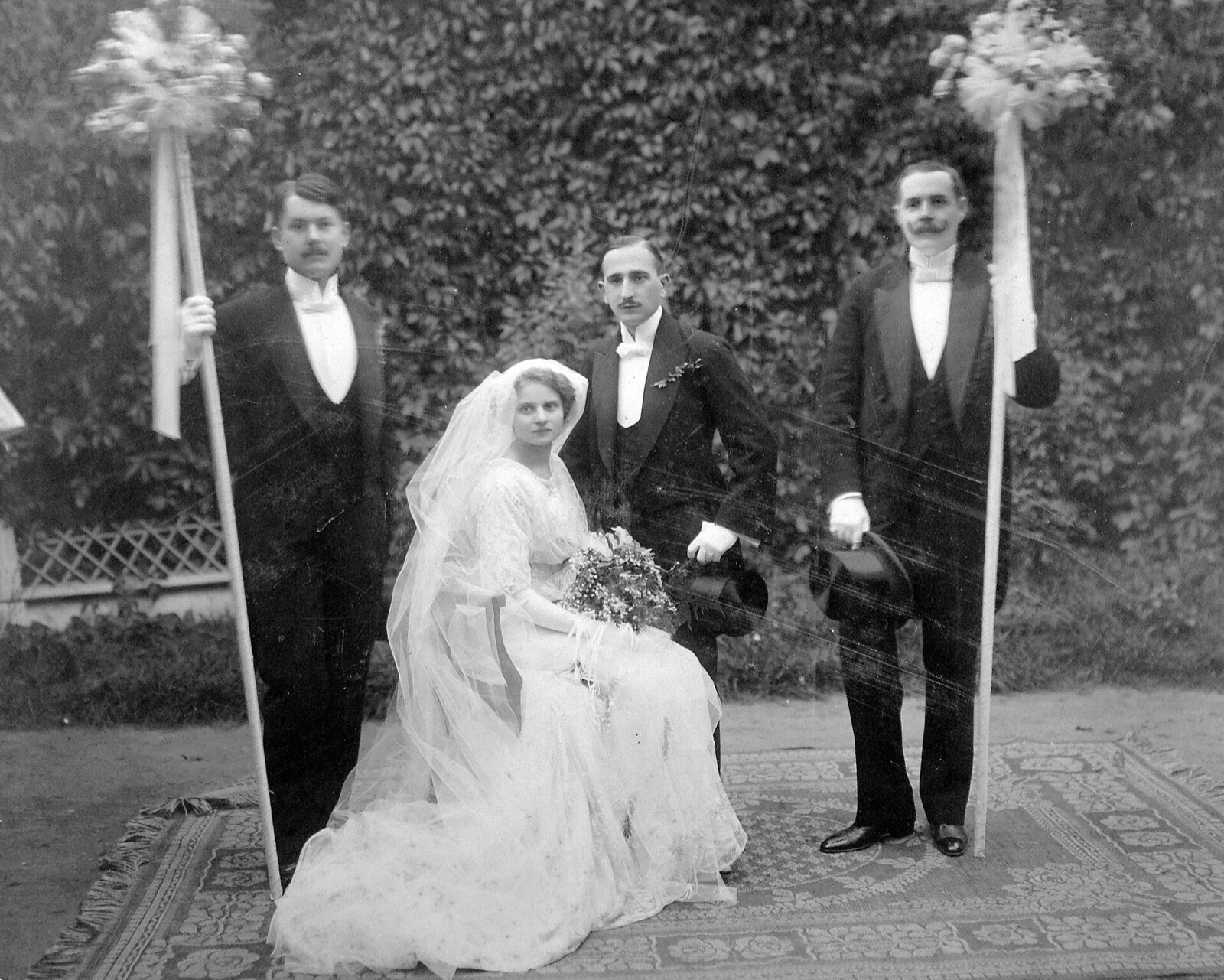
This one is for your parents’ or grandparents’ anniversary. Scan or photograph the old wedding picture, upload it to the Gemini app and type something like “Restore and colorize this photo without changing any detail.” The scratches and fading go, and the colour comes back. Google has published its own tips for image editing in Gemini, including a restoration example.
Remember that the colours are the AI’s best guess, so ask someone who was there what colour the sari or the suit really was and correct it with a second prompt. Then get it printed and framed. A restored print means more than the file.
5. A Photo Frame That Plays Your Song When Tapped
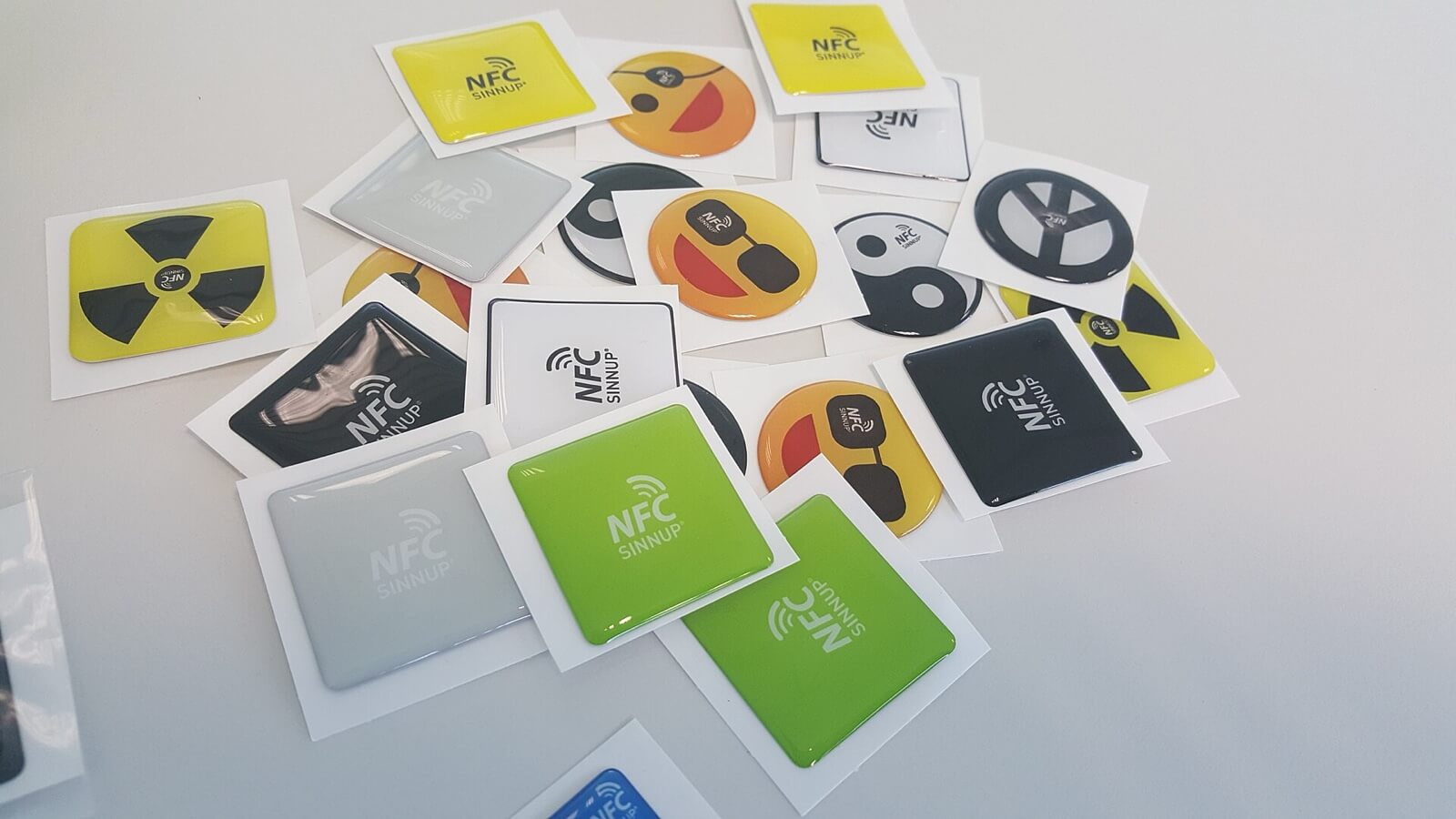
NFC stickers cost very little, and a pack of NTAG215 tags is easy to find online. Install the free NFC Tools app on Android or iPhone, add a URL record with the link to your song or playlist, and hold the sticker to your phone to write it. Adafruit has a clear guide to scannable NFC links if you want the details.
Stick the tag behind a framed photo or inside a card. When your partner taps their phone on it, the link opens with no app needed on their side. It is the simplest project here and it gets the biggest reaction.
6. An Email From This Year to Next Year
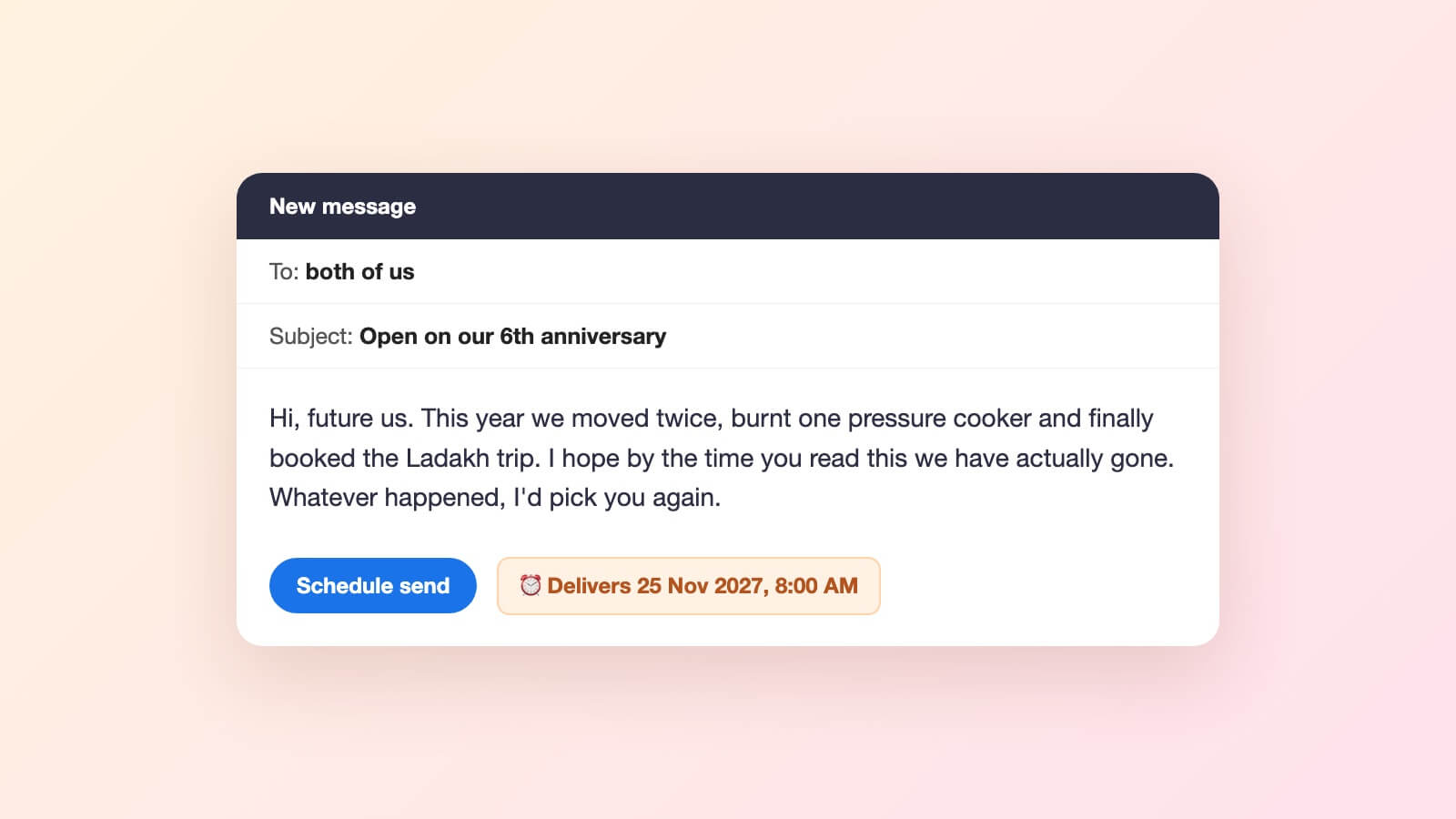
Write a letter about the year you just had: what went right, what you survived, and what you hope has happened by the time it is read. Then schedule it to arrive on your next anniversary.
Gmail’s Schedule send lets you pick a date years ahead, and FutureMe is a free service built for exactly this. Do it every year and you end up with a time capsule that delivers itself.
7. A Wedding Photo Book With a Hidden Soundtrack
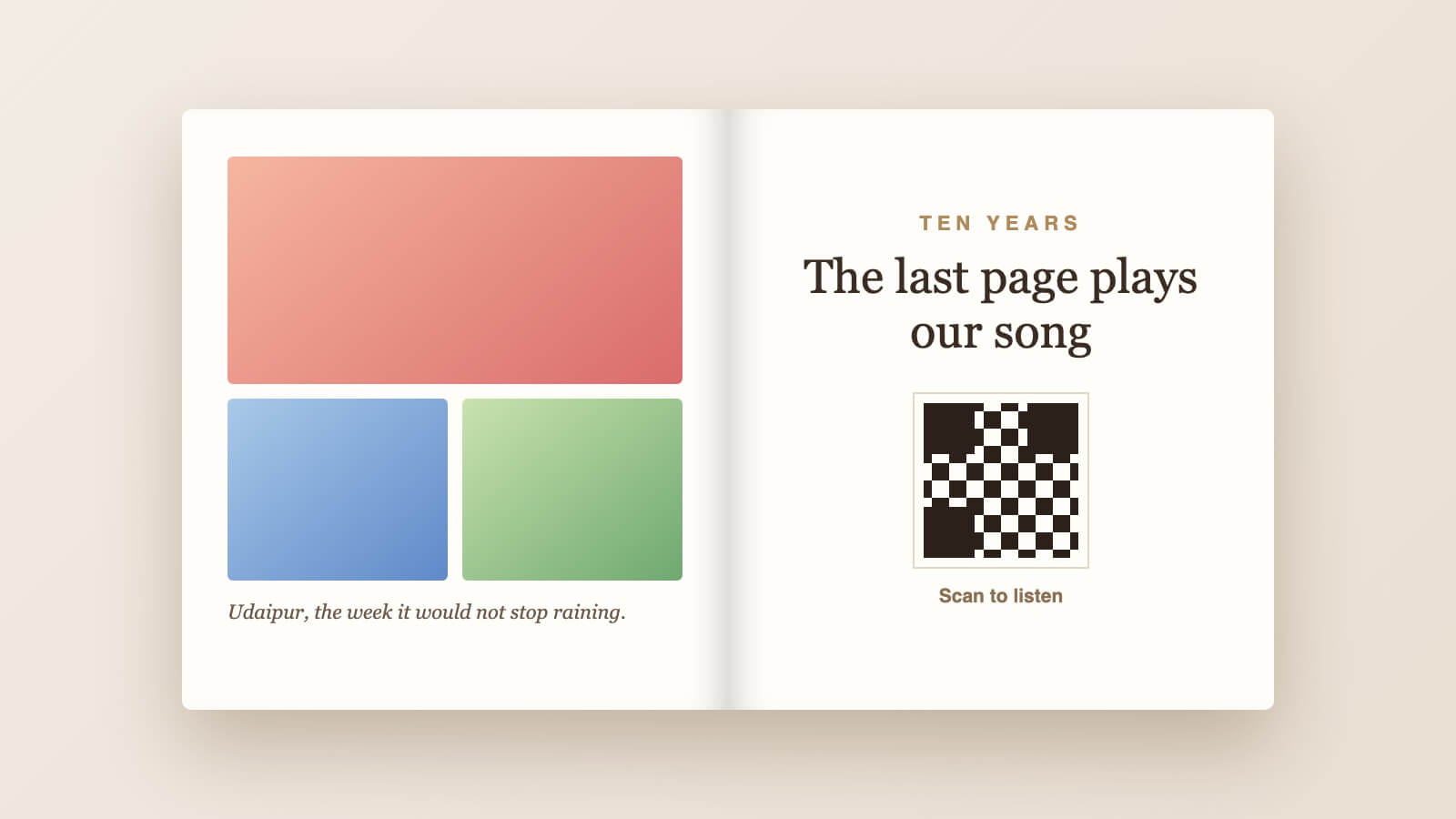
Your wedding photos are probably still in a cloud folder nobody opens. Mixbook’s wedding photo books turn them into a printed album. You pick one of more than 80 wedding themes, upload your photos and arrange them in a drag-and-drop online editor, and you can switch themes halfway through without starting again.
Books start at $14.99, with softcover, hardcover and layflat bindings, and the final price depends on the size, paper and binding you choose. Here is the geeky part: make a QR code that links to your song or playlist and place it on the last page as an image. Put the restored photo from project 4 on the first page, and the book opens with your parents’ wedding and closes with your own soundtrack.