


Windows 8 Developer Preview is now available to everyone and you can try it for Free, on both 32-bit and 64-bit machines. Now if you want to install Windows 8 alongside Windows 7, then dual-boot is the way to go or you can consider installing it on VMware or Virtual Box. This way you won’t hurt Windows 7 and continue to test Windows 8.
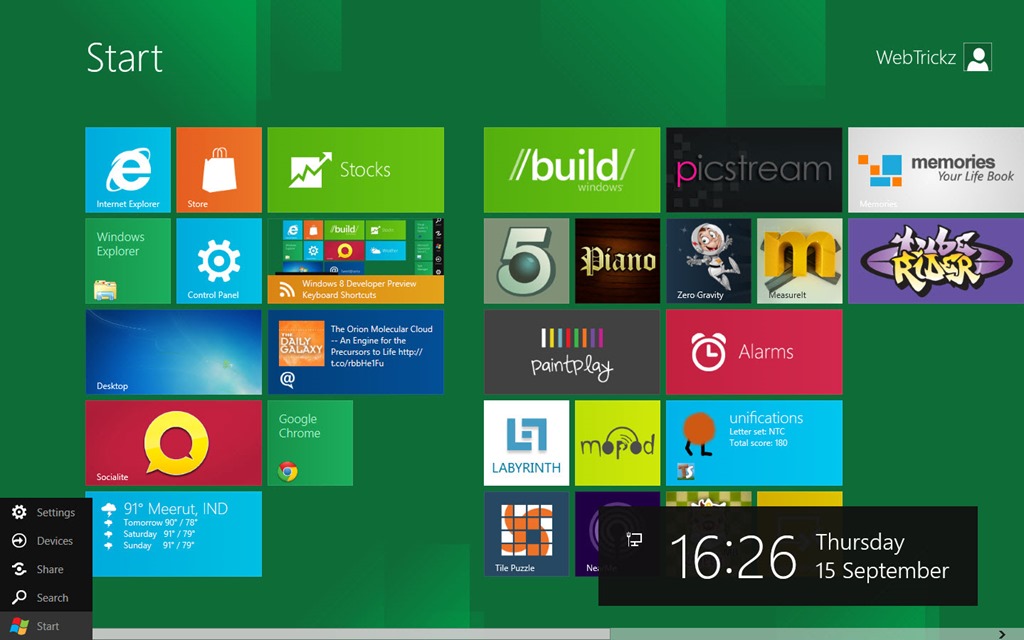
According to Microsoft, Windows 8 requires a clean install and you can’t install it over Windows 7 installation. Well, that’s true and it’s not possible to install Windows 8 on any other partition (like D drive) because the graphical installation interface doesn’t show an option to choose a secondary partition. By default, it’s set to install Windows 8 preview on your system partition (i.e. C drive aka Windows 7 partition).
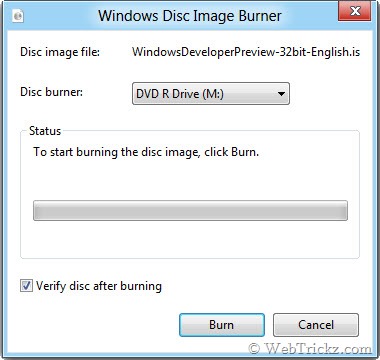
However, you can easily install both Windows 7 and Windows 8 side by side using the old traditional method. To do so, Download Windows 8 (Developer Build) and verify the SHA 1 checksum before burning the ISO to a DVD. To Burn Windows 8 ISO in Windows 7, just right-click on the ISO file and select ‘Burn disc image’. Tick the Verify option and Burn.
If your motherboard supports booting from USB, then you can also choose to ‘Create a Bootable USB flash drive of Windows 8 (process mentioned here).
How to Install Both Windows 8 and Windows 7 in a Dual Boot –
Following this guide, you can ‘dual boot Windows 8 and Windows 7’ with Windows 7 installed first. This case is applicable for users who have Windows 7 pre-installed on ‘C’ and want to install Windows 8 on their ‘D’ partition.
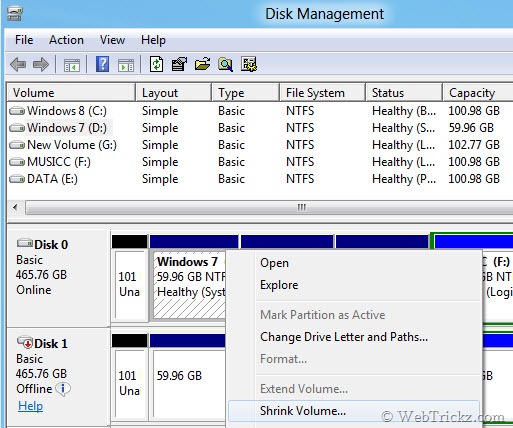
1. Create a new partition “D” on your hard drive. In Windows 7, you can use “Disk Management” to create a fresh new partition by Shrinking the C volume and leaving a free space of at least 20GB for Windows 8 partition. Alternatively, you can use ‘Free EaseUS Partition Master 9.1 Home Edition’ to manage and create a new partition.
2. Insert the Windows 8 DVD in the drive or attach Bootable USB media. Then reboot the PC. Enter BIOS (hit Delete as PC starts) and make sure it’s set to boot from a DVD drive or USB. Hit any key when the “Press any key to boot from DVD….” message appears.
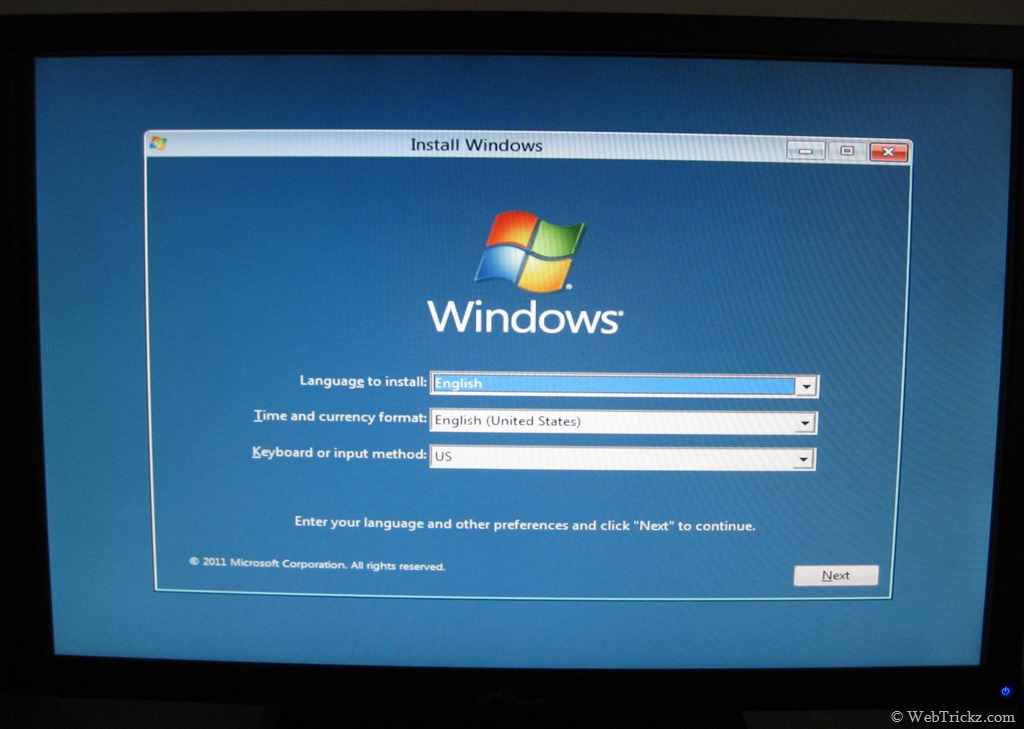
3. Setup will start loading files and the “Install Windows” screen will pop up as shown. Choose the preferred language, time, and keyboard. Click Next.
4. Accept the license terms (I’m sure you won’t read that document).
5. Select the Custom (advanced) option. Now, carefully select the ‘D’ partition or any other partition (except C) on which you desire to install Windows 8. Go to ‘Drive options’ and Format it if you haven’t done that before. Note: The selected drive will be wiped.
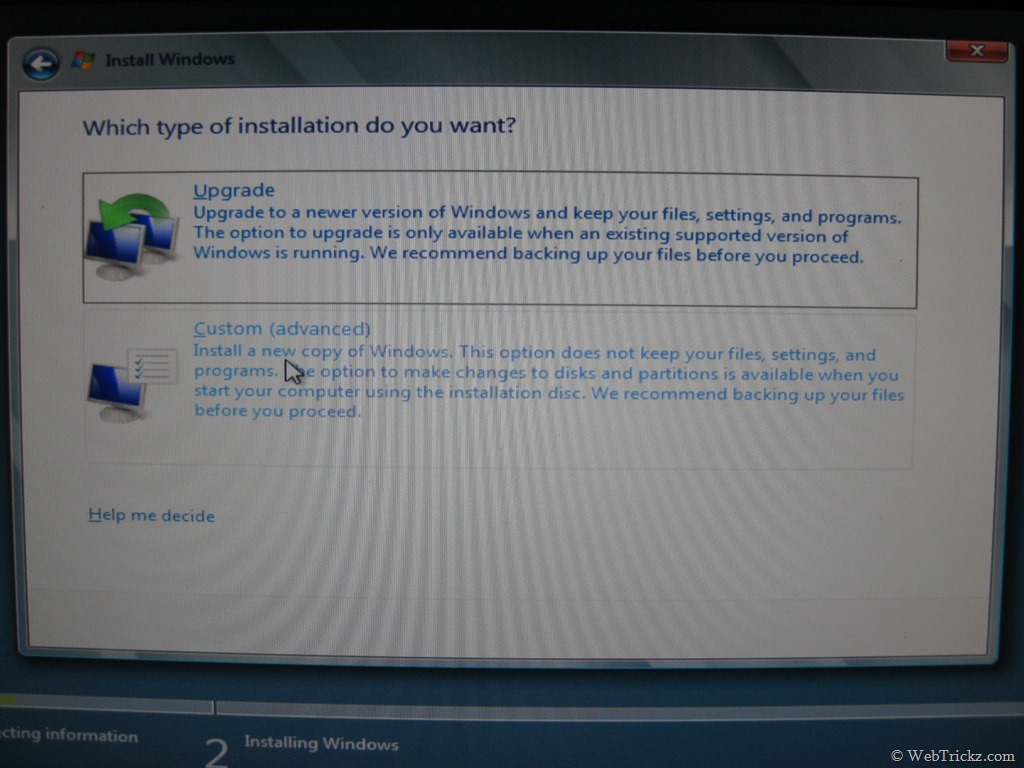
Click Next and wait for around 15 minutes for the installation to be completed. Upon restarting, you will notice a cool Graphical bootloader with the option to choose an operating system. Choose one between Windows Developer Preview and Windows 7.
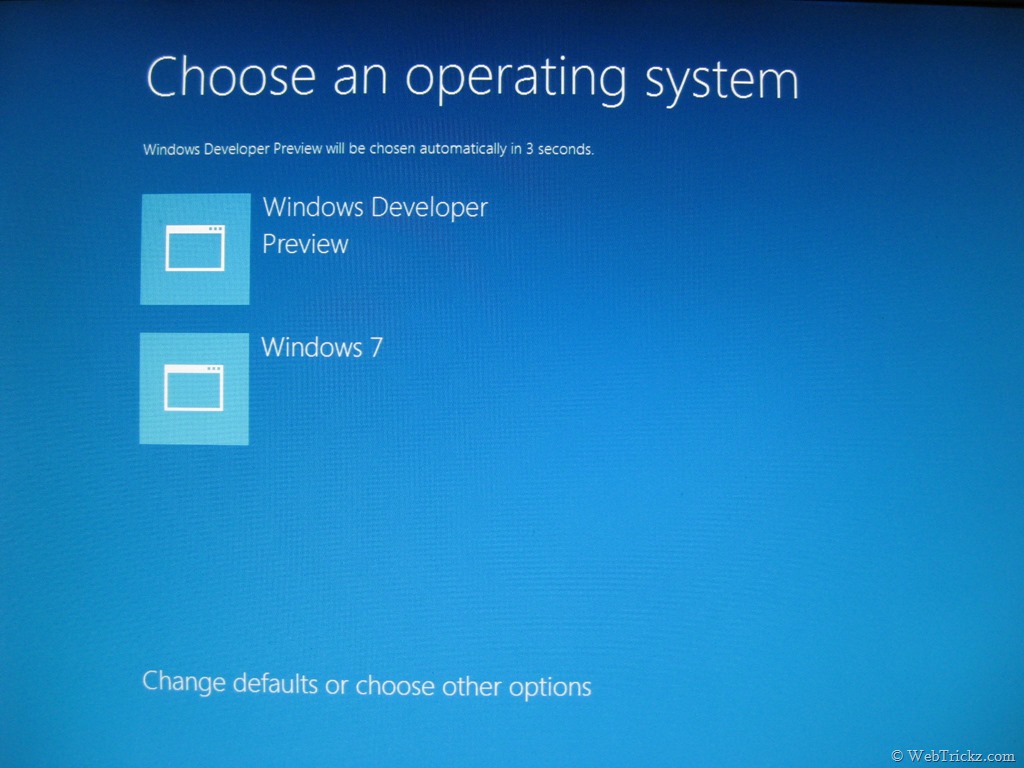
By default, Windows 8 is set to automatically boot after a timeout of 30s. There is also an option at the bottom to ‘Change defaults or choose other options’.
Enjoy and explore Windows 8! Do share your views here.









You are a real innovative man. I will try win 8 when I have time to ruin my win7 and ubuntu installation.
Here’s another way to do it by booting from VHD. No re-install of Windows 7 necessary.
http://blog.concurrency.com/infrastructure/dual-boot-windows-8-from-vhd-using-windows-setup/
Good. Btw.. where in the above guide it’s said that we need to re-install Windows 7?