


Many smartphones preferably phablets boasting a larger screen size usually offer a multi-window or split-screen functionality for the user’s convenience and better multitasking capabilities. Though this feature is indeed useful but at the same time it can turn annoying when not implemented properly. After using the Samsung Galaxy Note 5 for a fortnight, I was in love with the device coz of its looks, amazing display, and superb camera to name a few. But one thing that seriously irritated me from Day 1 was the multi-window mode on Note 5 which is so annoying that I instantly decided to turn it off. Don’t take me wrong, this feature on Note 5 with a 5.7″ display itself makes sense but not by compromising the user experience.
We’ve seen a similar feature in former Samsung flagships but the users had a choice back then, whether to enable it or not.. not anymore! Samsung rather decided to impose this functionality on its latest smartphones like Note 5, Galaxy S6, S6 edge, and S6 edge+. Earlier, users had the option to turn off multi-window mode from the quick settings toggle menu or settings but now you won’t find either of those options in the above-listed phones.


Why multi-window is annoying? There are 2 modes of multi-window (in the case of Note 5) – First that allows you to have two apps open on screen simultaneously by long-pressing the recent apps key and choosing them. Second is the pop-up view that shrinks the app into a floating window, allowing you to resize, expand and close it. The annoying situation is when an app switches to pop-up view by swiping diagonally from the top corners and one tends to accidentally minimize the apps while swiping down to access the notifications area. This happens very often and above that Samsung has deprived us of a way to get rid of it. Strange indeed!

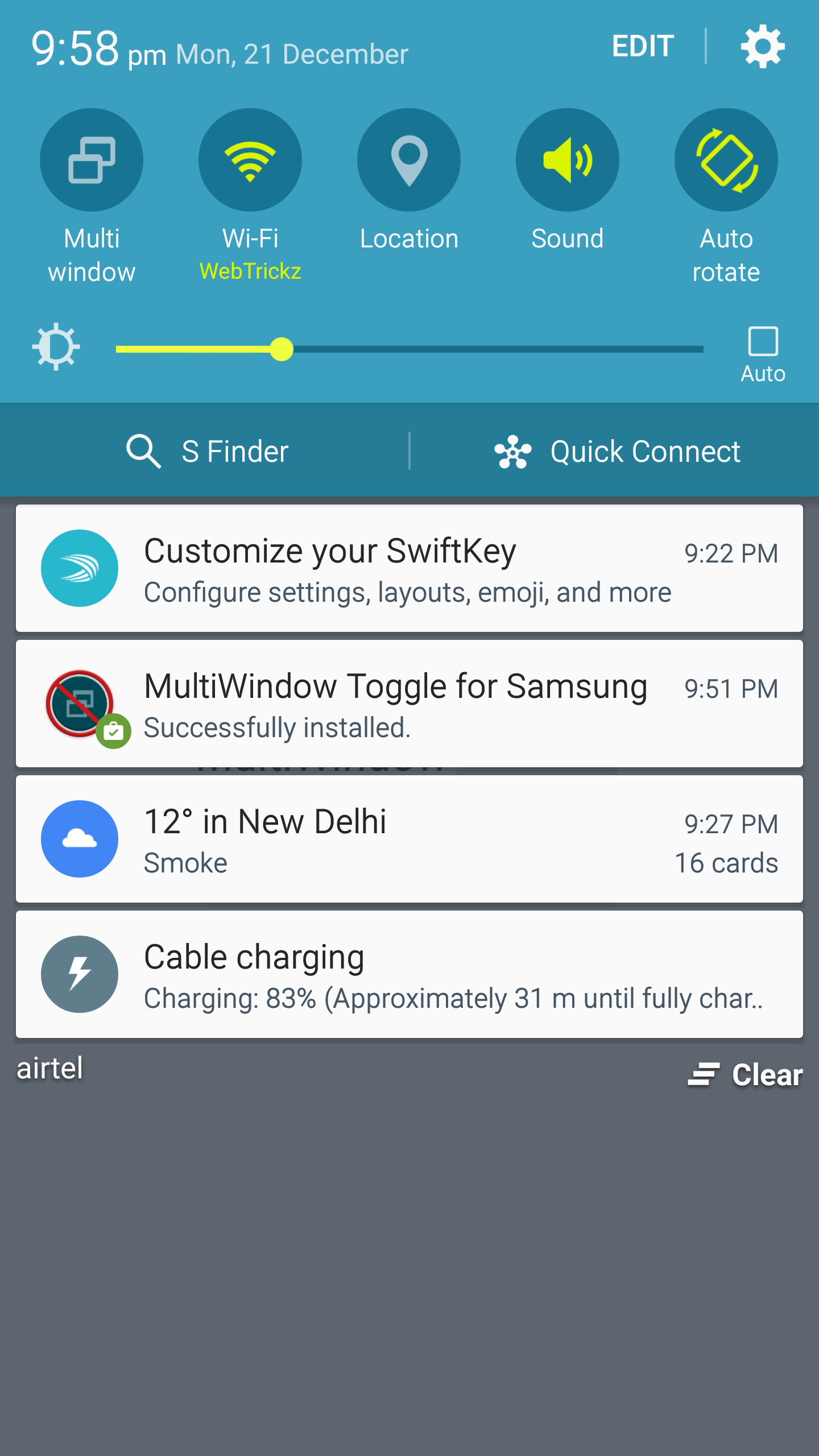
FIX – Worry not, there is an easy workaround to deactivate the pop-up gesture on Note 5 that works with other Samsung devices as well. There is an app “MultiWindow Toggle for Samsung” available on Google Play that allows you to turn the multi-window mode off/on using a toggle button. It also has an option for adding the Multi window Quick Toggle to the notification drawer for quicker access. Doesn’t require root! The only downside here is that the app also disables the multi-window function besides the pop-up view and the setting doesn’t persist after a reboot. Despite these limitations, the app is a lifesaver and works like a charm.
Suggested Read: Samsung Galaxy Note 5 Review
Hope you found this tip useful 🙂










This App does not work on my Galaxy 6edge. I cannot use this phone now because of out of control pop up and opening of muliscreen views when I have not even chosen them. I will never by another Samsung it will be iphone for me in future. This is a very expensive unusable mobile for 2016 and those that sell it dont have clue about this problem.
I have to deal with the same problem with my s6 and this multi window toggle app doesn\’t work to stop it. So aggravating 10 minutes to type a message then s6 deletes it. Also never getting another Samsung same with iPhone though, sticking with android.
No one has the solution to stop toggle on off multi window keep blinking like we blinking our eyes every seconds…. its so annoying for samsung note 5….. no option to stop it from toggle every second.
As of at least 2021, MultiWindow Toggle is NO LONGER AVAILABLE .
This article is an OLD ARTICLE that has been REDATED and is NOT CURRENT.
The four year old comments don’t match the 2020 date.
Have you found a way to disable it?