


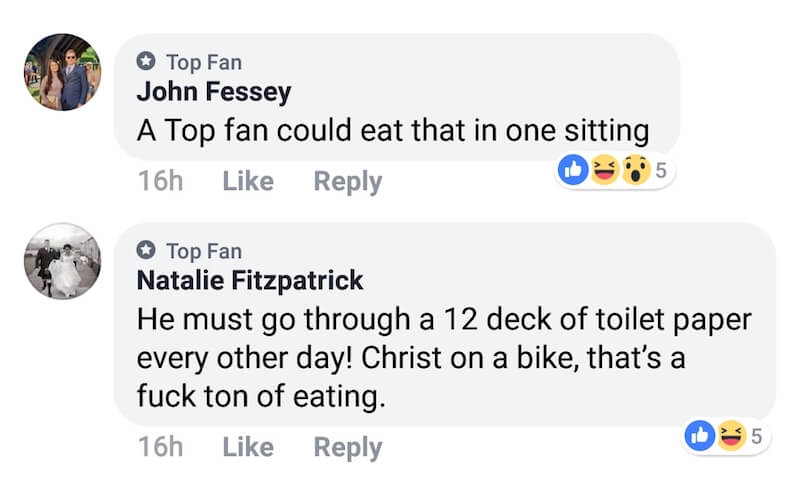
If you’re active on Facebook then you must have noticed the chatter about the top fan badge in Facebook’s comments section. That’s because several people commenting on Facebook pages have got a “Top Fan” badge and are bragging about it. While the rest are posting amusing comments and finding out ways to get the new top fan badge for their profile. For those unaware, Facebook introduced the top fan badge in the mid of 2018 and it now seems to be live for everyone.
What does a Top Fan on Facebook mean?
The new badges such as Top Fan, Sharrer, and Valued Commenter are often seen in the post comments of a Facebook page. A top fan badge, for instance, is displayed next to the user profile name along with a star symbol. This badge is Facebook’s way of recognizing the most active users, motivate them and increase page engagement. It’s a sort of reward or achievement that fans get by interacting the most and staying active on their favourite pages.
Moreover, getting a top fan status helps you stand out from all the people following a certain page on Facebook. Top fans also get a satisfactory feeling that their active engagement is being appreciated and giving them exposure. At the same time, it should be noted that the Top fans feature is only available on eligible pages and not on user profiles.
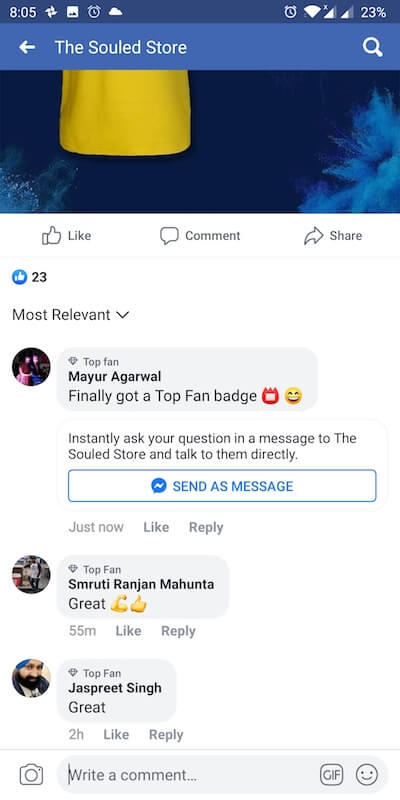
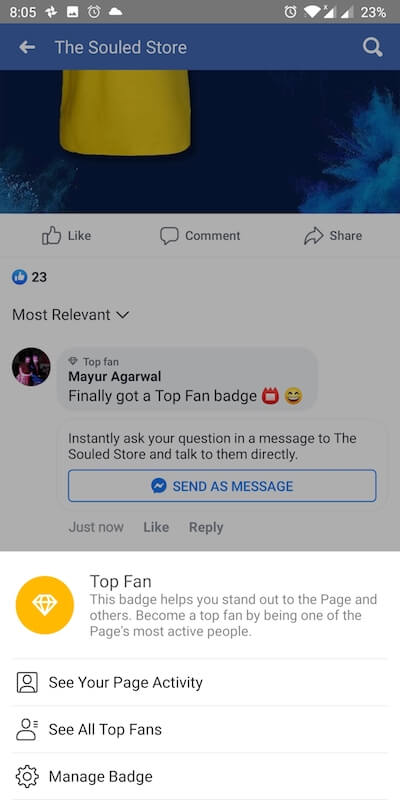

A top fan badge is certainly a great addition for both page admins as well as fans. A page admin can also view and track all the top fans on their page and connect with them through Messenger. The admin or page owner also has the right to remove the top fan badge for individual fans or simply disable top fan badges for their page.
Getting Top Fan badge on a Facebook page
There is no straightforward procedure to be a top fan on Facebook. In fact, it can be tricky to get a top fan badge and the criteria can vary from user to user. According to Facebook, you can become a top fan or top contributor by being one of the most active people on a page. For this, you have to interact a lot with a page by liking or reacting to a post, commenting, sharing, and watching the page’s videos.
However, doing so alone won’t guarantee your qualification for the top fan badge. For instance, there are users who became top fans just by liking the posts while those engaging via comments, sharing, etc. haven’t got it. To increase your chances, make sure you’re consistently active on a certain page. The higher the interaction, the more will be the chance to earn the badge. Also, you need to keep engaging with a particular page to maintain your top fan status.
ALSO READ: How to Find Your First Profile Picture on Facebook
Displaying the Top Fan badge
The top fan badge isn’t enabled automatically. Facebook first sends you an in-app as well as a push notification informing you that you have been recognized as one of the top fans on a certain Facebook page. To show off your top fan badge, tap the notification and select Okay. After this, the badge will appear next to your name whenever you interact with the page for which it is enabled.
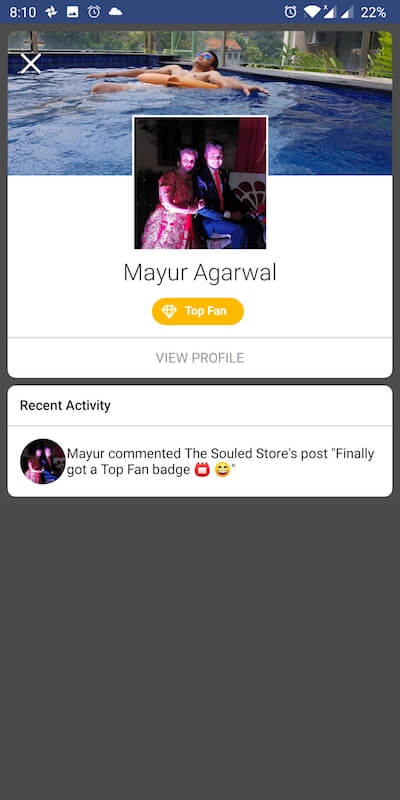
You can simply tap the “Top Fan” badge to see your page activity, see all top fans, and manage the badge.
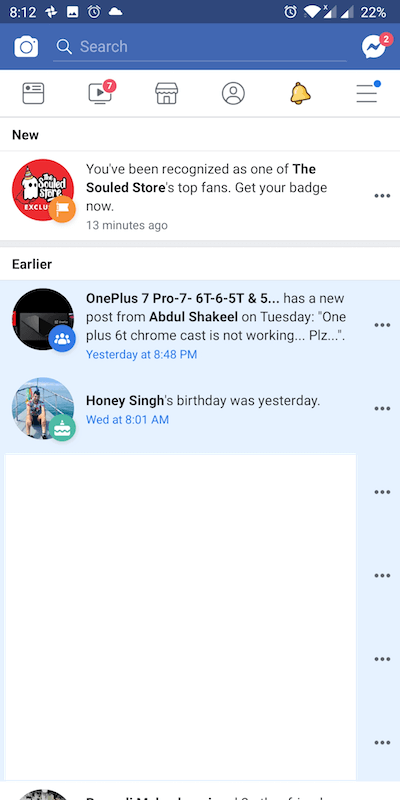
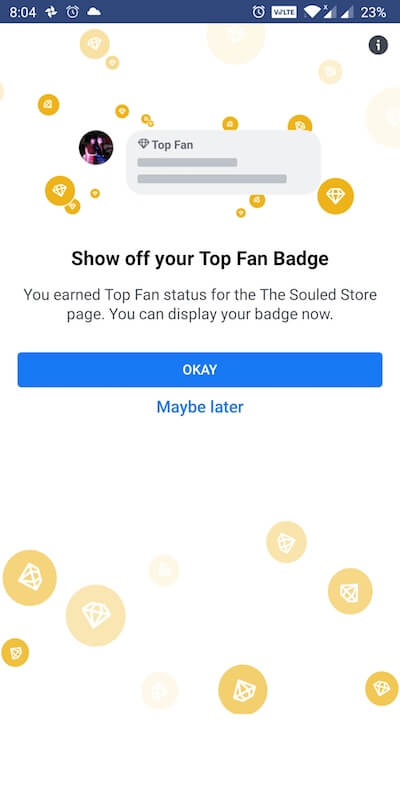
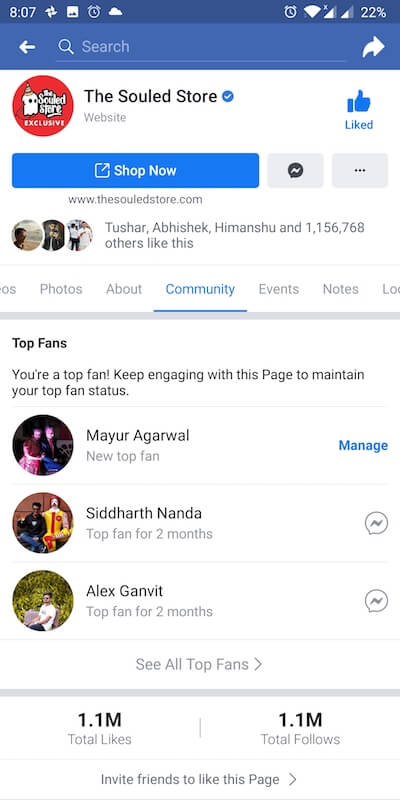
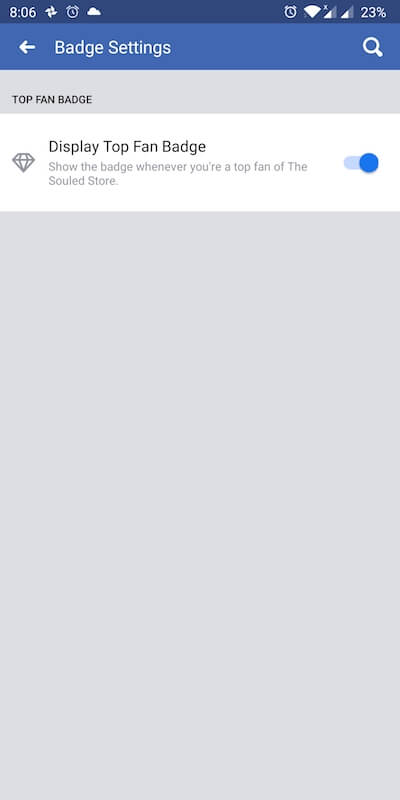
To hide or turn off the top fan badge, visit the Community tab of the particular page. Then tap on manage next to your name and turn off the toggle for “Display Top Fan Badge” under badge settings.
Have you already got the Top Fan badge? Do let us know.








I have gotten the Top Fan Badge for pages that I have liked but never commented in and that I don\’t often visit. For instance the TV Show Lets Make a Deal. I find it very hard to believe Im a top fan and don\’t think I\’ve been there more than twice.
Yes I am but the badges NEVER show up. And there is no tab or toggle to display them.
There is NO top fan settings.
Page Managers: You have to change your page\’s format to Video in settings in order to turn on badges.
I have a problem with my Top Fan Badge showing up on Kellie Agueze Warrior Nation page, it stopped, you fixed it and now it has stopped again! Can you please help me fix it back?
I have a top Fan badge in Flor Amargo Artist Group
I\’m happy on facebook
Ive to my surprise gotten this award on 3 dif pages that have millions of followers. I have no idea how? I don’t go outa my way or do anything outa the norm…
I had Top Fan badge on Mercedes-AMG and DuckDuckGo pages but it\’s difficult to maintain the status especially if you\’re not on Facebook regularly.
My Top Fan award pops up but unable to click on it , unable to receive them ???
Sh*t, the notice runs by so quickly I do not know who it is, and I have NO idea how to, “Claim” it.
I got a top fan badge for Donald Trump page. Does that mean the president loves me?
What is meant by “Top Fan +1”?