WebTrickz
TRENDING
  • Claude vs ChatGPT: Which Is Better in 2026?
No Result
View All Result
  • Reviews
  • Editorials
  • Social Media
    • Facebook
    • Twitter
    • YouTube
    • Messenger
    • Instagram
    • Snapchat
    • WhatsApp
    • TikTok
  • Apps
  • How To’s
  • Apple
  • iPhone
  • Google
  • Android
  • Mac
  • Security
  • About Us
    • About Us
    • Contact Us
    • Privacy Policy
  • Reviews
  • Editorials
  • Social Media
    • Facebook
    • Twitter
    • YouTube
    • Messenger
    • Instagram
    • Snapchat
    • WhatsApp
    • TikTok
  • Apps
  • How To’s
  • Apple
  • iPhone
  • Google
  • Android
  • Mac
  • Security
  • About Us
    • About Us
    • Contact Us
    • Privacy Policy
No Result
View All Result
WebTrickz
No Result
View All Result
Home Mobile

How to link Aadhaar card with mobile number using OTP and IVRS

Mayur Agarwal by Mayur Agarwal
October 29, 2020
in Mobile, Telecom

Unless you’re living under a rock, you must be aware that the Government of India has made it mandatory to link your Aadhaar to several services, including your mobile number and bank accounts. The deadline for linking mobile number with Aadhaar card is now extended till 31st March 2018 and it’s compulsory for every citizen of India to re-verify their existing mobile number in order to continue using the telecom services.

Until now, the only way available for this verification process was by visiting your mobile operator’s customer care store where you need to present your Aadhar card and verify your identity with your fingerprint scan. This process could be cumbersome for most users and isn’t certainly the most convenient and quickest way of re-verification.
RELATED: Not getting Aadhaar OTP on my mobile number [Fix]

how to link aadhaar to your mobile number via OTP

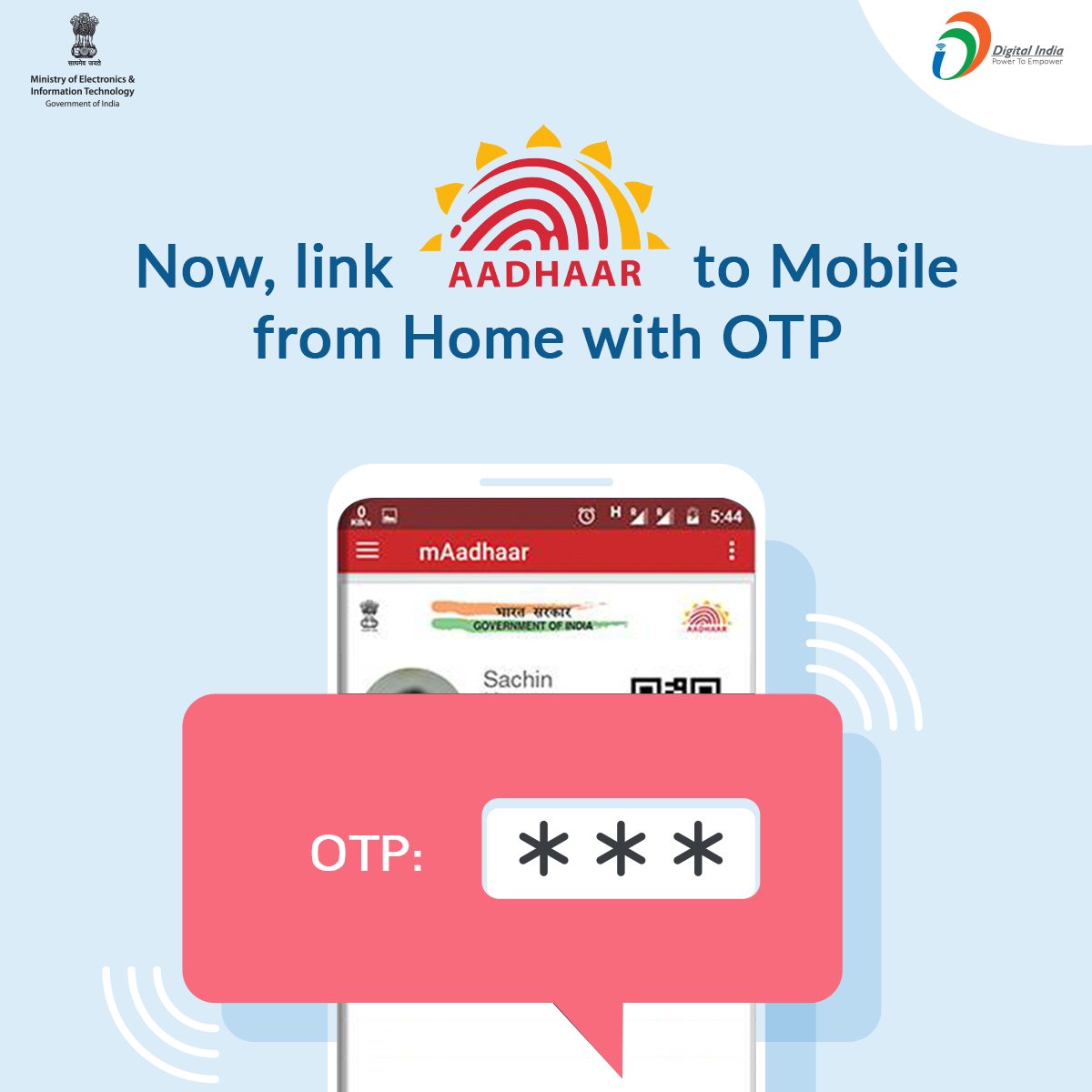
Thankfully, starting 1st of January 2018, UIDAI has rolled out a relatively easy and hassle-free process to complete the re-verification procedure directly from home. The new method involves generating an OTP (One-Time Password) either through an IVR (Interactive Voice Response) service or an online process by visiting the service provider’s website. The option to link Aadhaar with mobile online currently seems to be unavailable though it could be implemented soon. Without further ado, let’s now find out how you can re-verify via IVR.

How to link Aadhaar card with mobile number online

  1. Call 14546 (toll-free) from the same phone number that you provided while applying for your Aadhaar card.
  2. The IVR service will now ask whether you’re an Indian or foreign citizen and will request your consent to proceed with verification.
  3. Now enter your 12-digit Aadhaar card number.
  4. The service will request to validate your details and speak out the mobile number. By sharing the sent OTP, the user allows their telecom provider to access their personal details such as name, date of birth, address, gender, and photo from UIDAI for re-verification.
  5. Enter the received OTP that’s sent to your Aadhaar registered mobile number.

That’s it! You will get an SMS informing that your request to verify your mobile number with Aadhaar number has been received. Reportedly, the process takes up to 48 hours and you’ll be informed via SMS about the same.

We tried the above-stated procedure on Airtel prepaid connection and it worked like a charm. It should also work with other network providers such as Idea, Vodafone, and Jio. Don’t forget to verify your mobile number and do share your experience with us.

Source: @_DigitalIndia | Via: Fonearena

Tags: Aadhaar CardMobileTelecom
ShareTweetSend
Previous Post

How to access YouTube on Amazon Fire TV and Fire TV Stick

Next Post

Centric L3 First Impressions – A budget phone priced at Rs. 6749

Mayur Agarwal

Mayur Agarwal

Mayur Agarwal, the founder and editor of WebTrickz, is a tech enthusiast with a Bachelor's degree in Computer Applications and over 15 years of experience in tech writing. His passion for technology and gadgets drives him to create insightful how-to articles and troubleshooting guides.

Next Post
Centric L3 First Impressions

Centric L3 First Impressions - A budget phone priced at Rs. 6749

Comments 3

  1. Ajay says:
    8 years ago

    What about those who are Foreign citizens or NRIs who don’t need to get an Aadhar card?

    Reply
  2. Govind Raut says:
    6 years ago

    i called 14546 with airtel , next message shows and call disconnected \”Thank you for Calling Airtel \”

    Reply
  3. Sanket Dhasal says:
    4 years ago

    i called 14546 with airtel , next message shows and call disconnected \”Thank you for Calling Airtel \”

    Reply

Leave a Reply Cancel reply

Your email address will not be published. Required fields are marked *

Latest Stories

Google Gemini

How to Cancel Your Gemini Subscription (2026 Guide)

June 21, 2026
difference between chatgpt and claude

Claude vs ChatGPT: Which AI Should You Use in 2026?

June 21, 2026
google chrome logo

Google Chrome Offline Installer: Direct Download Links

June 17, 2026
X logo

How to Remove All Bookmarks on X (Twitter) At Once in 2026

June 15, 2026
X logo

How to Find Bookmarks on X (Twitter) in 2026

June 15, 2026
copilot logo

How to Turn Off Copilot Search in Bing on Edge & Chrome

June 10, 2026
microsoft edge new logo

How to Turn Off Notifications in Microsoft Edge (2026 Guide)

June 8, 2026

Trending Stories

  • 1337x logo

    1337x Proxy List 2026: Working Proxy & Mirror Sites

  • How to Turn Off Microsoft Family Safety on Windows 11 & 10

  • How to See Recently Watched Reels on Facebook (2026 Guide)

  • How to Turn Off Microsoft Edge Game Assist in Windows 11

  • How to Turn Off Fn Lock or Fn Key on Windows 11/10 Laptop

  • About Us
  • Contact Us
  • Privacy Policy
  • Advertise

© 2026 WebTrickz. All Rights Reserved.

No Result
View All Result
  • Reviews
  • Apps
  • How To’s
  • Android
  • Google
  • iPhone
  • Mac
  • About Us
  • Contact Us
  • Privacy Policy

© 2026 WebTrickz. All Rights Reserved.