


 A CD burning software is required to erase or delete the data stored on rewritable discs, before burning a fresh image onto them. But that’s not the case with Windows 7, because it includes a handy feature to erase disc simply without using any external app.
To erase a rewritable disc in Windows 7, follow the steps below:
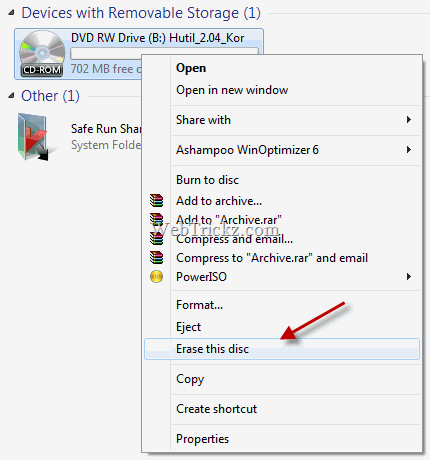
1. Open My Computer, right–click the CD/DVD-RW drive shown under ‘Devices with removable storage’. Select the ‘Erase this disc’ option. A dialog box will then appear asking for confirmation, click the Next button.
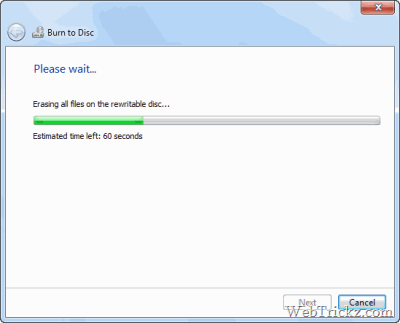
2. Wait for the process to erase all the files on the rewritable disc.
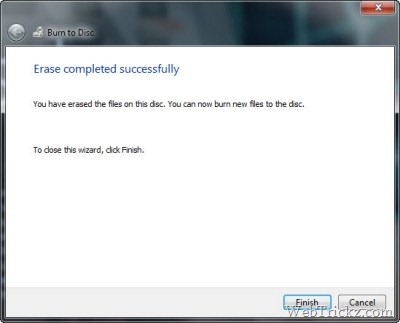
4. After the process is completed, you can burn new files to the disc.
This is a useful tip that many Windows 7 users might not know.










nice explanation