BlackBerry recently released the Priv, a smartphone that aims to bring back the cult following for Privilege and Privacy that BlackBerry enjoyed in its heyday. The smartphone is the first BlackBerry device to be powered by Android, ditching the much-hyped BlackBerry OS 10 that was launched with the Blackberry Z10 and Q10. The uniqueness doesn’t quite end there. The phone comes in a hybrid form factor where you have a touchscreen as well as a keyboard that slides right from below the display.
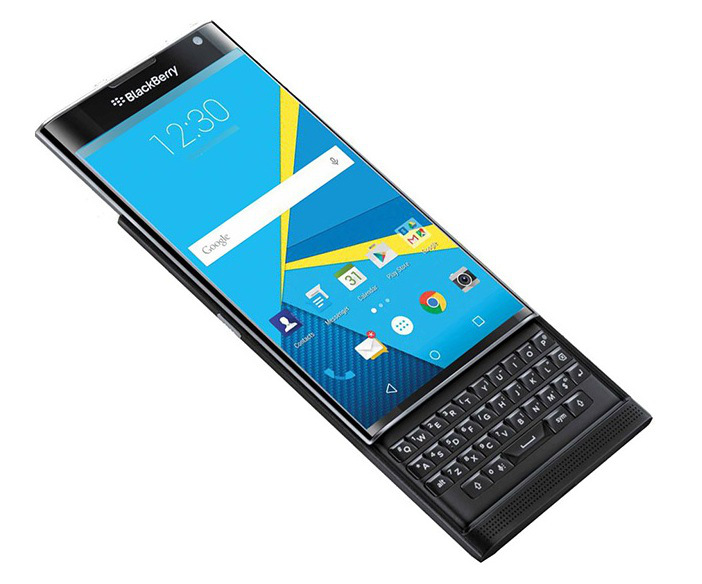
The specifications of the BlackBerry Priv are in all honestly fairly impressive. It comes with a 5.4-inch P-OLED panel with a curved display on the two sides and a resolution of 1440 x 2560 pixels. Powering the phone is a Snapdragon 808 SoC, just like the LG G4 or the Nexus 5. You get 3 GB of RAM and 32 GB internal memory and a slot for Micro SD card for memory expansion. The camera is 18 MP on the back with OIS and 2 MP on the front. These are the specifications that you would find in pretty much any Android phone, but what sets the Priv apart from the crowd other than the form factor is the interesting bit of work that Blackberry has done on the software front. Owing to that, here are the three things I wish more and more Android OEMs pick up from the Priv:
BlackBerry Hub
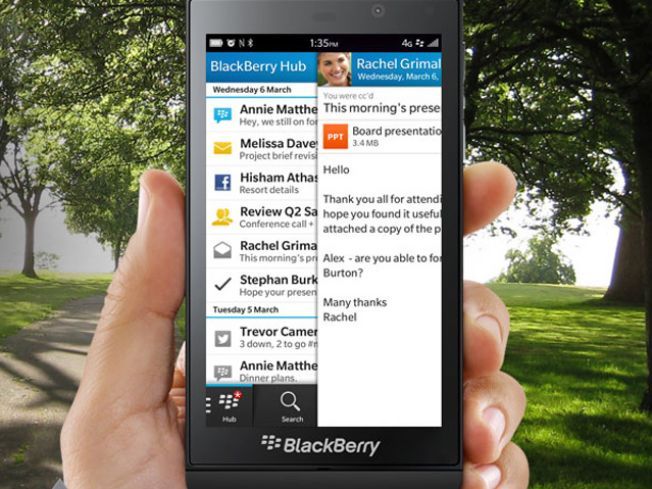
Image source: CultofAndroid
Strictly speaking, BlackBerry Hub is not something that is exclusive to the Priv. We saw the Hub on BB10 devices and in some form, BlackBerry devices before that too. I have been a huge fan of the BlackBerry Hub which basically acts as a unified inbox for your E-Mails, Text Messages, IM’s like Facebook Messenger, WhatsApp, BBM and more. It acts as an aggregator, and you do not have to every time check individual applications to see if you have a message there and respond to it. The Hub brings all the notifications at one place from where you are directed inside the application and respond right there and come back.
Segmentation of Notifications App wise in the Notification Pulldown
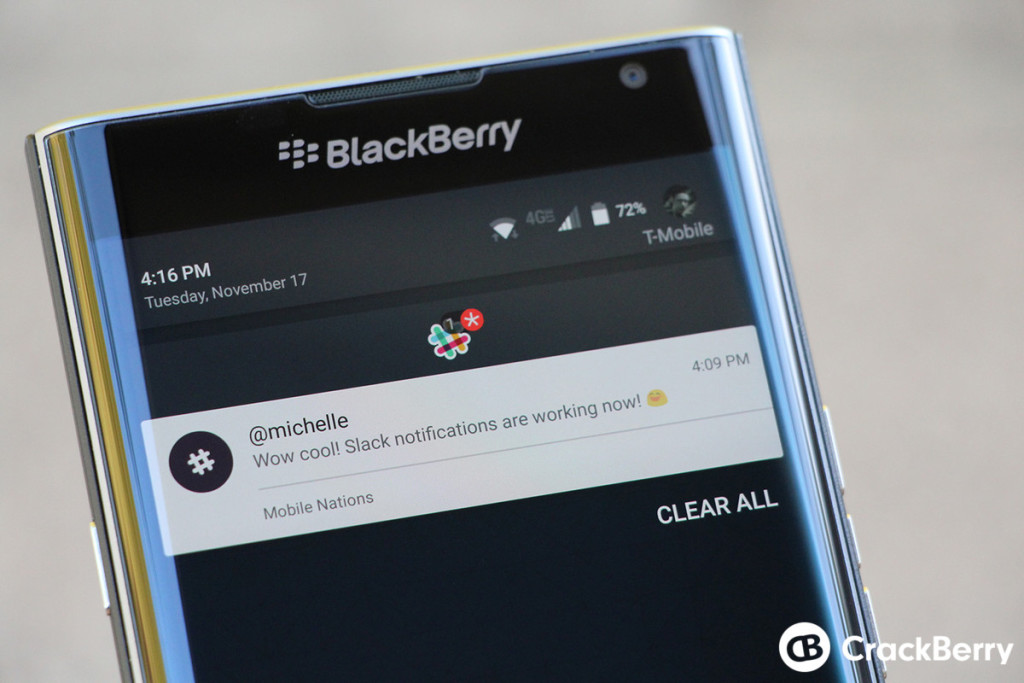
Image source: Crackberry
How often has it happened with you that you have left your phone unattended for several hours and then been overwhelmed with the number of notifications that have hit you? We sit through these notifications one by one, click on them, read whatever is there in the preview and then decide to either enter the app or not. However, what if you only want to see your emails and nothing else? This is where BlackBerry has added a very neat row of icons of apps that have a notification just before your notifications begin like on an Android phone. Clicking on the app icon will only show you the notifications that have come to that particular app and nothing else. This is a really convenient way of viewing notifications by the app without getting overwhelmed by the notifications that can be easily ignored for the time being. On a Priv, not all the apps support this, and we presume that only when developers manually add it, it works but imagine this coming to all the Android phones as a feature of an upcoming Android update, it would be epic.
Swipe on the app icon to reveal widgets
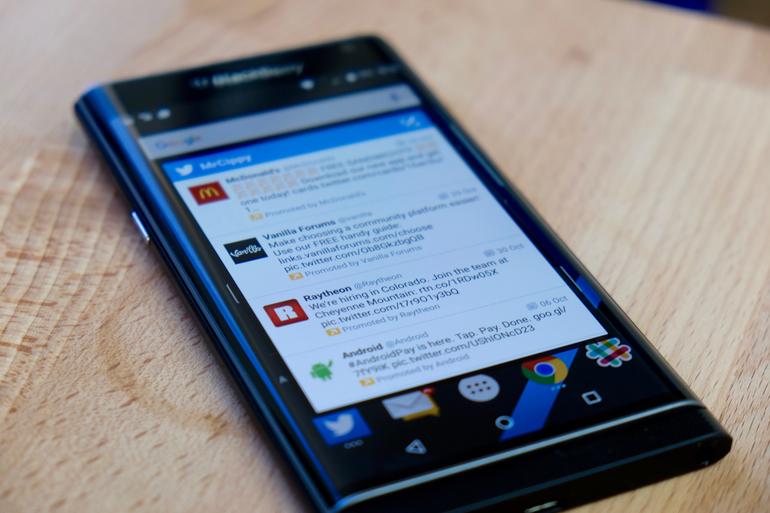
Image source: Cnet
We have all used widgets on our Android phones. While widgets are really useful and give you information at a quick glance, most of the widgets are down ugly and take away much-needed screen space that you may want to use for placing possibly app icons. Blackberry has a beautiful implementation, where if you swipe down on an app icon you can view the widget of the app and the information it shows. This is particularly useful on apps like those that give you weather information, as just swiping on the icon downwards would immediately show up the information without having to go inside the application. Action launcher has done an implementation similar to this in the past, but we would like to see it come as a feature on all Android devices.
The Priv may never go on to be a blockbuster hit or a phone that you would really use or propel Blackberry to its glory days, but what the phone definitely is, is a unique device and we can all learn something from unique things, right?