Meizu launched the M3 Note in India yesterday, positioning it as their mid-range offering. Priced at 9,999 INR, the M3 Note will be exclusively available on Amazon.in starting May 31st. Initially launched a month ago in China, Meizu has introduced the 32GB variant with 3GB RAM in India, to cater to the country’s highly competitive smartphone market. After getting criticism for the lack of service centers, Meizu is now focussing on improving their after-sales support. They now have over 100 service centers in India, including their first exclusive service center in New Delhi. We had the opportunity to briefly try out the M3 Note at the launch event and are here to share our first impressions.
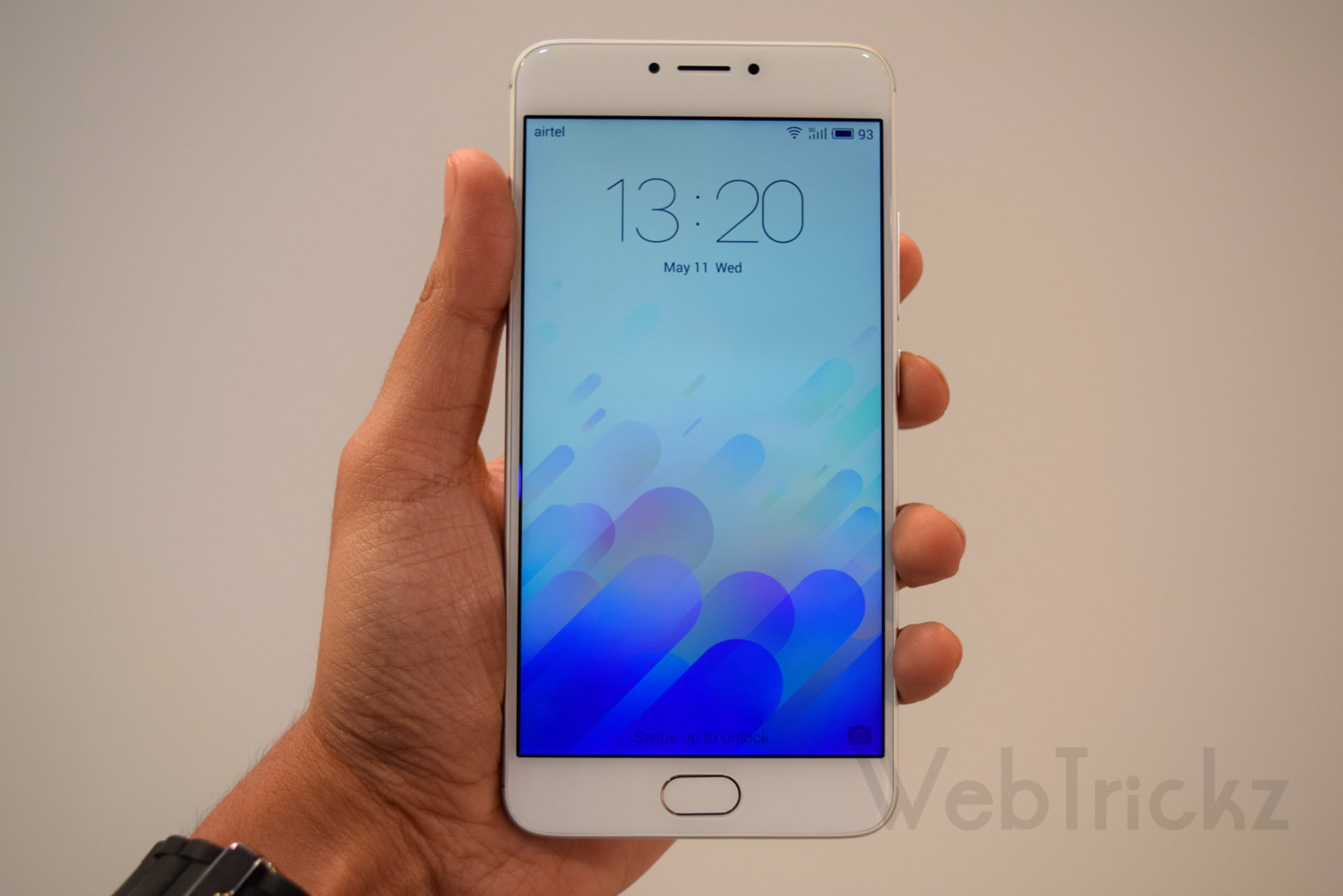
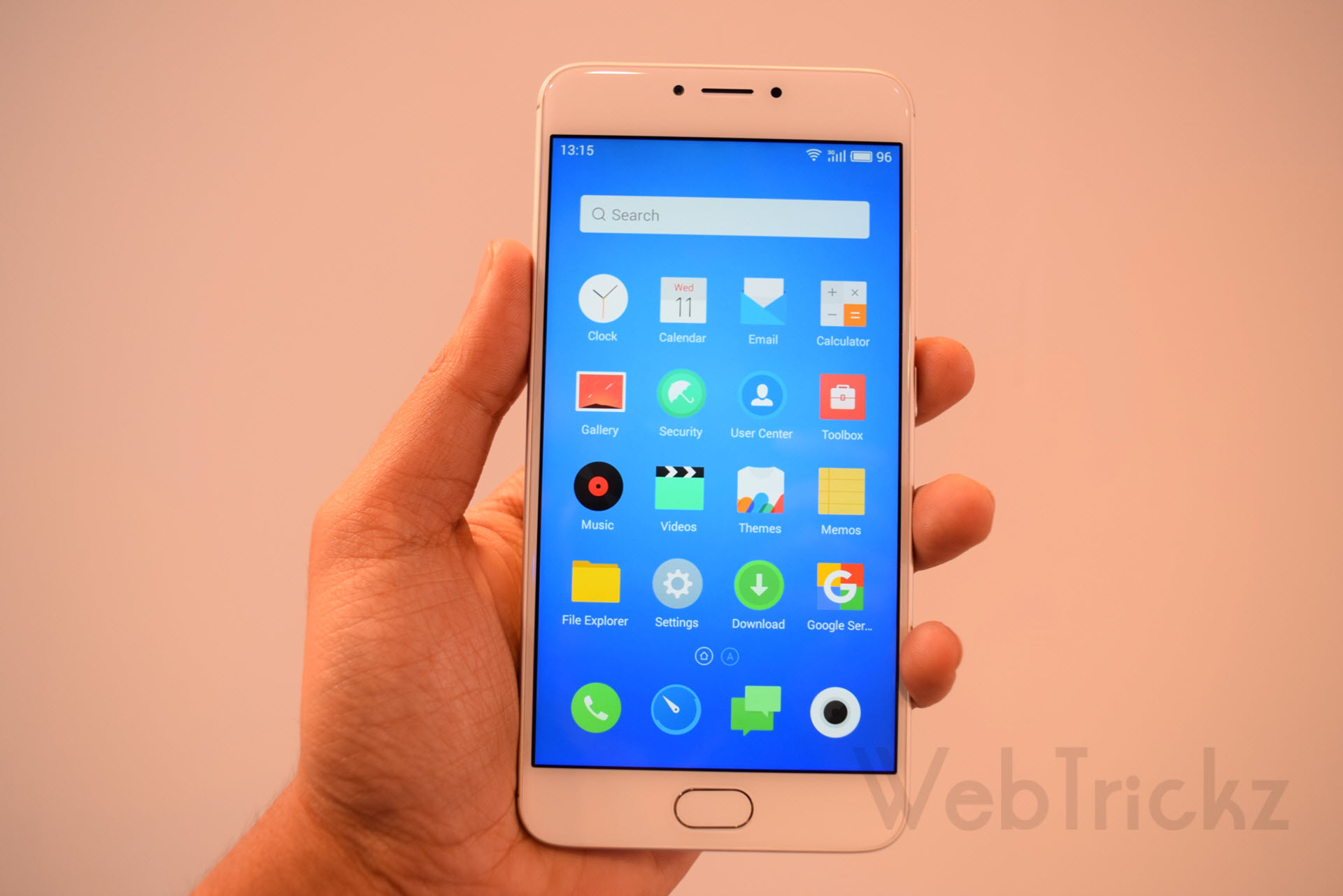
The Meizu M3 Note is the first phone from its ‘M Note’ lineup, featuring a metal unibody design crafted from 6000 Series Aluminum alloy, that gives an elegant and premium feel. It sports a 5.5-inch Full HD display with a 2.5D front panel seamlessly fused with the metal body, that looks appealing. Unlike most Android phones, the M3 Note does not have capacitive buttons; instead, it features a physical home button integrated with a fingerprint recognition scanner and back key operation. The phone’s rounded corners and slightly curved edges at the back make it comfortable to hold.
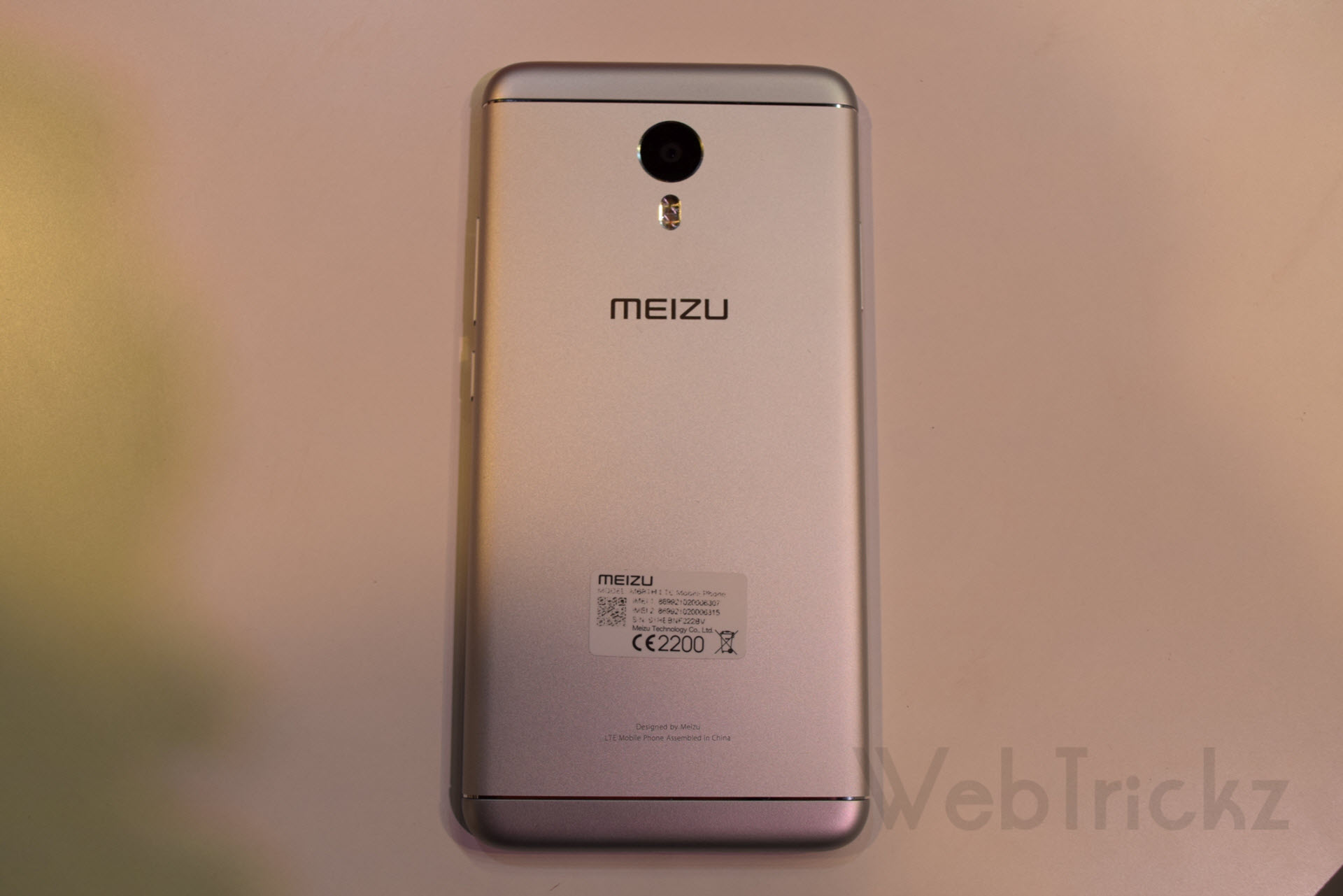
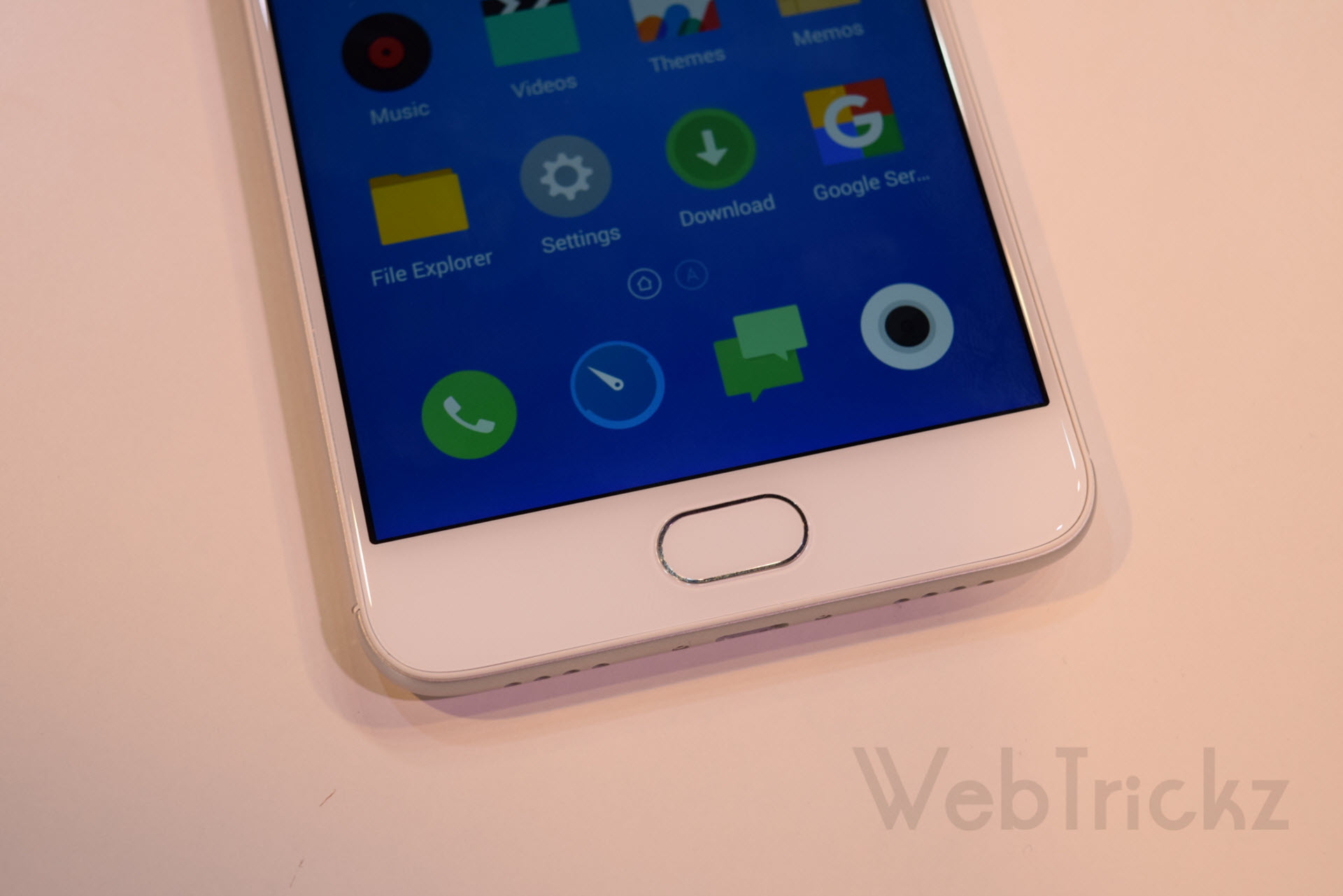
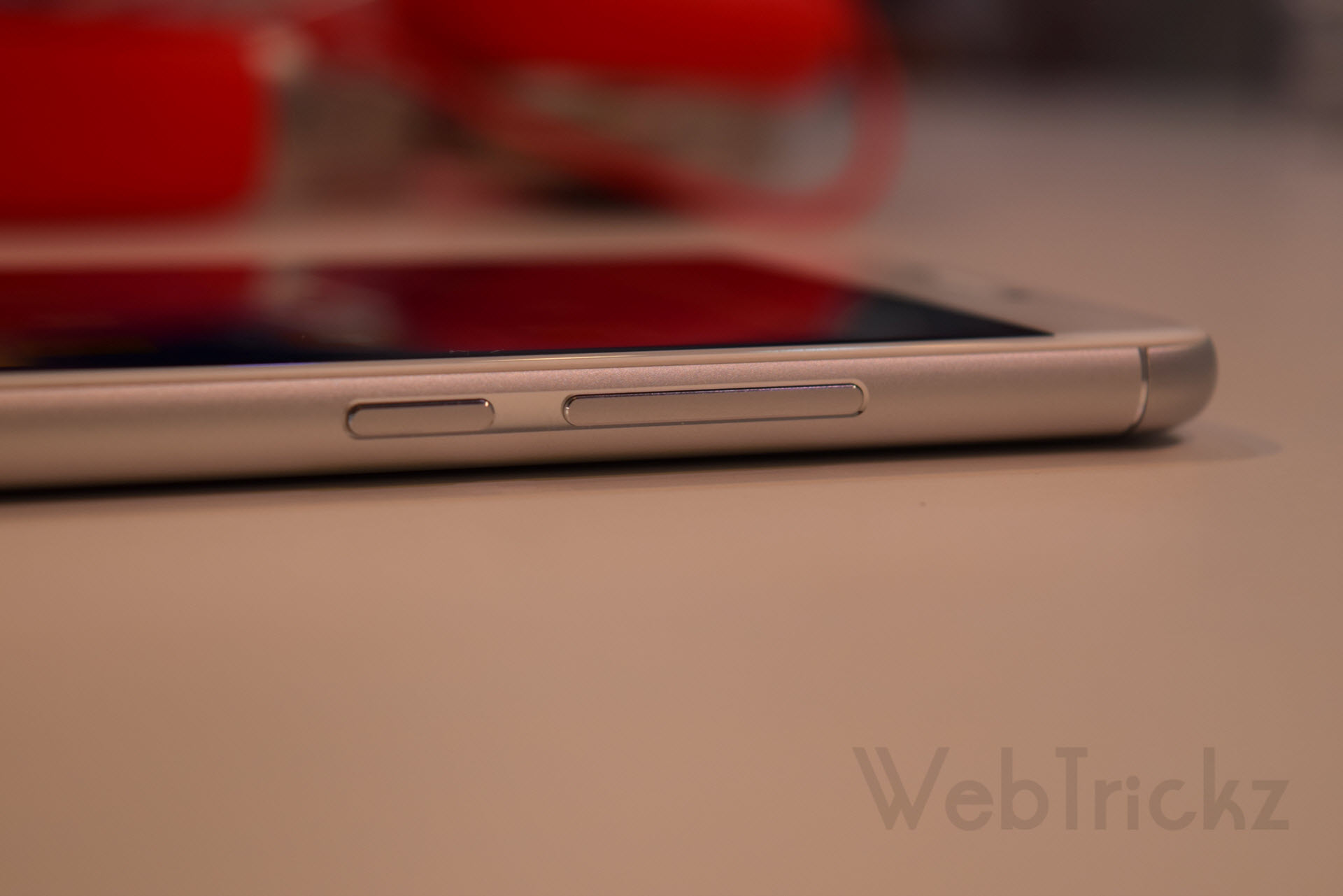
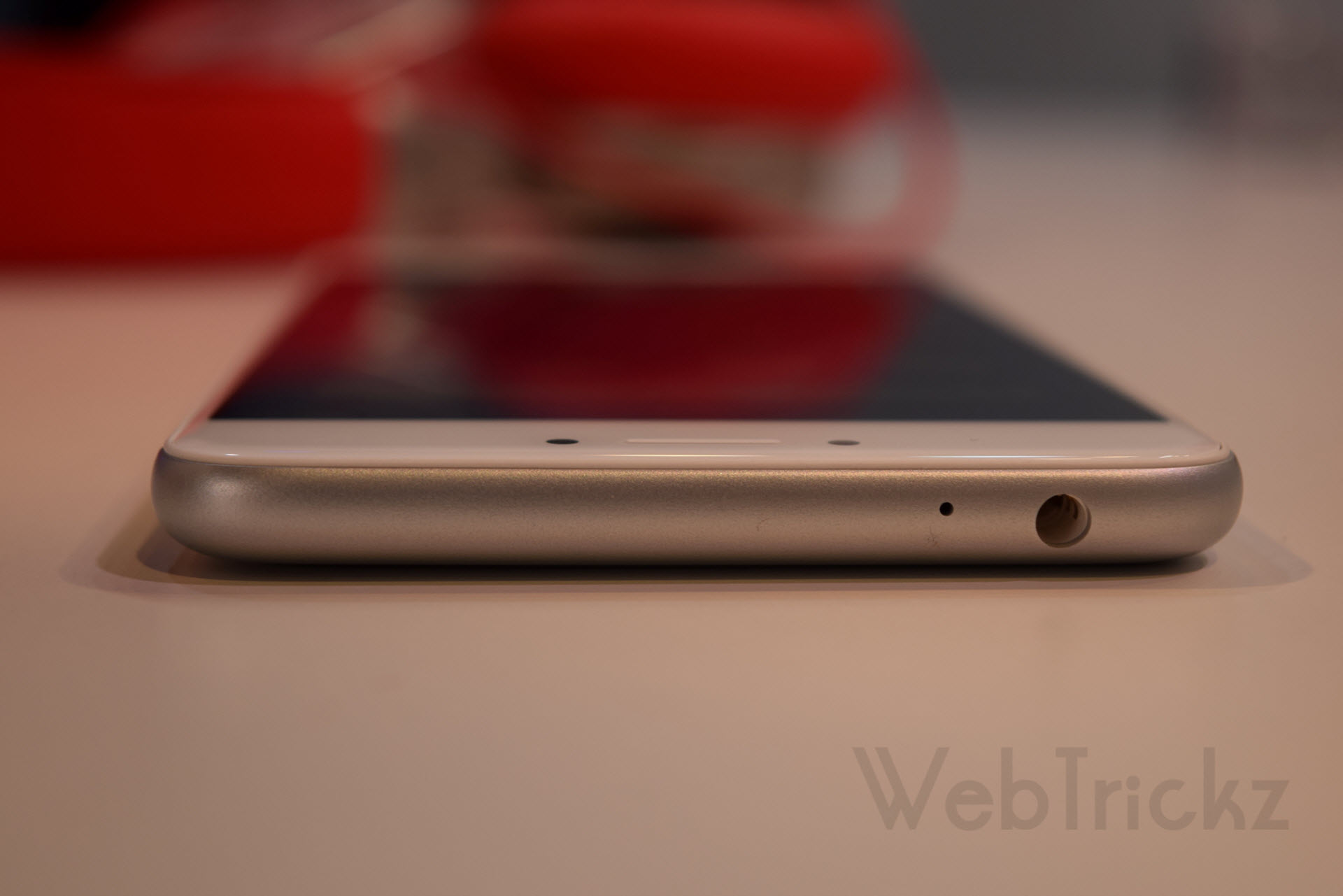
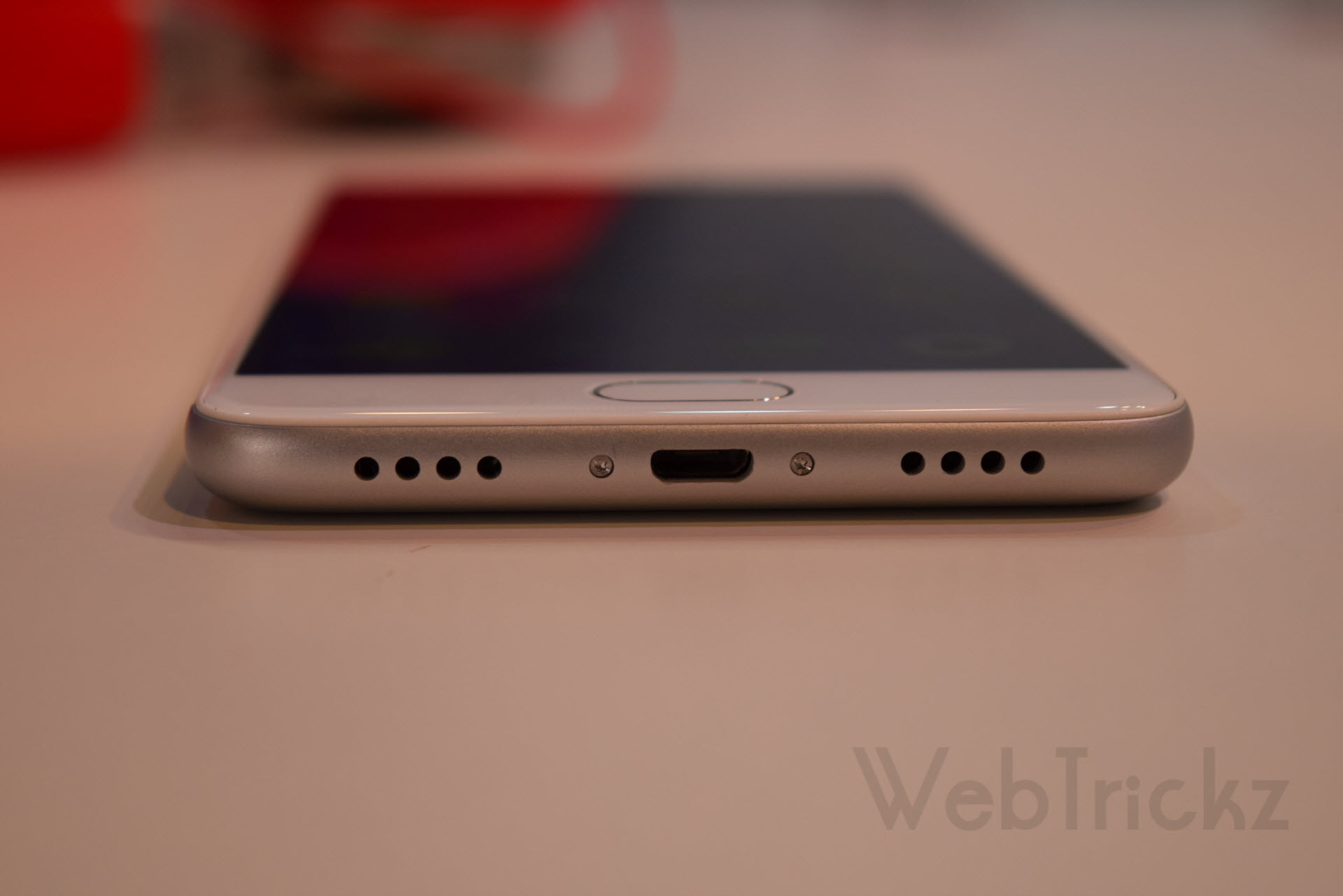

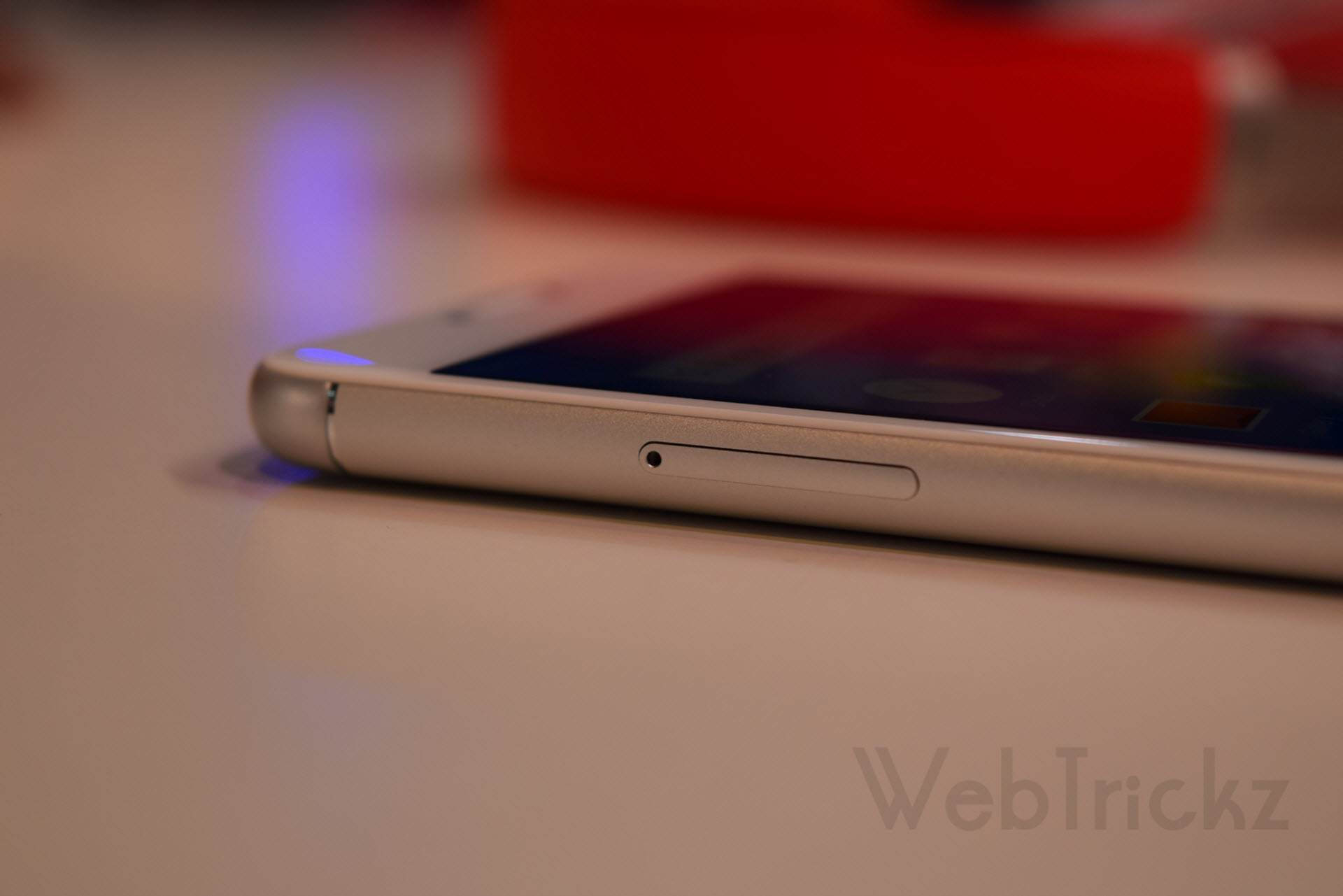
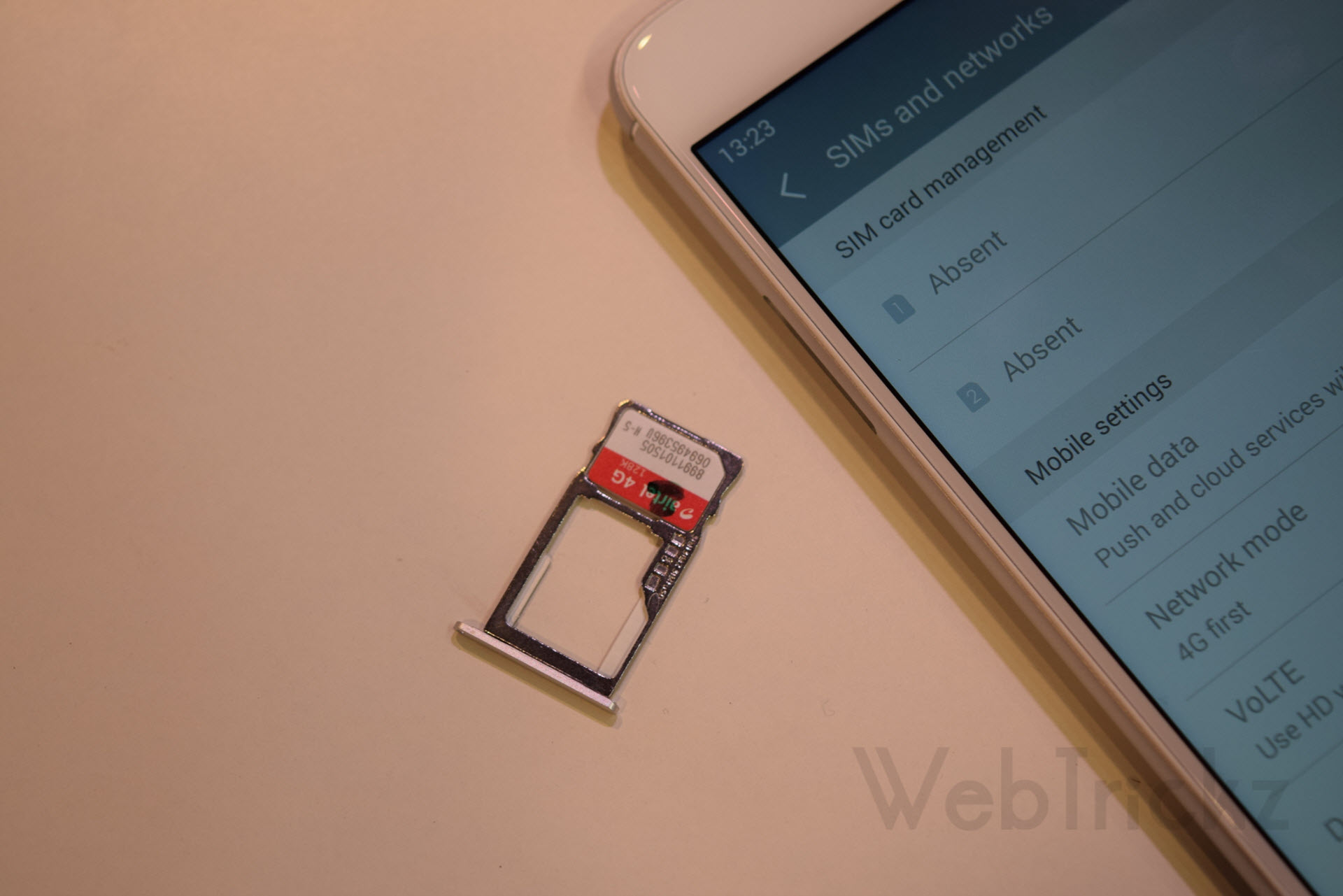
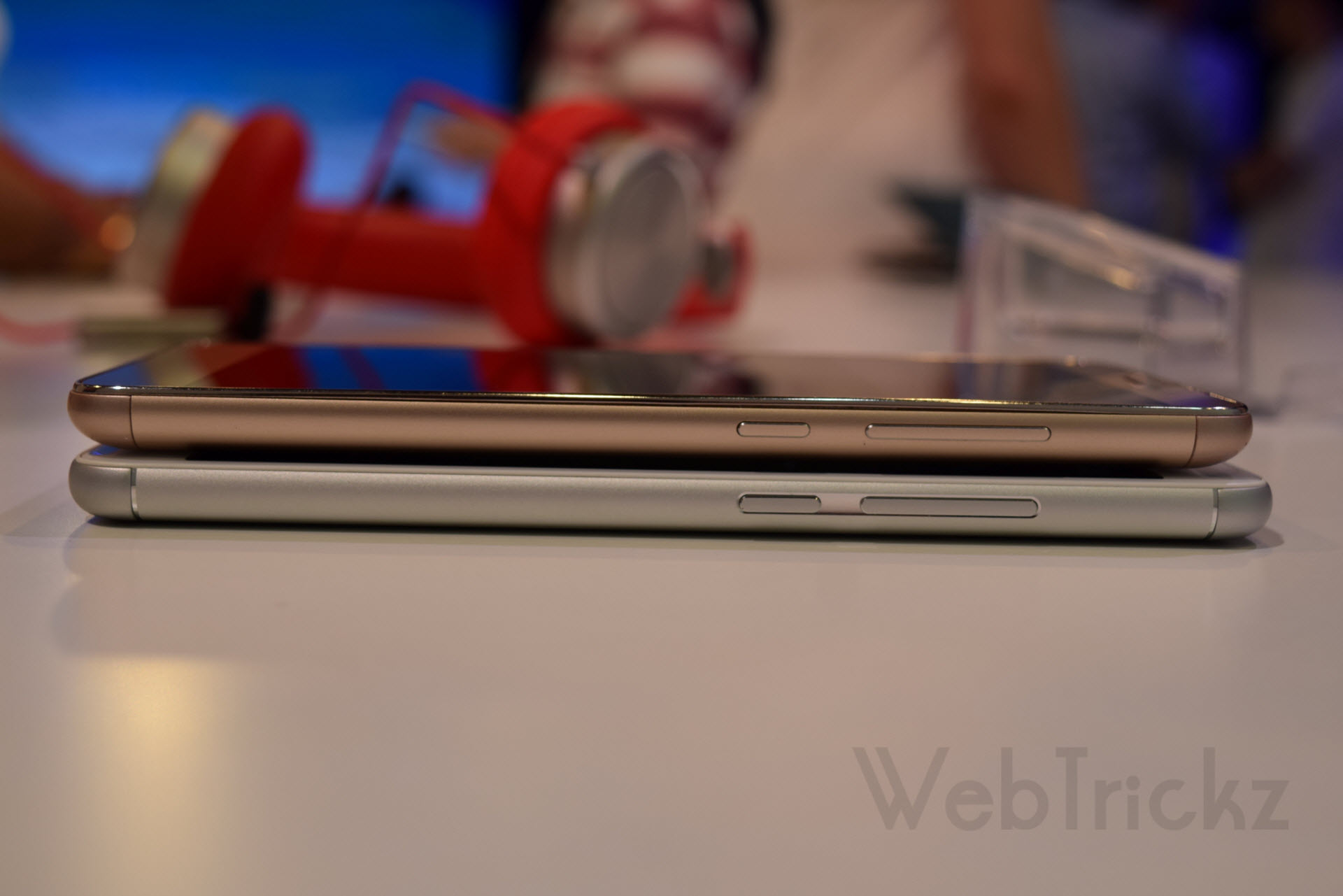
The speakers and primary microphone are symmetrically placed at the bottom, while the 3.5mm audio jack is located at the top. The metallic power key and volume rocker are positioned on the right side, and the left side houses a hybrid SIM tray that can accept either dual nano-SIM cards or a microSD card. Moving to the back, you’ll find a 13MP camera with a two-tone LED flash, followed by the Meizu branding and antenna bands along the top and bottom of the phone.

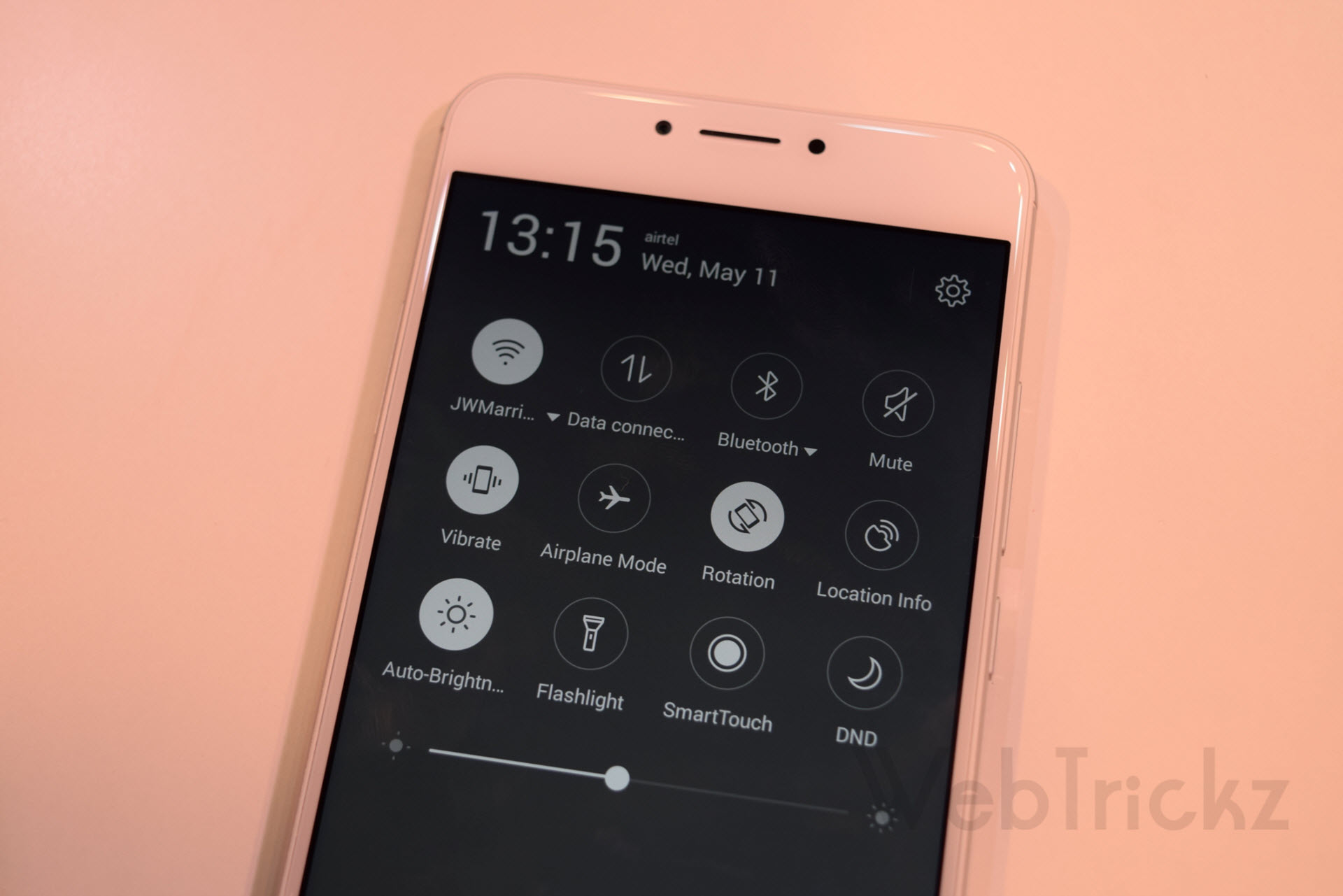
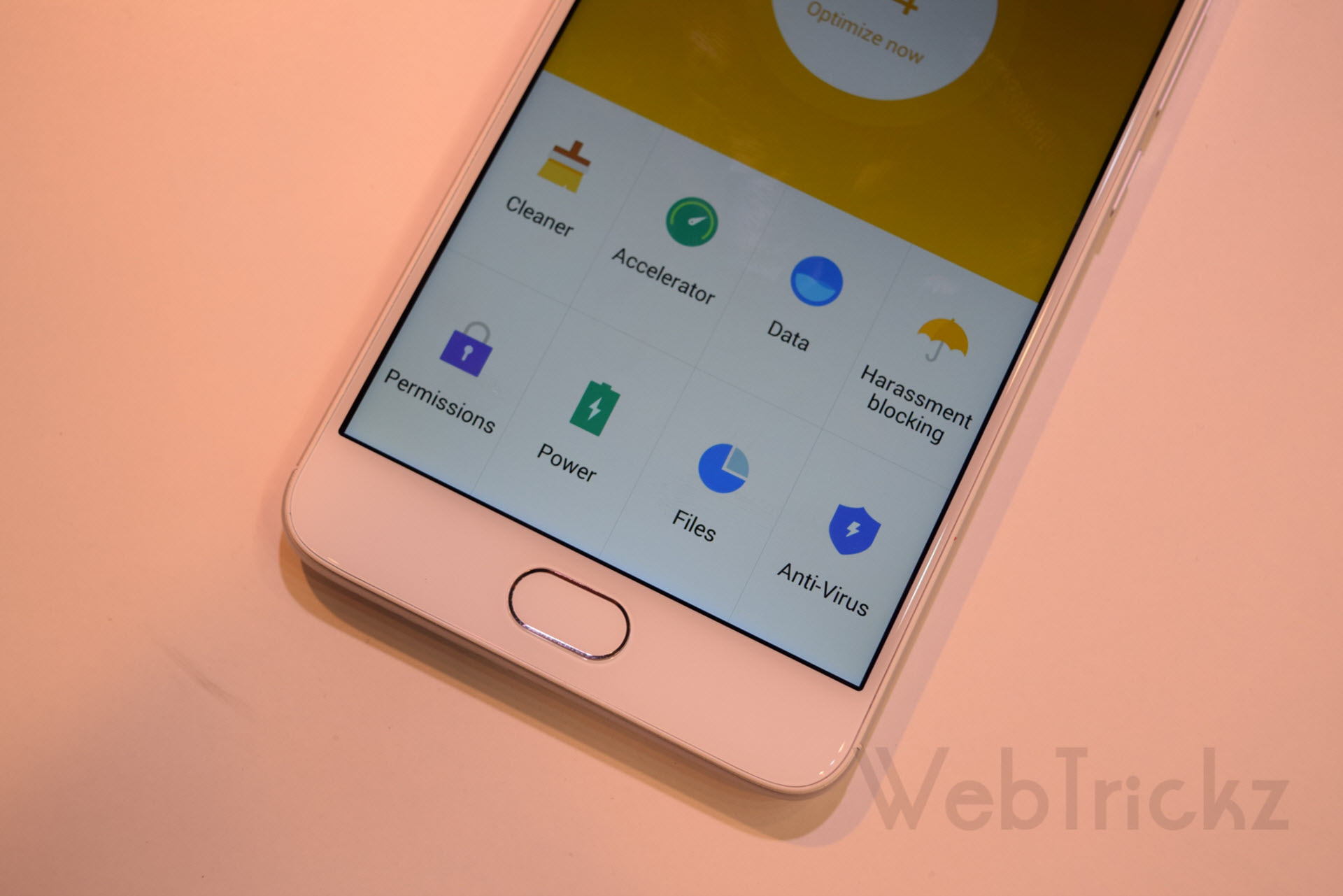
The 5.5″ 1080P display with a pixel density of 403ppi looks bright and quite vivid. The device is powered by a MediaTek Helio P10 Octa-Core processor clocked at 1.8 GHz, coupled with a Mali-T860 GPU and 3GB of RAM. The M3 Note runs on Meizu’s custom Flyme 5.1 UI based on Android 5.1 Lollipop. It offers 32GB of internal storage, expandable up to 128GB via a microSD card. In terms of connectivity, it supports 4G with VoLTE on both SIMs, dual-band Wi-Fi, and OTG functionality. However, it lacks a notification light.
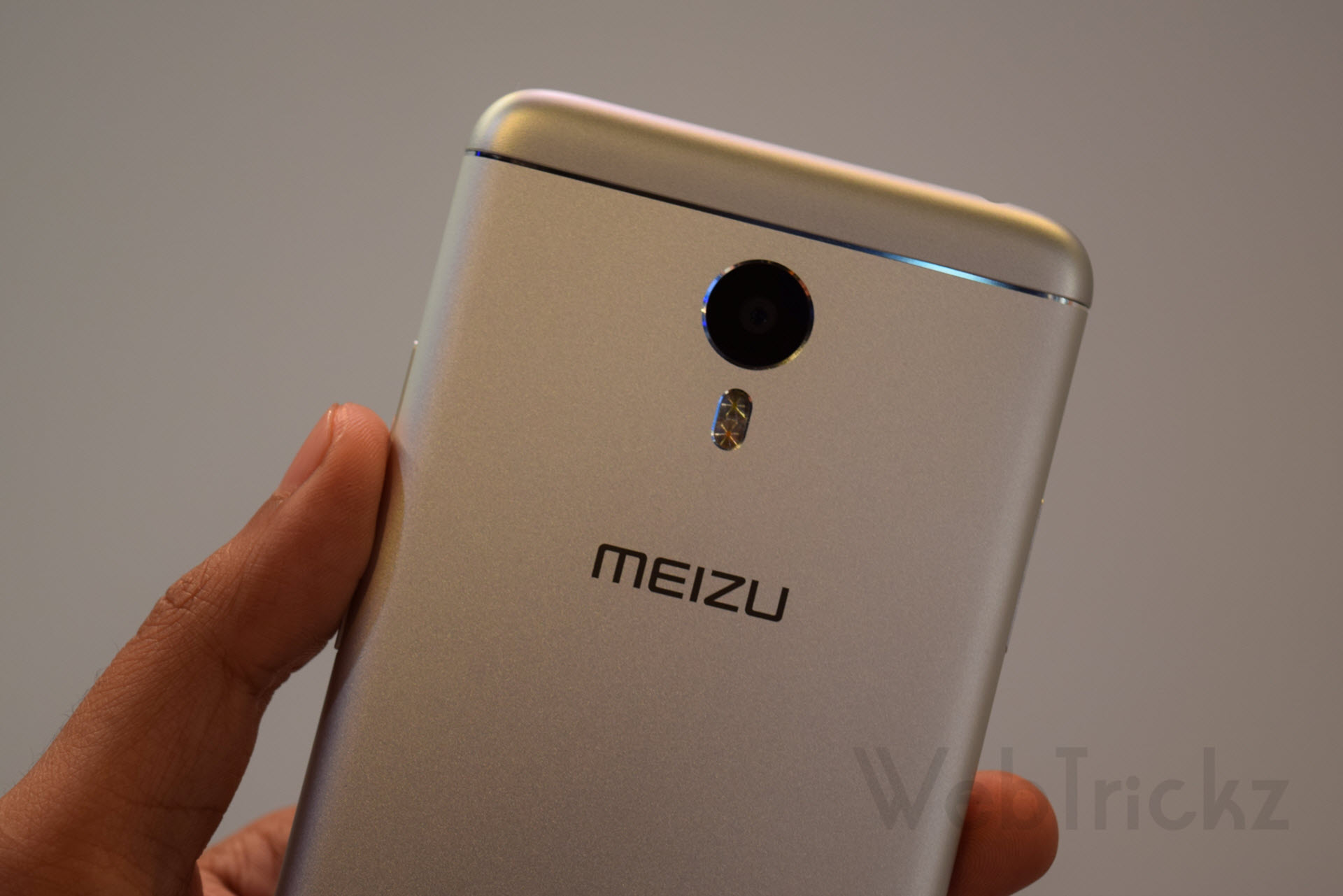
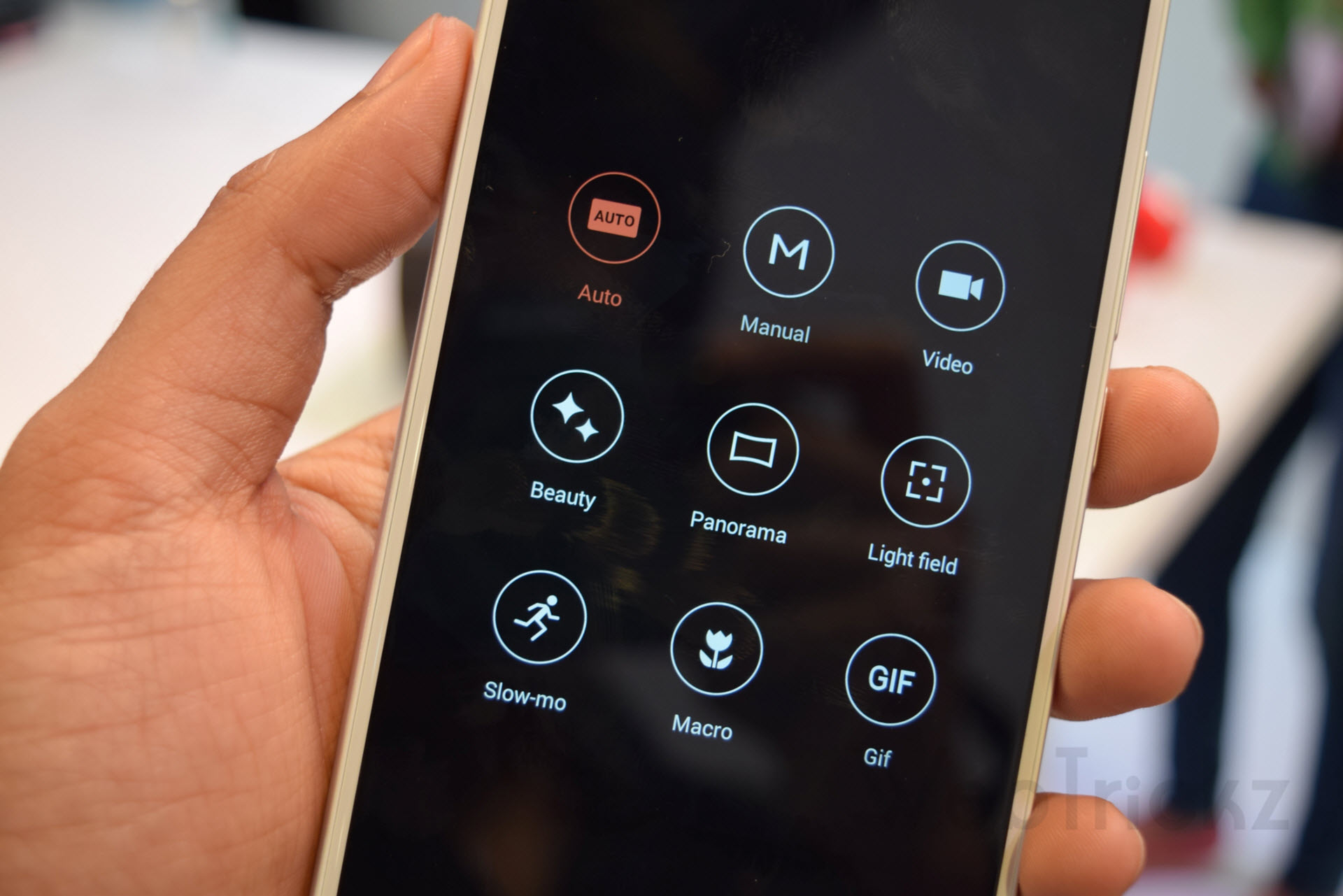
The device features a 13MP rear camera with PDAF focus and f/2.2 aperture, which showed promise during our brief hands-on. The camera lens is protected by Corning Gorilla Glass 3. There are several camera modes such as Manual mode, Light field, Macro, GIF, and Slo-mo, along with the ability to record videos in slow motion. The front-facing 5MP camera with an f/2.0 aperture did a decent job.

One of the key highlights of the M3 Note is its massive 4100mAh battery, housed in an 8.2mm thin profile, which is 32% larger than its predecessor, the M2. The battery, combined with Flyme OS 5.1, is optimized for reduced power consumption.
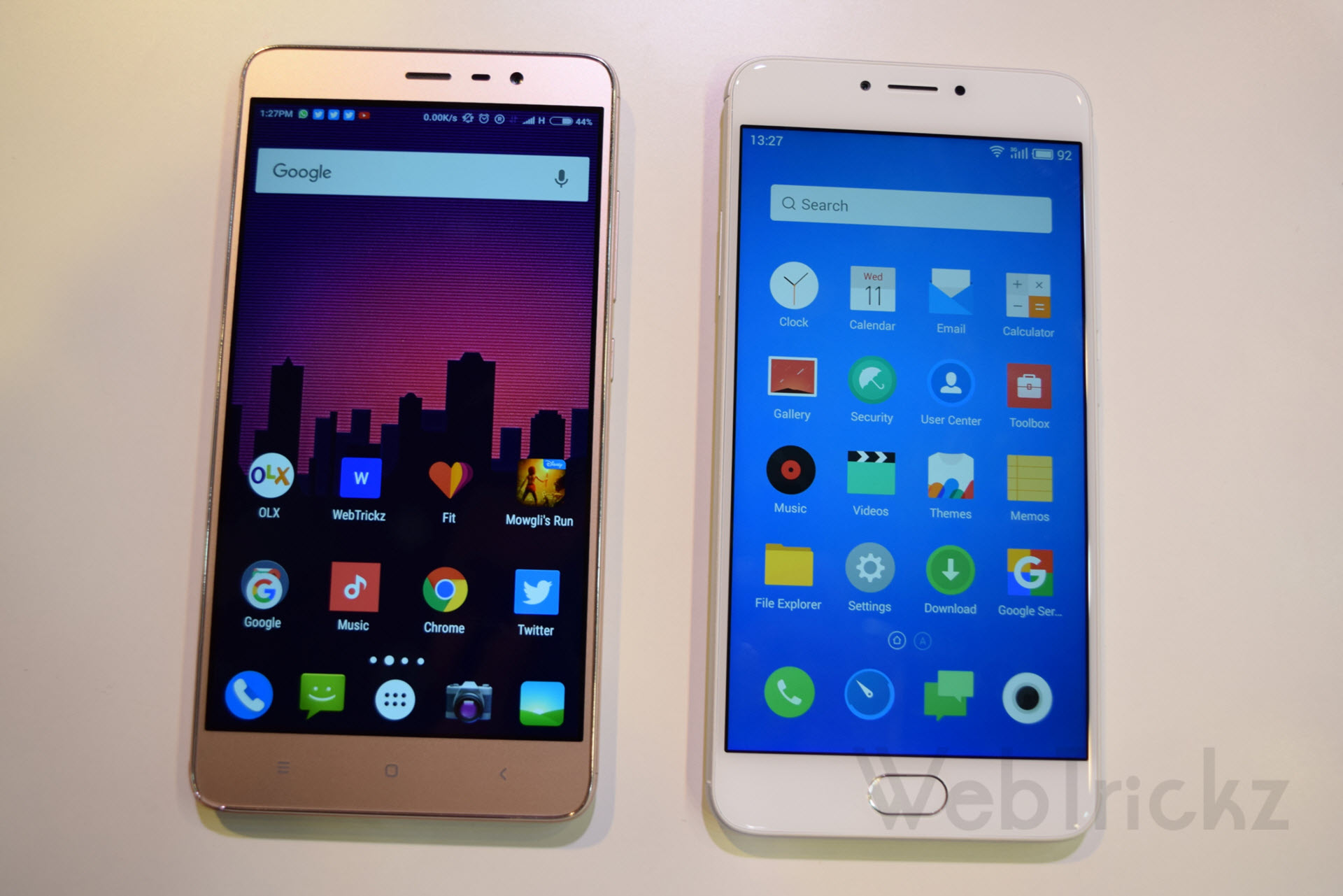
Design comparison with Redmi Note 3 – In terms of design and looks, the M3 Note appears relatively better than its closest competitor, the Xiaomi Redmi Note 3. You can see the comparison photos below:


Priced at Rs. 9,999, the Meizu M3 Note seems like a compelling offering, considering its premium design and impressive specifications. However, Meizu should focus on marketing, after-sales support, and community feedback to establish its image and market share in India’s highly competitive smartphone market.
The M3 Note faces competition from emerging competitors in the similar price segment, such as the Redmi Note 3, Le 1s Eco, and Coolpad Note 3 Plus. Motorola’s upcoming phones, the Moto G4 and G4 Plus, scheduled for launch on May 17th, will also pose a challenge. We look forward to coming up with a detailed review of the device. Stay tuned!