


Social media is a powerful tool that is useful in many ways. It makes it easy to keep up with friends and family and is a great source of news and entertainment.
Unfortunately, accounts on popular social media platforms are constantly under threat. Hacking incidents on Twitter, Instagram, and other platforms are very common, impacting celebrities as well as regular folks.
This article will go over the main security dangers of using social media. It will also explain some security concepts that will help you remain safe.
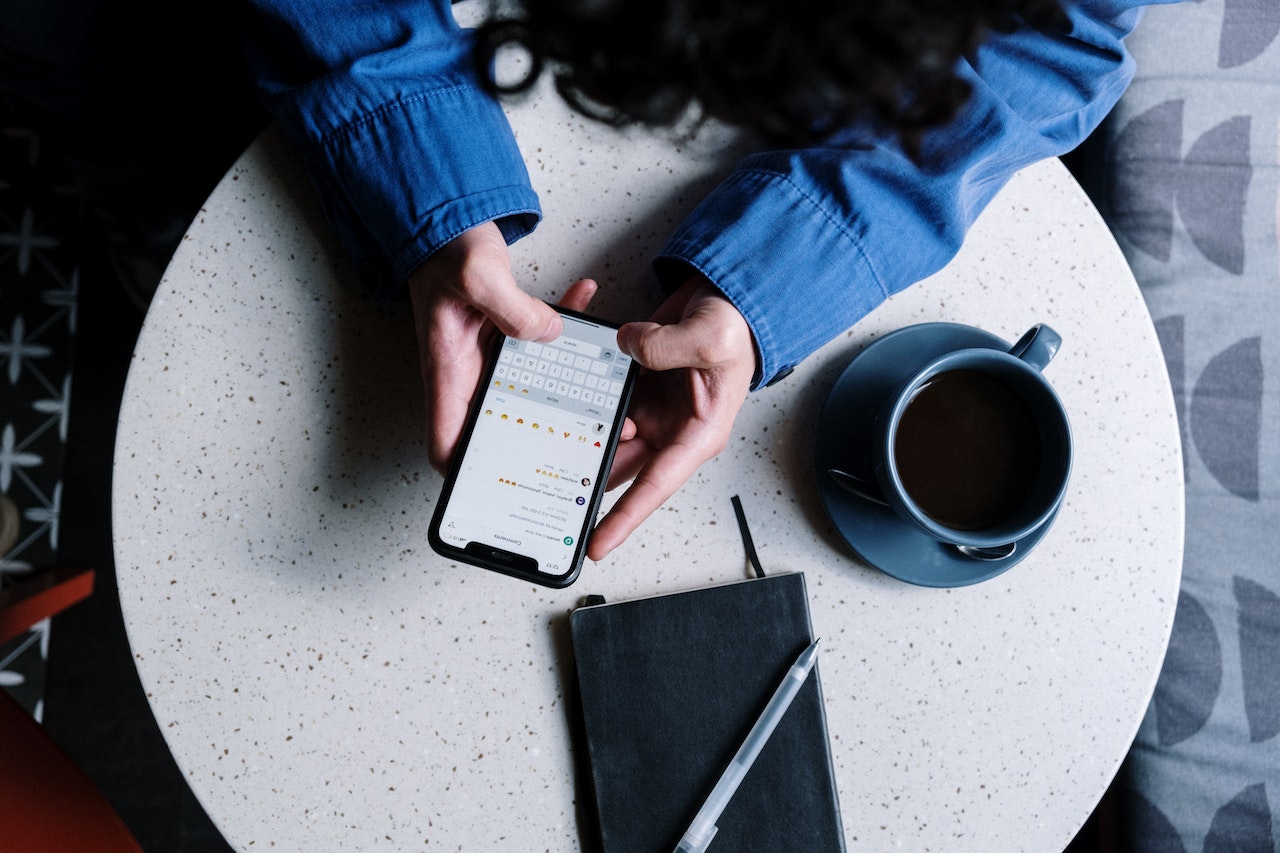
What are the main security risks of social media?
Social media platforms share a lot in common, so you don’t have to think too hard about protecting each individually. The risks and tips in this article are universal, and you can apply them to whatever platform you use.
Here are some of the main social media risks you need to watch out for:
- The possibility of getting hacked is why it’s advisable not to share a ton of personal info or life updates.
- Fake profiles that will try to scam or troll you. Catfishing/dating scams are particularly popular.
- Sending sensitive data through messaging apps is convenient but risky.
- Fake giveaways – used to farm likes or spread malware.
Let’s go over these risks in more detail and see what you can do to mitigate them.
Using social media platforms securely
An essential thing regarding security for social media is securing your accounts from unauthorized access. Many celebrities, sports clubs, and everyday people have been hacked, proving that accounts aren’t as protected as they should be.
A great tool to keep accounts safe and secure is a password manager. Creating strong passwords will significantly reduce the chance of an account breach. The password manager will help you generate strong passwords for all your social media accounts. It will then store them in an online vault where only you can access them. This will solve the problem of duplicating passwords and strengthen the security of your accounts.
Social media is a very powerful communication tool. People exchange text messages, posts, and even sensitive data through the messaging features of social media platforms. While some messaging apps have end-to-end encryption, exchanging sensitive data through them is still dangerous. Once you send the data to other people, you have no control over how strong their account security is. If their account gets hacked, your data can be exposed as well. A good solution for this is secure cloud storage. Reputable cloud storage services are much more difficult to hack, providing a safer way to exchange sensitive files.
Fake accounts are a big problem with all popular social platforms. LinkedIn, Facebook, Twitter, and others have taken action, but the issue remains. When interacting with new people online, always make sure they’re real. If you’ve been on the internet for a while, you will probably pick up on some signs that they’re fake. Some signs to look for are:
- Empty profile. Unless it’s a person who has read this article, most real accounts will have posts dating back quite a while.
- Suspicious messages. Flirty messages on LinkedIn are a big no-no, and they happen quite often.
- Their profile picture is from Google, etc.
Lastly, fake giveaways and similar scams have cost social media users millions. As much as you’d want to believe that you’ve just won a free iPhone 14 Pro Max, think twice before clicking on the advert. Some fake giveaways, such as the sports cars from a few years ago, were used strictly for like farming. However, there are more dangerous giveaways that incentivize users to click on a link and spread malware. A good rule to follow is: if you see something that’s too good to be true, it probably is – especially on Facebook.
One bonus tip is to stop oversharing. In the grand scheme of things, nobody but those closest to you cares what you’re up to. It’s best not to open the door to your life to people online who may or may not have bad intentions.
Conclusion
Social media is undoubtedly a great invention. It makes our lives easier in many ways if used responsibly. To protect yourself from the unwanted aspects of social media, stop sharing your personal business and find better ways to exchange sensitive data. Always be on the lookout for scammers, because they’re everywhere!
RELATED TIPS:










